


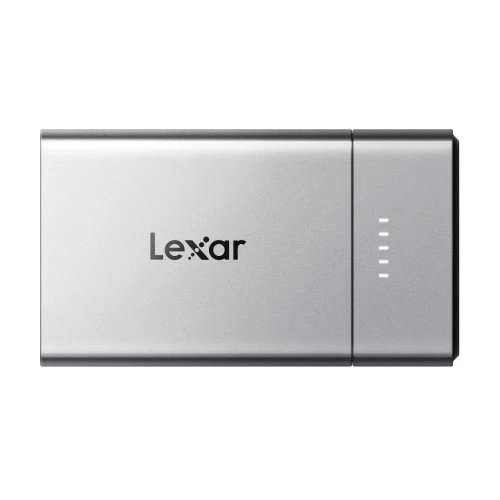
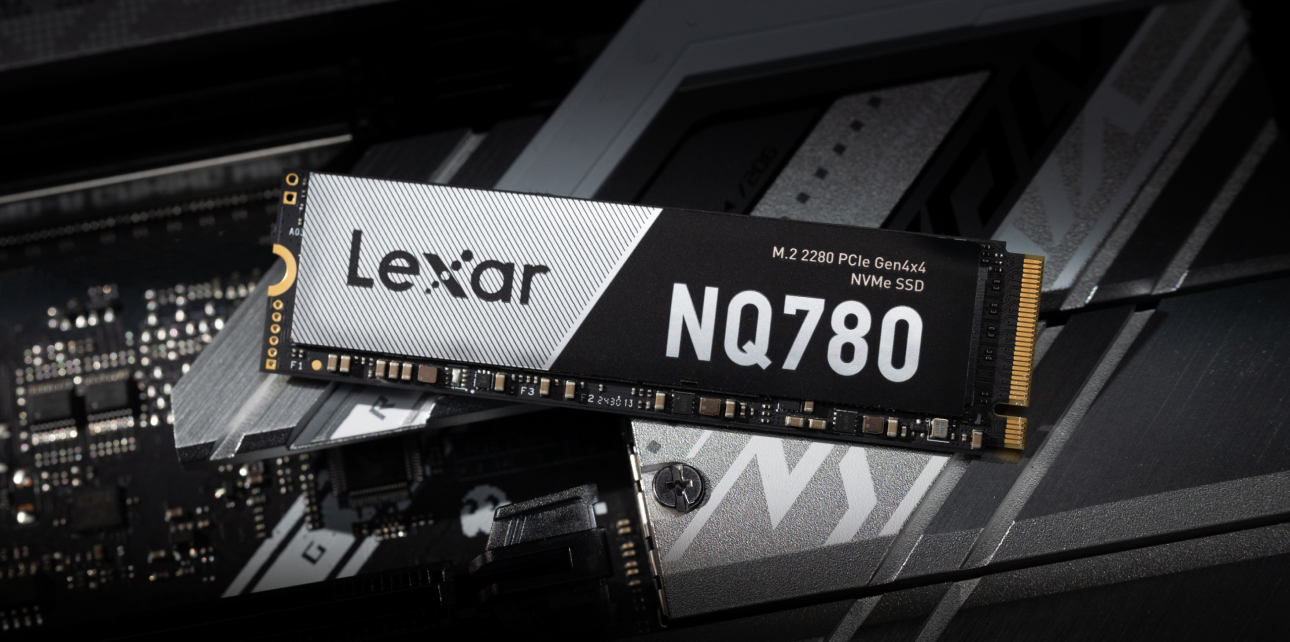
For professionals working with large data sets—whether in photography, video editing, game development, or data analysis—a 4TB SSD offers the perfect blend of capacity, speed, and reliability. With the growing size of files and the need for faster data access, a 4TB SSD is a necessity for many professionals.
In this guide, we’ll explore the benefits of a 4TB SSD, its use cases, and what to consider when choosing the right one for your needs.
Why Choose a 4TB SSD?
A 4TB SSD provides a massive storage capacity, making it ideal for professionals who handle extensive data. Unlike traditional HDDs, SSDs deliver unparalleled speed and reliability, ensuring your work is stored and accessed without delays or data loss. More than that, 4TB is an ideal capacity for data-heavy workflows to provide the room to archive an entire portfolio.
- Ample Space for Large Projects: Perfect for storing high-resolution images, 4K/8K videos, and massive datasets.
- Faster File Access: Speeds up workflows by reducing load times for files and applications.
- Enhanced Reliability: No moving parts mean greater durability and lower failure rates compared to HDDs.
- Future-proof: Provides the capacity to accommodate expanding data needs for years to come.
Top Benefits of a 4TB SSD
A 4TB SSD offers several advantages that make it a top choice for professionals:
1. Speed and Performance
2. Portable and Versatile
3. Low Maintenance
4. Energy Efficient
 |  |
|---|
Best Uses for a 4TB SSD
Professionals from any industry can benefit from the expansive storage and high-speed performance of a 4TB SSD. Here are some common use cases:
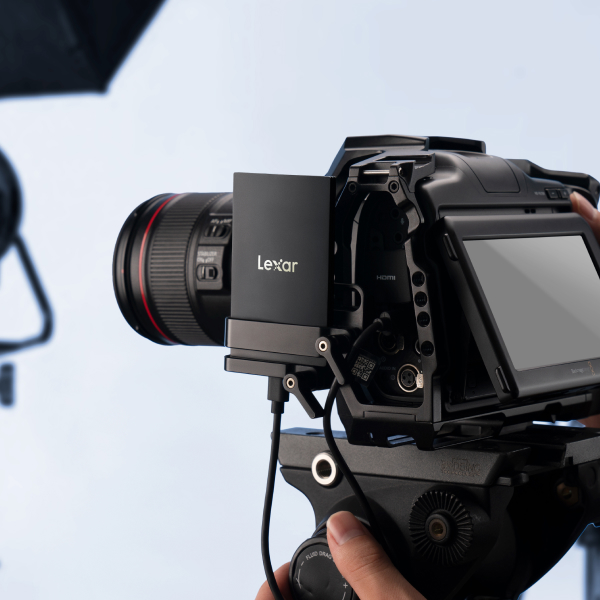
- Photography and Videography: Store and edit extensive libraries of RAW images and 4K/8K video footage without lag.
- Gaming: Ideal for gamers and streamers with a vast library of AAA titles, offering faster load times and seamless gameplay.
- Data Analysis: Handle large datasets and complex simulations efficiently.
- Software Development: Store development environments, large codebases, and project files with room to spare.
- Content Creation: Manage audio, video, and graphic design files without worrying about running out of space.
Features to Look for in a 4TB SSD
When selecting a 4TB SSD, it’s important to focus on performance for your specific needs. Here’s what to consider:
- Speed: Choose SSDs with read/write speeds of at least 500MB/s for SATA drives or 3000MB/s for NVMe drives.
- Interface: Look for SSDs with PCIe NVMe for internal drives or USB 3.2 Gen 2/Thunderbolt for external drives.
- Durability: Opt for ruggedized models if you need an SSD for fieldwork or frequent travel.
- Form Factor: Internal SSDs are best for desktops, while external SSDs work well for portability and multi-device use.
- Warranty: A longer warranty period (e.g., 5 years) ensures confidence in your investment.
Top 4TB SSD Options for 2024
Here are some of the best 4TB SSDs to consider, tailored to different professional needs:
- Lexar PLAY 2280 PCIe 4.0 SSD
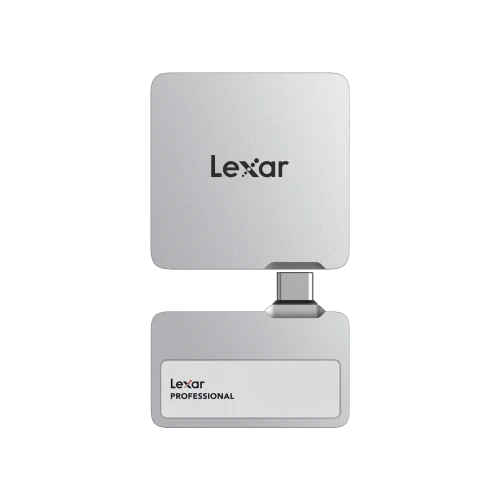
- Lexar Workflow Portable SSD
How to Maximize a 4TB SSD
To get the most out of any 4TB SSD, follow these best practices:
- Organize Your Files: Keep files grouped by project or type to make them easier to find and manage.
- Enable TRIM: Ensure your operating system has TRIM enabled to maintain SSD performance over time.
- Monitor Storage Use: Avoid overfilling the drive; leave at least 10-20% of space free for optimal performance.
- Update Firmware: Regularly check for updates from the manufacturer to improve speed, compatibility, and reliability.
- Regularly Back Up Important Files: Use secondary drives or cloud storage to safeguard critical data.
How a 4TB SSD Compares to Other Storage Solutions
Understanding how a 4TB SSD stacks up against other storage options helps highlight its value. Here’s how 4TB SSDs compare to HDDs and smaller SSDs:
- 4TB SSD vs. HDD:
- 4TB SSD vs. Smaller SSDs:
Common Myths About 4TB SSDs
Misconceptions about SSDs can deter potential users. Let’s debunk a few myths:
- Myth 1: SSDs Have a Short Lifespan
- Myth 2: A Larger SSD Slows Down Over Time
- Myth 3: External SSDs Are Inferior to Internal SSDs
Future Trends in 4TB SSD Technology
As technology evolves, 4TB SSDs are poised to become even more powerful and accessible. Here’s what to expect:
- PCIe 5.0 SSDs
- Greater Capacity at Lower Costs
- Enhanced Durability
- AI-Optimized Performance
Choosing the Right 4TB SSD for Your Workflow
When selecting the perfect 4TB SSD for your needs, focus on your specific use case:
- For Content Creators: Opt for high-speed SSDs like the Lexar NM800 Pro to handle large media files and editing workflows.
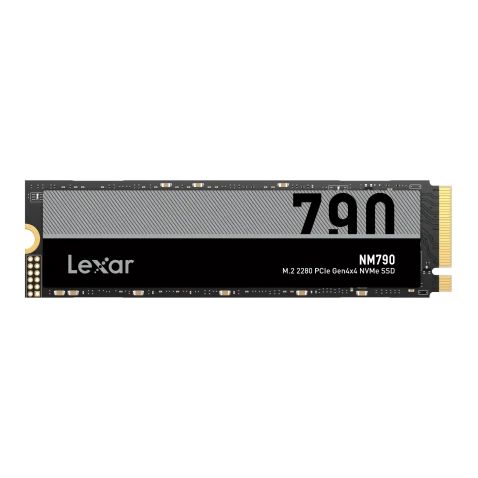
- For Gamers: Choose SSDs with fast load times and large capacities to support extensive game libraries, such as the Lexar NM790 2280 NVMe SSD.
- For Professionals on the Go SSD: Rugged, portable options like the Lexar Professional SL600 Portable SSD ensure reliability during travel and fieldwork.
How to Install and Set Up a 4TB SSD
Setting up a 4TB SSD is a straightforward process, whether it’s an internal or external drive. Here’s how you can get started:
- For Internal SSDs:
- For External SSDs:
Maintenance Tips for Long-term Performance
To ensure your 4TB SSD performs optimally over its lifespan, follow these maintenance practices:
- Monitor Drive HealthUse SSD health monitoring tools like CrystalDiskInfo or the manufacturer’s software to keep an eye on performance and wear levels.
- Avoid DefragmentationSSDs don’t benefit from defragmentation like HDDs. Instead, rely on TRIM commands to manage free space efficiently.
- Update FirmwareRegularly check for firmware updates from the SSD manufacturer to fix bugs and improve performance.
- Organize FilesKeep your SSD organized by grouping files into folders and deleting unnecessary data to maintain free space.
- Store SafelyFor external SSDs, use protective cases to prevent damage during transport and storage.
How to Optimize Your 4 TB SSD for Performance
To maximize the performance of your 4 TB SSD, make these adjustments and tweaks:
- Enable AHCI ModeIf using an internal SSD, ensure AHCI mode is enabled in your BIOS for optimal speed and compatibility.
- Disable HibernationDisabling hibernation on systems with SSDs can free up storage space and prevent unnecessary write operations.
- Use It as Primary StorageInstall your operating system and frequently used applications on the SSD for the fastest access times.
- Set Up a Backup PlanPair your SSD with cloud storage or a secondary HDD for automated backups to ensure data security.
The Cost of 4TB SSDs: Are They Worth It?
While 4TB SSDs are more expensive than smaller drives or HDDs, their benefits far outweigh the costs for many professionals. Here’s why:
- Long-Term Value4TB provides ample storage for years, reducing the need for frequent SSD upgrades to save money over time.
- Time SavingsThe speed of SSDs dramatically cuts down on file transfer times, increasing productivity and efficiency.
- Data SecurityThe reliability of SSDs minimizes the risk of data loss, making them a safer choice for critical files.
- Cost per GBWhile the upfront cost is higher, the cost per GB decreases as capacity increases, making 4TB SSDs a cost-effective option for large storage needs.
Elevate Your Storage Game with a 4TB SSD
A 4TB SSD is an invaluable tool for professionals seeking maximum storage capacity, speed, and reliability. Whether you’re a photographer handling large photo libraries, a video editor working with 4K footage, or a gamer with an expansive library, a 4TB SSD ensures you’re equipped to handle your data needs efficiently.
By choosing the right SSD and following best practices, you can streamline your workflow, boost productivity, and future-proof your setup. Explore options like the Lexar NM800 Pro or the Lexar NM1090 PCIe to find the perfect 12,000MB/s SSD for your needs and take your storage game to the next level.