






For photographers, capturing the perfect shot is only the beginning. Whether you’re a portrait photographer, commercial artist, or wedding professional, efficient post-production techniques ensure fast turnaround times, improved image quality, and a streamlined editing workflow.
With Lexar high-performance storage solutions, photographers can improve workflow efficiency, speed up editing, and secure valuable image files.
In this guide, we’ll explore the best photography workflow for post-production, the role of high-speed storage, and how to streamline editing with Lexar solutions.
Why an Optimized Post-Production Photography Workflow Matters
Post-processing photography involves multiple steps, from organizing files to editing, retouching, and final exports. Without an optimized photography workflow, photographers may face:
Slow file transfers and backups: Leads to wasted time and inefficiencies.
Cluttered and disorganized files: Makes locating and editing images a hassle.
Storage limitations: RAW files take up a significant amount of space.
Risk of data loss: Losing work due to drive failure or poor backup strategies.
By optimizing post-production workflows, photographers can edit more efficiently, deliver faster results, and improve overall productivity.
Essential Steps in Photography Post-Production
 |  |
|---|
A structured post-production workflow ensures that every stage of editing and image management is seamless. Here’s a breakdown of the best photography workflow for efficiency:
1. Transferring and Organizing RAW Files
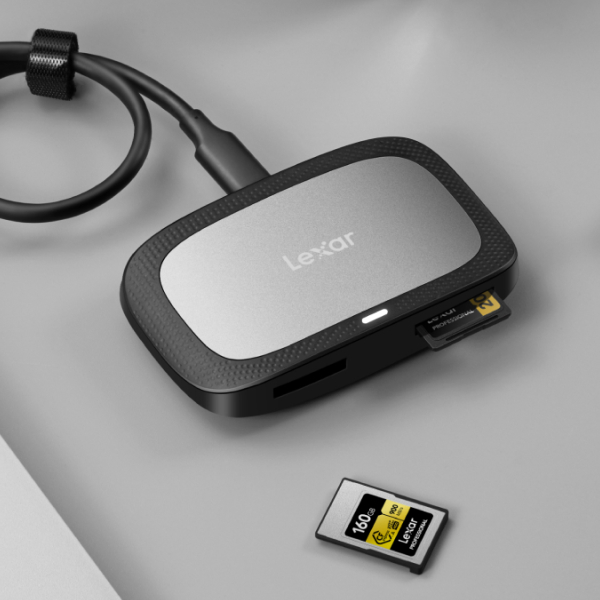
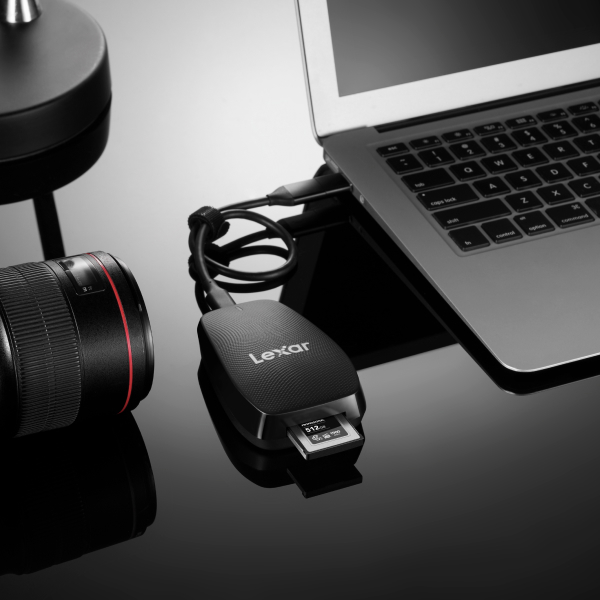
Use high-speed Lexar CFexpress or SD cards for rapid file transfers. Transfer images using Lexar USB 3.2 or Thunderbolt card readers. Organize files by date, client, or project to maintain order.
2. Culling and Selecting the Best Shots
Use Lightroom or Photo Mechanic to quickly sort images. Delete duplicate or unusable shots to free up space. Tag or rate top images for easy retrieval in editing software.
3. Editing and Retouching for Professional Results
Process RAW files in Lightroom or Capture One for color grading.
Perform advanced retouching in Photoshop using layers and masks.
Use AI-based editing tools to automate repetitive adjustments.
4. Exporting and Delivering Final Images
Export images in various formats for web, print, and client use. Resize and optimize files without sacrificing quality. Use cloud storage or external SSDs for quick client sharing.
Each of these steps becomes more efficient with the right Lexar storage solutions, ensuring a smooth and uninterrupted workflow.
Choosing the Right Storage for Photography Post-Production
 |  |
|---|
Photographers work with large RAW files, high-resolution images, and extensive editing software. Using high-speed storage ensures faster editing, seamless backups, and organized file management.
With Lexar high-speed SSDs and portable storage, photographers can eliminate bottlenecks and streamline editing.
1. Fast SSDs for Editing & Workflow Efficiency
Lexar NM790 NVMe SSD: High-speed PCIe Gen 4 SSD for rapid image processing.
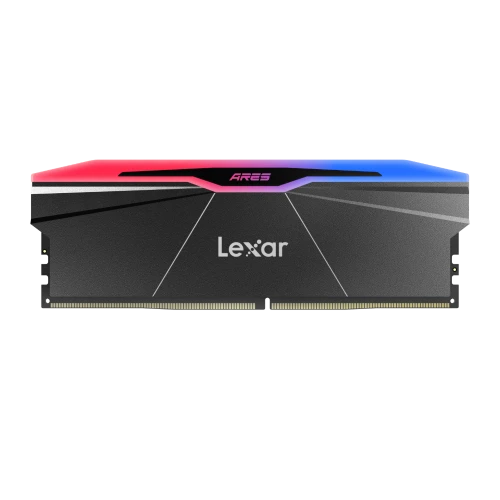
Lexar NM1090 PRO NVMe SSD: PCIe Gen 5 SSD built for handling large RAW files in Photoshop and Lightroom, with next-gen speeds that future-proof your editing workflow.
Best For: Photographers who need instant access to images and smooth editing performance.
2. Portable SSDs for On-the-Go Editing
Lexar SL500 Portable SSD with Magnetic Set: Ultra-fast external storage designed for mobile editing workflows, now with magnetic cable organization for added convenience.
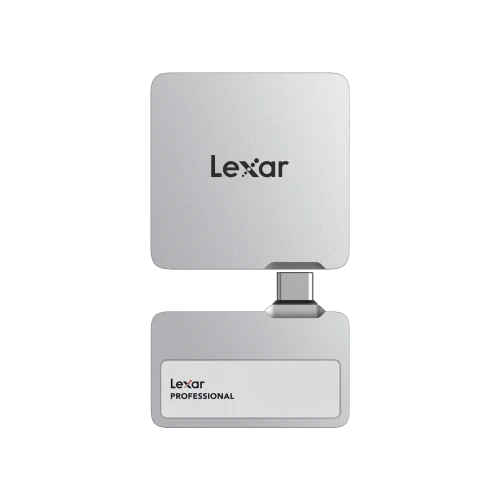
Lexar Professional Workflow Portable SSD: Compact, high-speed storage built for travel and mobile editing setups, fully compatible with the Lexar Workflow ecosystem.
Best For: Photographers who work on location or travel frequently.
3. High-Capacity Storage for Long-Term Archiving
Lexar Professional Workflow Portable SSD: Modular and scalable, this drive integrates into the Lexar Workflow system for streamlined archiving and efficient long-term project storage.
Lexar SL500 Portable SSD with Magnetic Set: Available in capacities up to 4TB, ideal for backing up completed projects, organizing client libraries, and keeping archives mobile-friendly.
Lexar NM1090 PRO NVMe SSD (Installed in External Enclosure): A powerful option for photographers needing PCIe Gen 5 performance in a compact, long-term storage setup.
Best For: Photographers archiving RAW files, client galleries, and high-resolution edits with a system that grows alongside their portfolio.
Best Practices for a More Efficient Photography Workflow
Dedicated Drives for Editing, Backup, and Archive: Keeps files structured, separate, and prevents workflow slowdowns.
Organize Folders by Project or Date: Ensures quick access to specific images.
Schedule Regular Backups: Protects against accidental data loss and corruption.
Use Smart Previews in Lightroom: Speeds up editing without overloading the primary drive.
A well-structured workflow prevents clutter, delays, and lost files, ensuring maximum efficiency in photography post-production.
How to Avoid Common Post-Production Mistakes
 |  |
|---|
Even experienced photographers face workflow challenges that slow down post-processing photography.
Mistake: Running Out of Storage Space Mid-EditingSolution: Use high-capacity Lexar SSDs and keep archived projects on DAS storage.
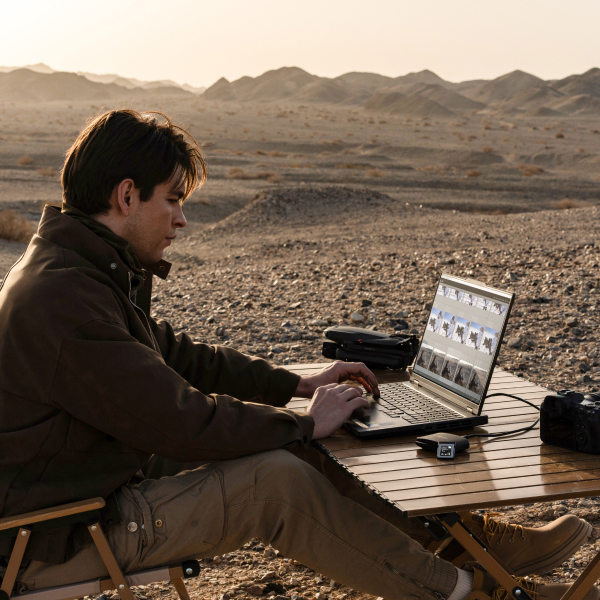
Mistake: Slow File Transfers Affecting WorkflowSolution: Use USB 3.2 for fast external transfers on the go, and rely on NVMe SSDs like the Lexar NM790 or NM1090 PRO for high-speed editing and internal workflow acceleration.
Mistake: Unorganized Photo LibrarySolution: Label and categorize files in a structured folder system.
Mistake: Not Backing Up Important WorkSolution: Use a 3-2-1 backup strategy—three copies of data, two on different storage devices, and one offsite.
By eliminating these common mistakes, photographers can work more efficiently and focus on creativity.
The Future of Photography Workflow Optimization
As photography technology advances, editing workflows will become even faster and more efficient. Staying ahead with high-performance Lexar storage solutions ensures seamless photography workflow optimization.
Faster SSDs with PCIe Gen 5: Next-generation speeds for ultra-fast post-processing photography.
8K & High-Resolution Image Editing: Requires larger, faster storage solutions for smooth performance.
AI-Based Editing & Smart Storage Solutions: Automates repetitive tasks and organizes files intelligently.
Cloud-Integrated Storage: Seamlessly syncs projects between multiple devices and editors.
How to Set Up an Efficient Multi-Device Editing Workflow
 |  |
|---|
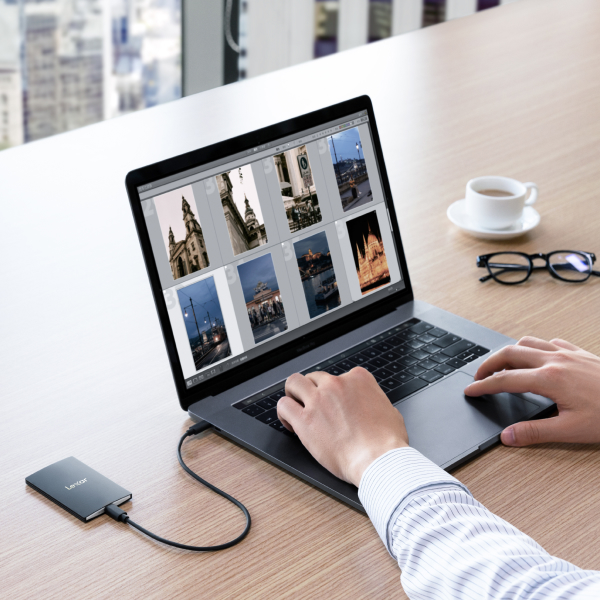
Many photographers edit across multiple devices, from desktops to tablets and laptops. To ensure a seamless photography workflow, storage must be optimized for cross-device compatibility.
Use Portable SSDs for Editing on Different Devices: Store projects on the Lexar SL500 Portable SSD with Magnetic Set for quick, organized access across laptops, desktops, and mobile setups.
Leverage DAS Storage for Shared Access: Ideal for large projects.
Sync Files Between Devices Using Cloud Integration: Keeps RAW files accessible anytime, anywhere.
With an optimized multi-device setup, photographers can edit efficiently, no matter where they are.
The Role of Cache and Scratch Disks in Editing Performance
For photographers working in Lightroom, Photoshop, or Capture One, storage speed affects how smoothly the software runs. Setting up scratch disks and cache storage properly is essential for maintaining editing efficiency.
Use a High-Speed NVMe SSD as a Scratch Disk: Lexar NM790 ensures faster previews, exports, and editing performance.
Assign Separate Drives for OS, Editing, and Storage: Prevents system slowdowns and maximizes efficiency.
Enable GPU Acceleration for Processing Large Files: Works well with SSD-based scratch disks to improve responsiveness.
Clear Cache Regularly to Free Up Space: Prevents slowdowns and ensures optimal system performance.
By using the right storage for editing software, photographers can significantly improve workflow speed and efficiency.
How to Manage Large Photography Projects Efficiently
Working on large photography projects requires strategic file management and storage organization. An organized project management system ensures better productivity and easier file retrieval. Without it, projects can become cluttered, leading to workflow bottlenecks.
Use Dedicated Folders for Each Client or Project: Keep RAW files, edits, and exports neatly categorized.
Store Completed Projects on External Drives: Saves space on active SSDs for ongoing work.
Create Backup Versions of Edited Files: Ensures that original images remain intact in case of accidental edits or corruption.
Utilize Metadata and Tags for Quick Searches: Makes retrieving files easier and faster in Lightroom or Capture One.
How to Future-Proof Your Photography Workflow
 |  |
|---|
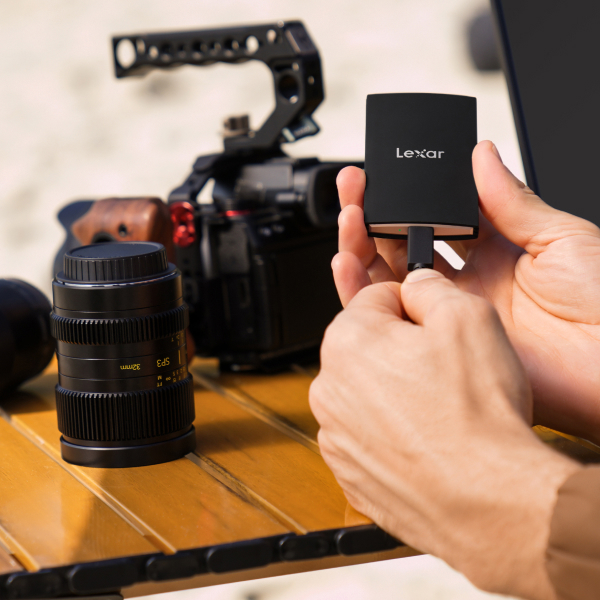
Photography technology is constantly evolving, and ensuring your workflow remains future-ready requires investment in high-speed, scalable storage solutions. By adopting the latest technology and efficient storage solutions, photographers can enhance workflow productivity and ensure long-term success.
Upgrade to PCIe Gen 5 NVMe SSDs: The next generation of SSDs will offer even faster speeds for RAW processing.
Adopt AI-Based Editing Tools: Automates culling, editing, and organization for a more efficient workflow.
Invest in Redundant Storage Solutions: Reduces the risk of losing valuable photography projects.
Use Cloud Hybrid Systems and Modular Storage: Combine cloud syncing with Lexar Workflow’s modular design to give teams flexible, fast access to shared projects while keeping backups organized and secure.
Lexar: The Ultimate Storage Solution for Photography Post-Production
Lexar provides high-performance storage solutions tailored for professional photographers, editors, and creatives. With Lexar’s industry-leading storage solutions and optimize a photography post-production workflow with just a few devices.
Ultra-fast SSDs for seamless photo editing. Portable SSDs for photographers on the go. High-capacity external storage for backups.
Explore what Lexar can do for you.