


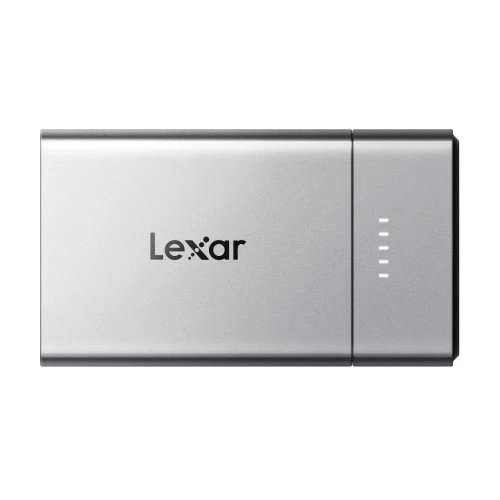
Back to School Storage Guide: USB Drives, microSD Cards and SSDs for Students
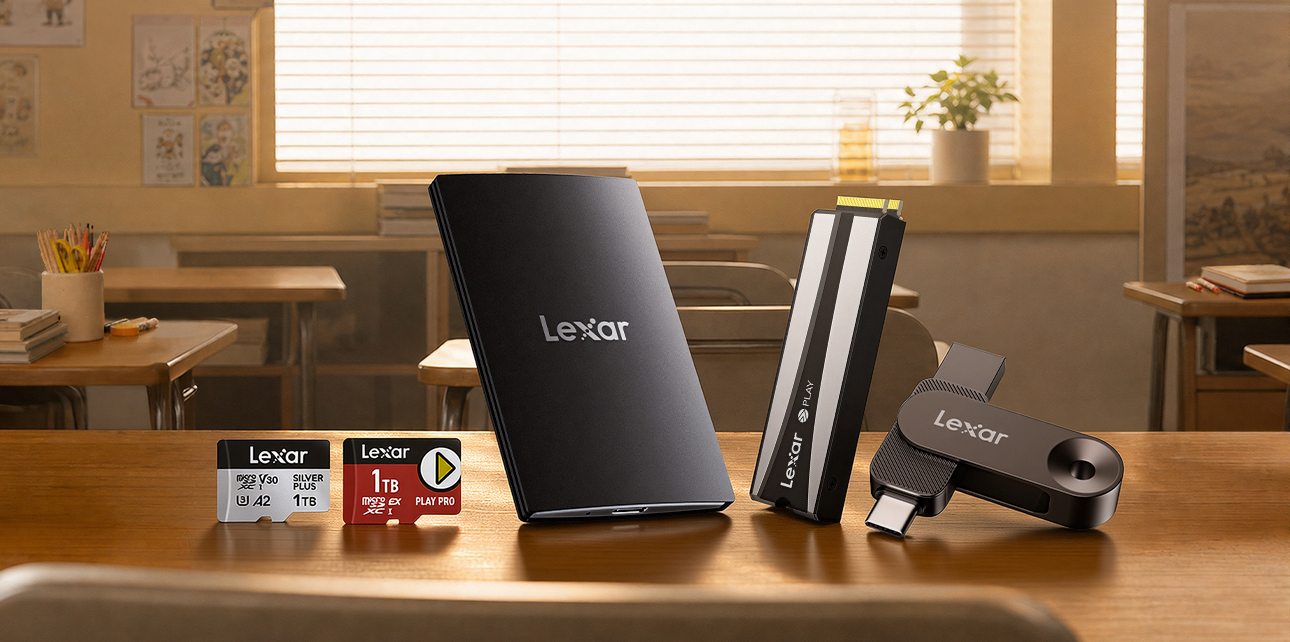
Back-to-school storage is not one-size-fits-all. Moving an assignment between a phone and laptop calls for a different tool than carrying a video project, recording 4K content, expanding a handheld game library, or adding space to a PS5 or gaming PC.
This guide matches five Lexar storage options to those everyday student needs, making it easier to choose by workflow, interface, and capacity.
Does Built-In Storage Cover Every Student Workflow?
Built-in space may be enough for notes, documents, and everyday applications, but it can become limiting once the same device also holds creative software, high-resolution media, downloaded course content, and games. Students may also need to move files across different ports, keep large projects separate from a system drive, record to removable media, or expand installed game storage.
Start with the job the storage needs to do, not the biggest speed number on the package.
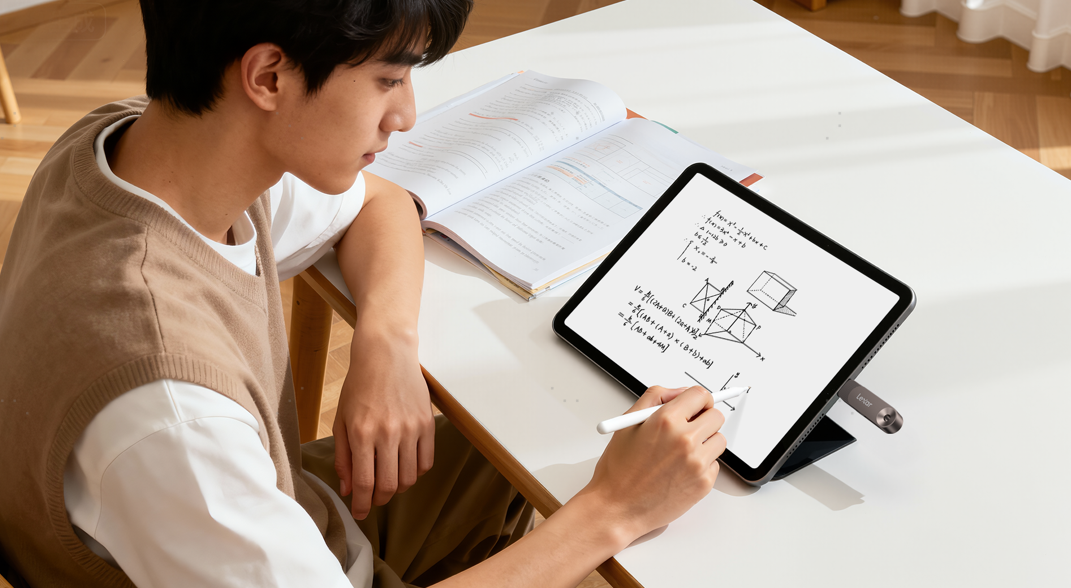
Storage Compatibility Requirements: What Specs Actually Matter?
Check the exact connector, slot, supported capacity, and physical fit before buying. Cameras, handhelds, and consoles may use different interfaces, so compatibility must be confirmed for the specific device.
| Student Need | Storage Format | What to Check |
| Move files between phones and computers | Dual USB-A and USB-C drive | Available ports and mobile file access |
| Carry large course or creative projects | Portable SSD | USB interface and USB 3.2 Gen 2x2 support |
| Record with cameras, drones, or action cameras | UHS-I microSDXC card | Required speed class, format, and maximum capacity |
| Expand a compatible handheld gaming device | microSD Express card | microSD Express host support |
| Expand a PS5 or compatible gaming PC | M.2 2280 PCIe 4.0 SSD | Slot support, installation requirements, and heatsink clearance |
Maximum speeds still depend on the host device and interface. Important coursework and creative files should also be kept in at least two places, regardless of the storage format.
Five Practical Storage Options for Student Life
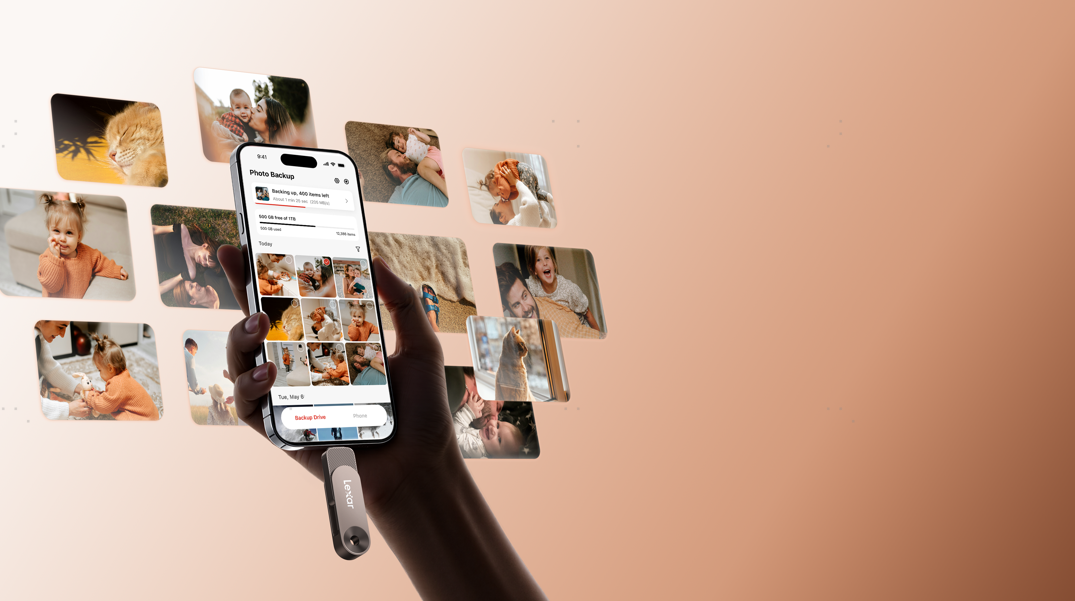
For Everyday File Transfer: Lexar JumpDrive Solid State Dual Drive D500
Assignments often need to move between a phone, a personal laptop, and a classroom or lab computer. The D500 puts USB-A and USB-C connectors into one compact swivel design, so students can transfer files across newer and older USB devices without carrying a separate cable or adapter.
It is available from 128GB to 1TB and reaches speeds of up to 400MB/s, depending on capacity and host device. The Lexar app can also back up and manage locally stored photos on iOS and Android devices, including offline.
The D500 is the practical choice for presentations, course documents, portfolio files, and quick device-to-device transfers. For football fans, a special AFA co-branded edition is also available as part of the Lexar Elite Legend Series.
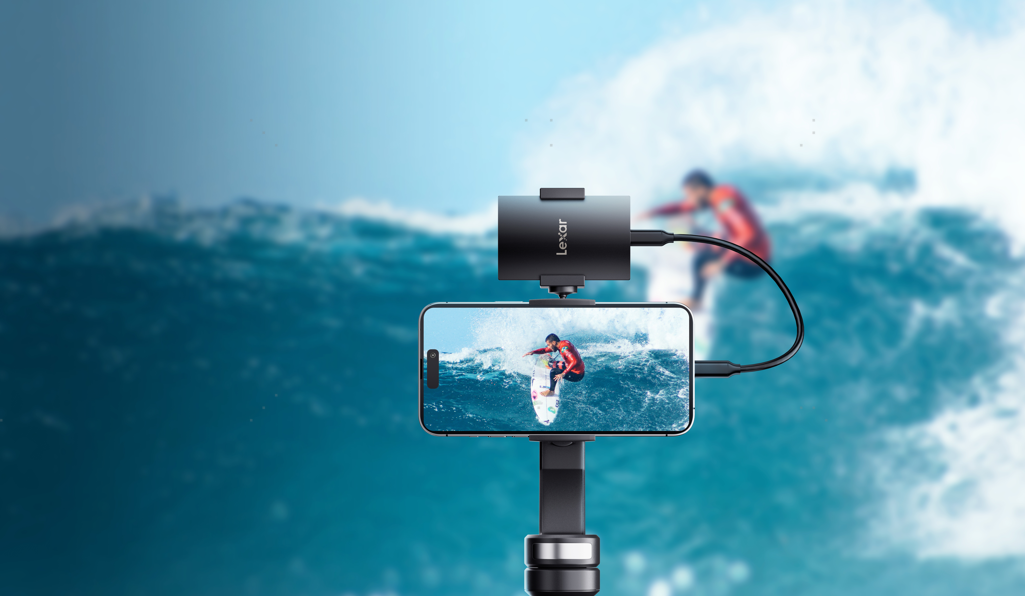
For Large Projects and Mobile Creation: Lexar SL500 Portable SSD
Video, design, photography, and other media-heavy courses can produce files that quickly outgrow an everyday USB drive. The SL500 offers 1TB, 2TB, and 4TB capacities for carrying project folders, source media, exports, and backups between class, home, and the studio.
On a device that supports USB 3.2 Gen 2x2, it delivers read speeds of up to 2,000MB/s and write speeds of up to 1,800MB/s. Performance may be lower on Macs and other systems that do not support that interface. Weighing 43g and measuring 4.8mm at its thinnest point, it remains easy to carry, while Lexar DataShield software adds 256-bit AES encryption for sensitive files.
The SL500 is the stronger fit when a storage device needs to serve as a mobile project drive rather than a simple file handoff tool.
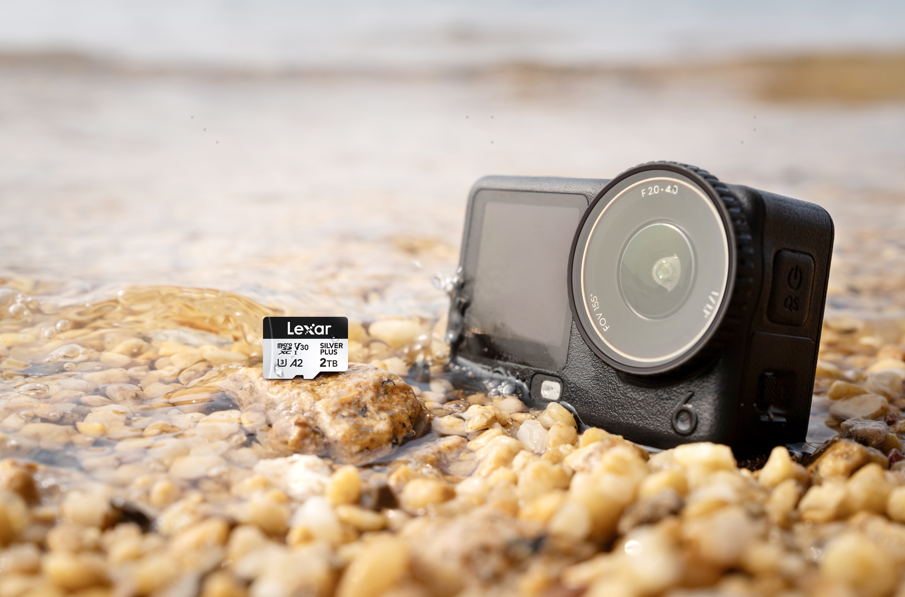
For Cameras and Creative Projects: Lexar Professional SILVER PLUS microSDXC UHS-I Card
For students shooting campus events, travel projects, sports, or social content, the SILVER PLUS provides removable storage for compatible cameras, drones, and action cameras.
The card carries U3, V30, and A2 ratings, supports video recording up to 4K/60fps, and is available from 64GB to 2TB. For capacities from 64GB to 1TB, read speeds reach up to 205MB/s. The 64GB model writes at up to 100MB/s, while capacities from 128GB to 1TB reach up to 150MB/s. Paired with the Lexar RW310x reader, its blazing-fast read speeds are fully achieved, significantly reducing wait times for data transfers. The 2TB version reaches up to 255MB/s read when paired with the separately sold Lexar RW360 reader and up to 180MB/s write.
SILVER PLUS is compatible with selected models from DJI, Insta360, and GoPro. Students should still check the exact device model and supported capacity before choosing a card.
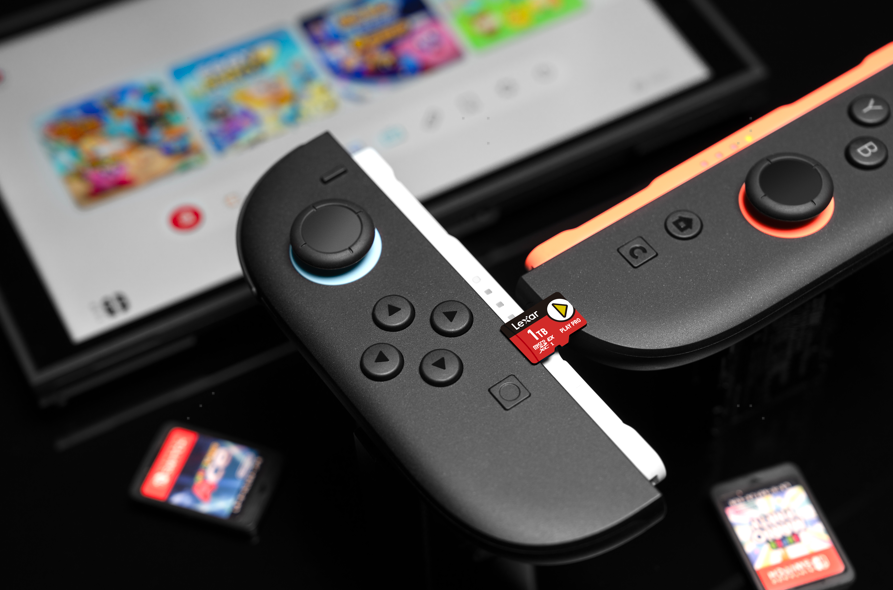
For microSD Express Handheld Gaming: Lexar PLAY PRO microSDXC Express Card
Students using a handheld device with microSD Express support can choose PLAY PRO for faster game loading and library expansion. It is available in 256GB, 512GB, and 1TB capacities, with read and write speeds reaching up to 900MB/s and 600MB/s, respectively.
PLAY PRO is backward-compatible with UHS-I and UHS-II host devices, but it operates at UHS-I speeds in those devices. A microSD Express host is required to access its full performance.
This is the gaming-focused card for compatible next-generation handheld storage like that of Nintendo Switch 2, while SILVER PLUS remains the more conventional UHS-I choice for content capture and broader existing-device use.
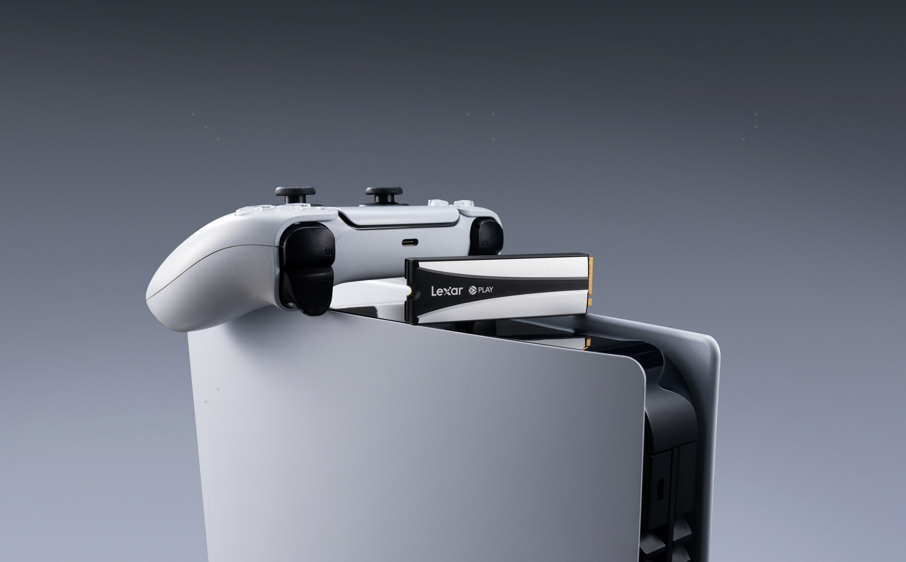
For PS5 and Compatible Gaming PCs: Lexar PLAY 2280 PCIe 4.0 SSD
For a PS5, compatible desktop or laptop, or gaming handheld that supports M.2 2280 storage, the PLAY 2280 provides internal PCIe 4.0 capacity from 1TB to 8TB. The drive can be used with its heatsink in a compatible desktop or PS5, while the heatsink can be removed for compatible laptops with limited internal space. Games can run directly from the PS5 expansion drive.
The SSD delivers sequential read speeds of up to 7,400MB/s and write speeds of up to 6,500MB/s. When installed in a PS5, maximum speed is limited to 6,500MB/s by the console. Capacities up to 8TB give larger game libraries more room to grow without repeated deletion and reinstallation.
Choose this option for fixed internal gaming storage, not for moving files between classes. Confirm M.2 2280 PCIe 4.0 support, physical clearance, and whether the heatsink should remain attached before installation.
How Much Storage Do You Actually Need?
After confirming the required format and device support, use capacity as a workflow guide rather than a universal rule:
| Capacity Range | Practical Starting Point |
| 128GB-256GB | Assignments, presentations, regular file transfers, shorter photo or video sessions, and smaller game collections |
| 512GB | Frequent creative work, larger media libraries, and more room for handheld games |
| 1TB | Large project folders, regular content creation, and growing game libraries with fewer transfers |
| 2TB and above | High-volume media work, long-term project storage, or extensive console and PC game libraries |
Not every product or device supports every capacity. Check the host device limit, regional product availability, and the exact model before purchasing. Actual usable capacity is lower than the labeled capacity after formatting and system overhead.
Quick Buying Guide
| What Do You Need to Do? | Choose | Why It Fits |
| Move everyday files across devices | Lexar JumpDrive D500 | Cable-free USB-A and USB-C transfers |
| Carry large project files | Lexar SL500 Portable SSD | Slim, Lightweight, and Portable · High-Speed Transfers · High-Capacity Options |
| Capture 4K creative work | Lexar Professional SILVER PLUS microSDXC UHS-I Card | V30 storage for compatible cameras, drones, and action cameras |
| Expand a handheld game library | Lexar PLAY PRO microSDXC Express Card | Gaming-focused storage for microSD Express hosts |
| Add installed game storage | Lexar PLAY 2280 PCIe 4.0 SSD | Internal expansion for PS5, compatible desktops and laptops, and supported M.2 2280 gaming handhelds |
Confirm the interface, supported capacity, and physical fit before buying, and keep a second copy of important coursework and creative files.
The right back-to-school storage is not necessarily the option with the highest speed or capacity. It is the one that fits the device and removes a real bottleneck. Explore the five Lexar options above, then check your device's interface and supported capacity before choosing.
FAQ
Is a USB drive or portable SSD better for students?
It depends on the workload. The D500 is better suited to quick file transfers between USB-A and USB-C devices. The SL500 combines fast transfers with capacities up to 4TB to support more efficient workflows for large projects, media libraries, and backups.
What is the difference between SILVER PLUS and PLAY PRO?
SILVER PLUS is a UHS-I V30 card designed primarily for compatible cameras, drones, action cameras, and 4K content creation. PLAY PRO is a microSD Express card focused on compatible handheld gaming devices, with higher maximum performance when used in a microSD Express host.
Can a microSD Express card work in a UHS-I device?
Yes. PLAY PRO is backward-compatible with UHS-I and UHS-II host devices, where it operates at UHS-I speeds. A microSD Express host is required to access the card's full performance.
Can the PLAY 2280 SSD be installed in any PC?
Yes, as long as the device supports M.2 2280 storage. Compatible desktop motherboards can use the drive with its heatsink, while the heatsink can be removed for compatible laptops with limited internal space. The PLAY 2280 is also suitable for PS5 and gaming handhelds that support M.2 2280 SSDs. Check the device documentation before installation.