


What MicroSD Card Should You Buy for DJI Osmo 360 and Osmo 360 II?
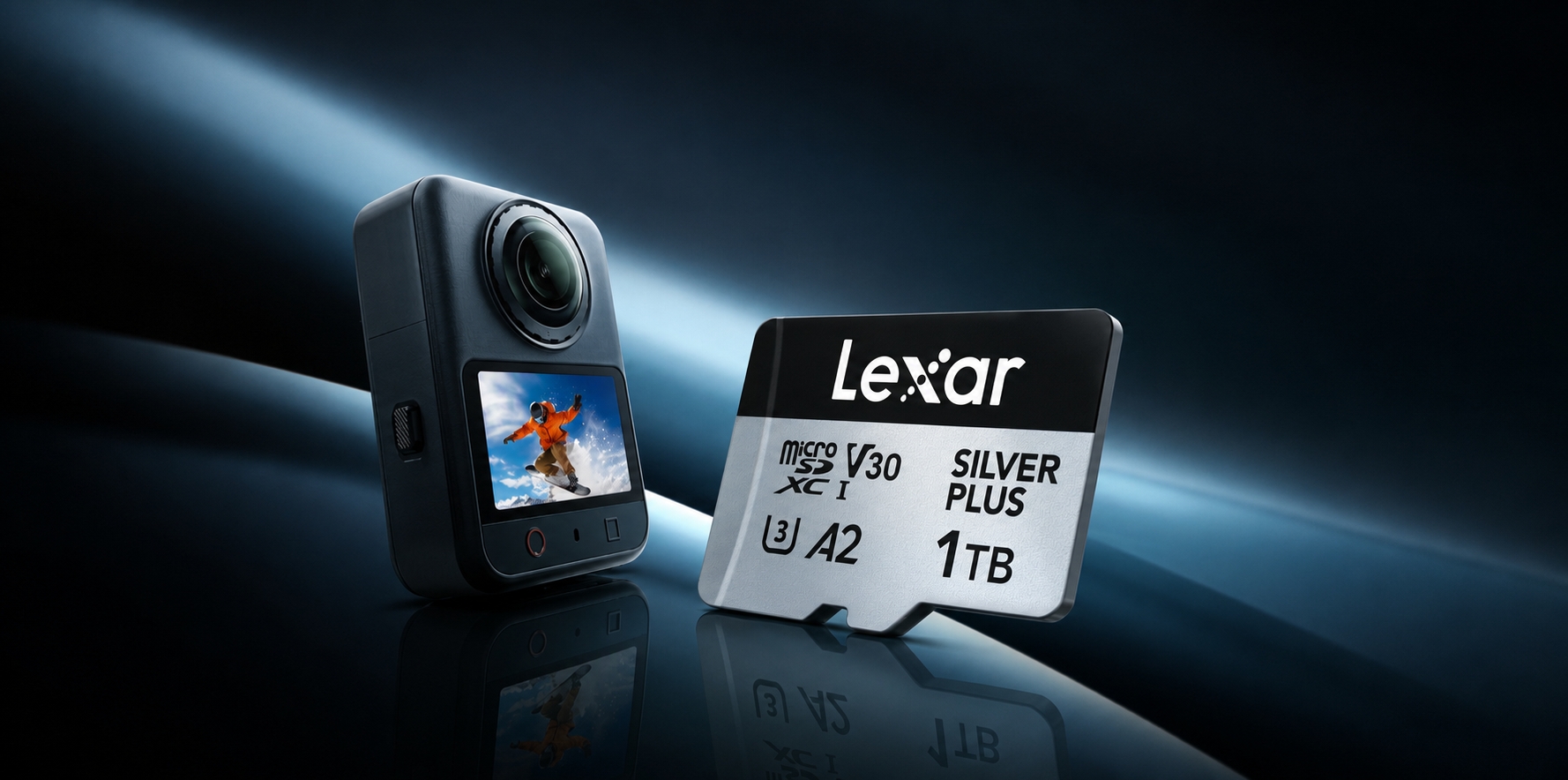
DJI Osmo 360 and Osmo 360 II are built for storage-hungry shooting. Osmo 360 records 8K panoramic video at up to 50fps with a maximum regular video bitrate of 170 Mbps, while Osmo 360 II increases those figures to 8K/60fps and 220 Mbps. That is great news for creative freedom - and a fast way to fill available space.
Built-in storage means you can start shooting without a card. But for a long ride, a full day of travel, or any project where stopping to transfer files would break the flow, a high-capacity microSD card gives you much more room to work.
The short answer: both cameras support exFAT microSD cards up to 1 TB, and DJI's recommended-card guidance includes Lexar Professional SILVER PLUS microSD Card models for both. For many creators, 512 GB offers a practical balance between capacity and card rotation, while 1 TB suits long trips and high-volume projects. Check the current device-specific list before choosing an exact model.
DJI Osmo 360 vs. Osmo 360 II: Storage Specs at a Glance
| Storage-Related Specification | DJI Osmo 360 | DJI Osmo 360 II |
| Panoramic video | Up to 8K/50fps | Up to 8K/60fps |
| Maximum regular video bitrate | 170 Mbps | 220 Mbps |
| Usable built-in storage | 105 GB from 128 GB built-in storage | 105 GB |
| Maximum microSD capacity | Up to 1 TB | Up to 1 TB |
| Supported file system | exFAT | exFAT |
| SILVER PLUS on DJI's recommended-card list | Yes | Yes |
The overall buying logic is similar to both cameras. One important difference for storage planning is bitrate: the same capacity produces a longer theoretical time at 170 Mbps than at 220 Mbps.
Is the Built-in Storage Enough?
Both cameras give you 105 GB of usable built-in storage. That is handy for short clips, everyday moments, or the day you realize your card is still sitting in a reader at home.
Still, 105 GB does not feel quite as roomy once high-bitrate recording begins. DJI lists a maximum regular video bitrate of 170 Mbps for Osmo 360 and 220 Mbps for Osmo 360 II. For Osmo 360 II, DJI also publishes a separate maximum of up to 600 Mbps for 16K panoramic static timelapse video.
Built-in storage and a microSD card should be treated as separate recording locations rather than one automatically shared storage pool. The table below therefore estimates each storage option separately at the published maximum regular video bitrate for each camera:
| Storage Option | Theoretical Time on Osmo 360 at 170 Mbps (8K/50fps Panoramic Video Reference) | Theoretical Time on Osmo 360 II at 220 Mbps (8K/60fps Panoramic Video Reference) |
| Built-in storage only - 105 GB usable | About 1 hour 22 minutes | About 1 hour 4 minutes |
| 64 GB microSD | About 50 minutes | About 39 minutes |
| 128 GB microSD | About 1 hour 40 minutes | About 1 hour 18 minutes |
| 256 GB microSD | About 3 hours 21 minutes | About 2 hours 35 minutes |
| 512 GB microSD | About 6 hours 42 minutes | About 5 hours 10 minutes |
| 1 TB microSD | About 13 hours 4 minutes | About 10 hours 6 minutes |
Treat these as planning estimates, not camera test results. DJI publishes the maximum regular bitrate separately from individual recording modes, and the calculation does not account for variable bitrate, file-system overhead, reserved space, firmware, temperature, or recording limits. It also does not apply to the separate 600 Mbps specification for Osmo 360 II's 16K static timelapse video. Actual time will vary, and built-in storage and card figures should not be added as uninterrupted recording time unless automatic switching is confirmed.
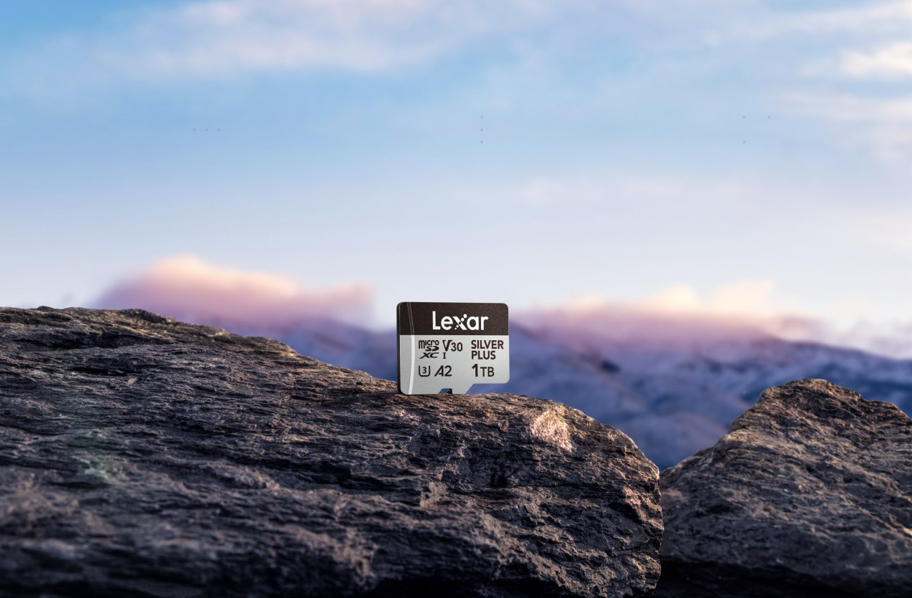
Lexar Professional SILVER PLUS: A DJI-Recommended Option
Lexar Professional SILVER PLUS appears on DJI's multi-brand recommended-card lists for both cameras. Because exact lists can vary by device, region, and update date, follow the current guidance for your camera when choosing a model.
The SILVER PLUS microSDXC UHS-I models carry U3, A2, and V30 ratings. Across the 64 GB to 1 TB range, maximum read speed is up to 205 MB/s. The 64 GB model writes at up to 100 MB/s, while the 128 GB to 1 TB models write at up to 150 MB/s. Paired with the Lexar RW310x reader, its blazing-fast read speeds are fully achieved, significantly reducing wait times for data transfers.
| DJI-Listed SILVER PLUS Capacity | Maximum Read Speed | Maximum Write Speed |
| 64GB | Up to 205MB/s | Up to 100MB/s |
| 128GB | Up to 205MB/s | Up to 150MB/s |
| 256GB | Up to 205MB/s | Up to 150MB/s |
| 512GB | Up to 205MB/s | Up to 150MB/s |
| 1TB | Up to 205MB/s | Up to 150MB/s |
These are maximum card-performance figures, not guaranteed in-camera speeds. Actual results will vary with the camera, firmware, settings, reader, system configuration, temperature, and available formatted capacity.
Why check the exact list? DJI puts recommended storage cards through rigorous testing to verify their compatibility, stability, and reliability with its devices. A speed-class symbol is still important, but it only identifies a performance category.
The reassurance goes beyond these camera. SILVER PLUS also appears on DJI's official recommended-card lists for a range of other products, including selected Mavic, Mini, Flip, Avata, and Neo drones, plus Osmo Pocket 3 and the Osmo Pocket 4 Series. That repeated inclusion across aerial, handheld, and 360° cameras gives creators a little extra peace of mind: this is a card family DJI has evaluated for more than one kind of shooting. Compatibility is still device- and capacity-specific, so always check the list for the exact camera you use.
There is one catch: SILVER PLUS also comes in 2TB, but Osmo 360 & 360 II officially support only up to 1TB. For this camera, stick with one of the listed models.
Of course, 360 cameras do not spend all their time in a studio. SILVER PLUS is rated IPX7 waterproof and is designed to resist wear, drops, temperature extremes, X-rays, vibration, magnetic exposure, and shock - useful reassurance for travel, action-camera, and outdoor shoots. You should still handle the card carefully and back up important footage.
The card is backed by a limited lifetime warranty, subject to regional terms.
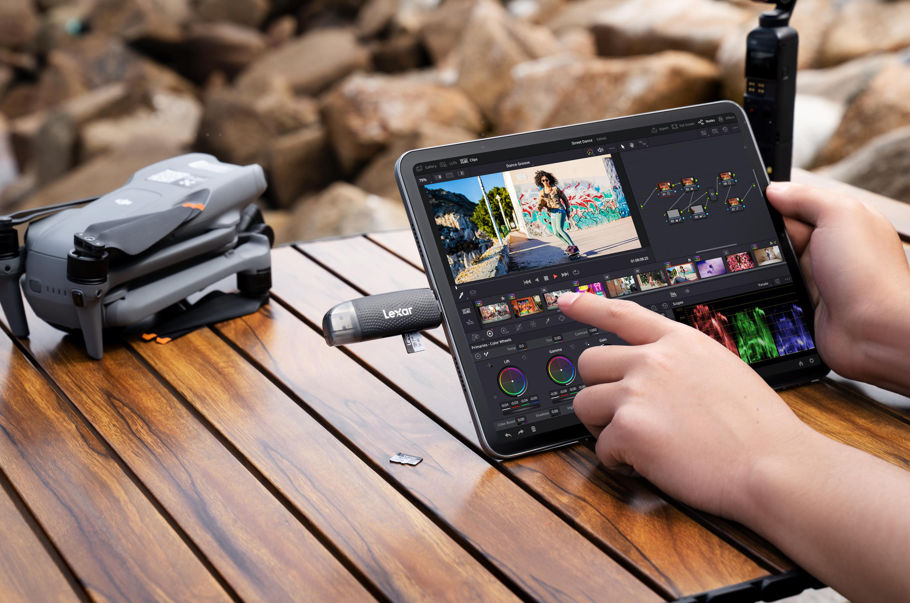
What About the Lexar Recovery Tool?
Accidental deletion happens. The Lexar Recovery Tool is designed to help recover deleted files from compatible storage devices. If important footage disappears, stop recording to the card as soon as possible so new data does not overwrite it.
Recovery is never guaranteed, so think of the tool as an extra safeguard, not a replacement for backup. After an important shoot, copy the footage to a second storage device before formatting or reusing the card.
Which SILVER PLUS Capacity Should You Choose?
After confirming the exact model in DJI's current guidance:
- Choose 64 GB or 128 GB for short sessions, spare-card rotation, or frequent offloading.
- Choose 256 GB for everyday creation and regular 4K or 8K shooting.
- Choose 512 GB for travel and extended shoots, or 1 TB for high-volume and multi-day projects.
- Format and test the card in the camera before an important shoot, keep firmware up to date, and back up important footage.
Quick Buying Guide
For DJI Osmo 360 & 360 II:
- Choose an exact model from DJI's current multi-brand recommended-card list; SILVER PLUS is listed from 64GB through 1TB.
- Stay within the camera's 1TB maximum capacity and use the supported exFAT file system.
- Consider 256GB for everyday creation, 512GB for travel and extended shoots, or 1TB for high-volume and multi-day projects.
- Remember that maximum read speed mainly benefits file transfers through a compatible high-speed reader and system.
- Format and test the card before an important shoot, keep firmware guidance up to date, and back up important footage.
FAQ
Do DJI Osmo 360 & 360 II support 1TB microSD cards?
Yes. DJI states that the Osmo 360 II supports microSD cards with capacities of up to 1TB. The Lexar Professional SILVER PLUS 1TB U3 A2 V30 microSDXC is included in DJI's recommended list.
Can I use a 2TB microSD card in Osmo 360 or 360 II?
DJI's published maximum capacity for the Osmo 360 II is 1TB. Although a 2TB version of the Lexar Professional SILVER PLUS exists, it should not be recommended for this camera unless DJI updates its official specifications.
Is V30 enough for Osmo 360 cameras?
DJI's recommended list includes V30 cards, including the SILVER PLUS models from 64GB through 1TB. Choose an exact model from the current recommended list instead of relying on the V30 label alone.
Why use a microSD card if the camera has internal storage?
The camera provides 105GB of usable internal storage, which is helpful for short sessions and backup flexibility. A microSD card provides a separate, higher-capacity recording option, reduces the need for mid-shoot transfers, and lets creators organize or rotate projects across cards. DJI does not describe the two locations as one pooled storage space.