


V30 vs V60 vs V90 SD Cards: Which Speed Class Does Your Camera Need?
Choosing a camera SD card can be confusing because V30, V60, and V90 describe minimum sustained write performance, while the larger numbers on the package usually describe maximum speeds. The practical rule is to choose the V-class required by the recording mode you use, not simply the biggest number on the card.
This guide explains the differences between V30, V60, and V90 SD cards and helps you choose the right SD card for your camera and shooting needs. Whether you are filming a weekend city break, a beach vacation, or a longer summer road trip, the right card can help you record confidently without paying for performance your camera does not need.
Does Your Current Camera SD Card Cut It?
An existing card may handle still photos and lower-bitrate video but struggle with RAW bursts, All-Intra recording, slow motion, proxy capture, or higher frame rates. If recording stops or the buffer clears too slowly, check the media requirement for that exact mode. A card with higher maximum write or read performance may improve buffer clearing or offload time, but it does not improve image quality by itself. This becomes especially important when traveling, when long shooting days, limited opportunities to offload files, and frequent switching between photos, 4K video, and slow motion can place greater demands on your card.
What Do V30, V60, and V90 Mean on an SD Card?
The "V" mark is the Video Speed Class: the minimum sustained write speed a compliant card is designed to maintain during video capture.
| Video Speed Class | Minimum sustained write speed | Approximate data rate equivalent | Typical video use |
| V30 | 30MB/s | 240Mbps | Full-HD and mainstream 4K |
| V60 | 60MB/s | 480Mbps | Higher-bitrate 4K and selected higher-resolution modes |
| V90 | 90MB/s | 720Mbps | High-bitrate All-Intra and selected 6K/8K modes Use data-rate conversion only as a guide. Audio, metadata, proxies, slow motion, simultaneous recording, and codec overhead can change the requirement, so follow the class specified in the camera manual. |
What Specs Actually Matter for Camera Compatibility?
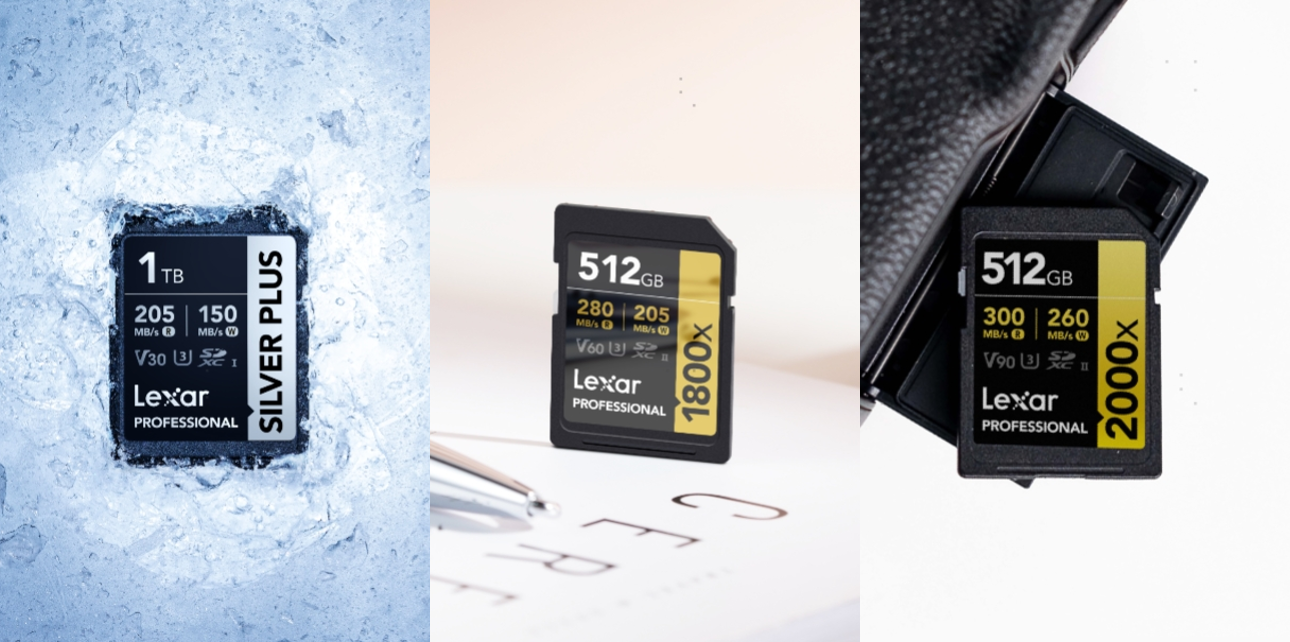
Video Speed Class and maximum write speed describe different aspects of performance: the SILVER PLUS can reach up to 180MB/s write speed in most capacities but is rated V30, while the 2000x reaches up to 260MB/s and is rated V90. For video, start with the minimum class listed in the camera manual for the exact codec, bitrate, and frame rate, then check whether proxy capture, slow motion, time lapse, simultaneous recording, card capacity, or CFexpress requirements change the result. For example, the Canon EOS R50 calls for U3 or higher in its more demanding movie settings, making the V30 a practical choice for that level of requirement. The Sony ZV-E1 shows why resolution alone is not enough: its 4K modes up to 200Mbps can use U3, selected 200-280Mbps workflows require V60, and XAVC S-I 4K at up to 600Mbps requires V90. For still photography, consider maximum write speed separately because it may help a compatible camera clear RAW bursts sooner; V-class itself does not change image quality.
Lexar V30, V60, and V90 SD Card Choices
Once you know the Video Speed Class your camera requires, Lexar offers a clear choice at each level: the SILVER PLUS for V30, the 1800x GOLD Series for V60, and the 2000x GOLD Series for V90. Each step adds sustained-write capability and performance headroom for more demanding video, burst, and professional workflows. It is a practical travel choice for everyday photography, family videos, travel vlogs, and mainstream 4K recording.
V30 Choice: Lexar Professional SILVER PLUS SDXC UHS-I Card
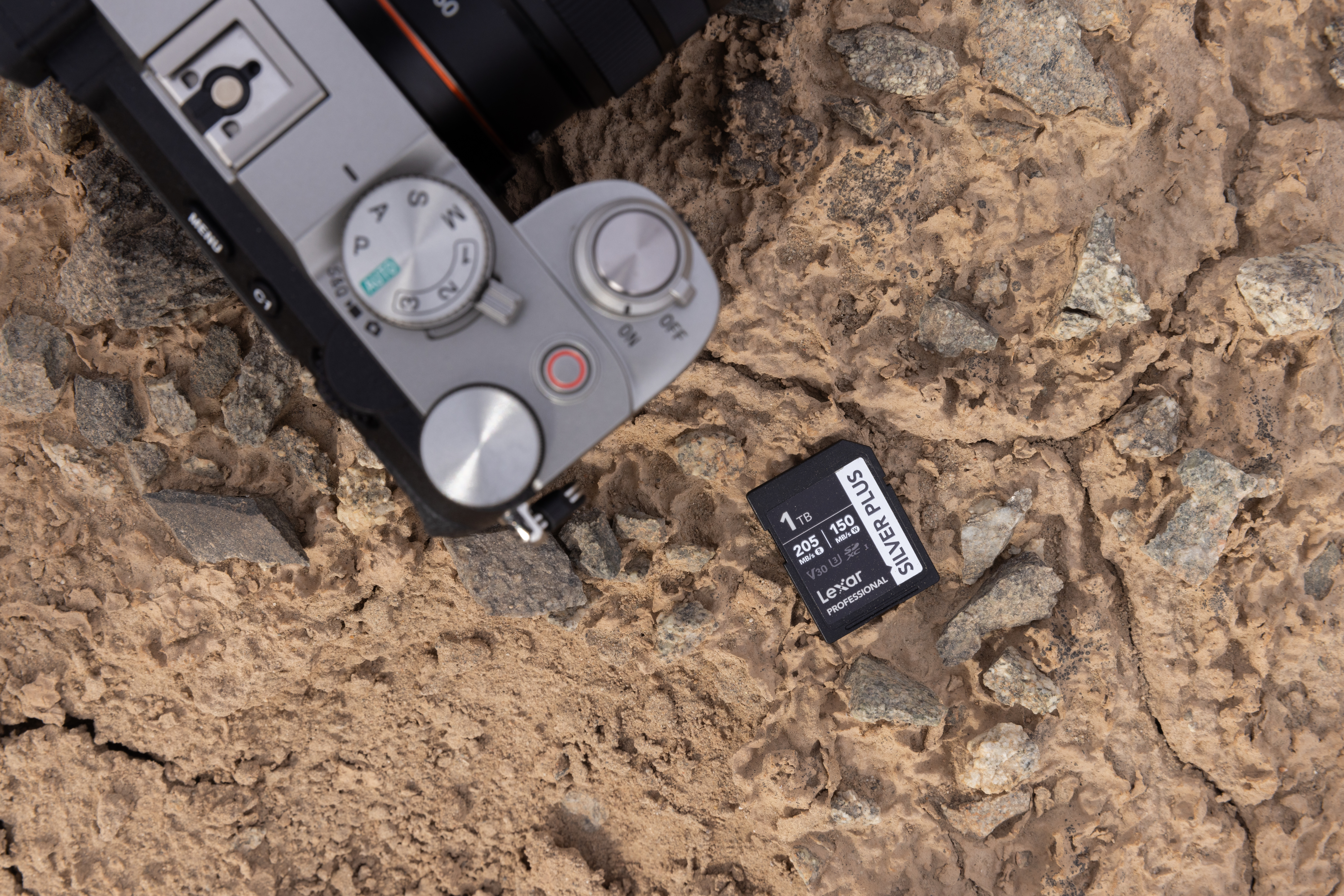
Rated V30 and U3, the SILVER PLUS is the mainstream hybrid option. It is available from 64GB to 1TB and reads at up to 255MB/s with the specified Lexar reader. Maximum write speed is up to 135MB/s for 64GB and up to 180MB/s for 128GB-1TB. Choose it for modes that require U3/V30, everyday 4K, travel, vlogging, and longer sessions that benefit from capacities up to 1TB.
V60 Choice: Lexar Professional 1800x SDXC UHS-II Card GOLD Series
Rated V60 and U3, the 1800x is the middle tier for higher-bitrate video and frequent RAW bursts. Capacities range from 64GB to 1TB, with read speeds up to 280MB/s and write speeds up to 210MB/s for 64GB-128GB or 205MB/s for 256GB-1TB. Choose it when the recording mode specifies V60 or when you want a balance of speed, capacity, and cost. It suits creators capturing higher-bitrate 4K, action, events, and frequent RAW bursts throughout a busy trip.
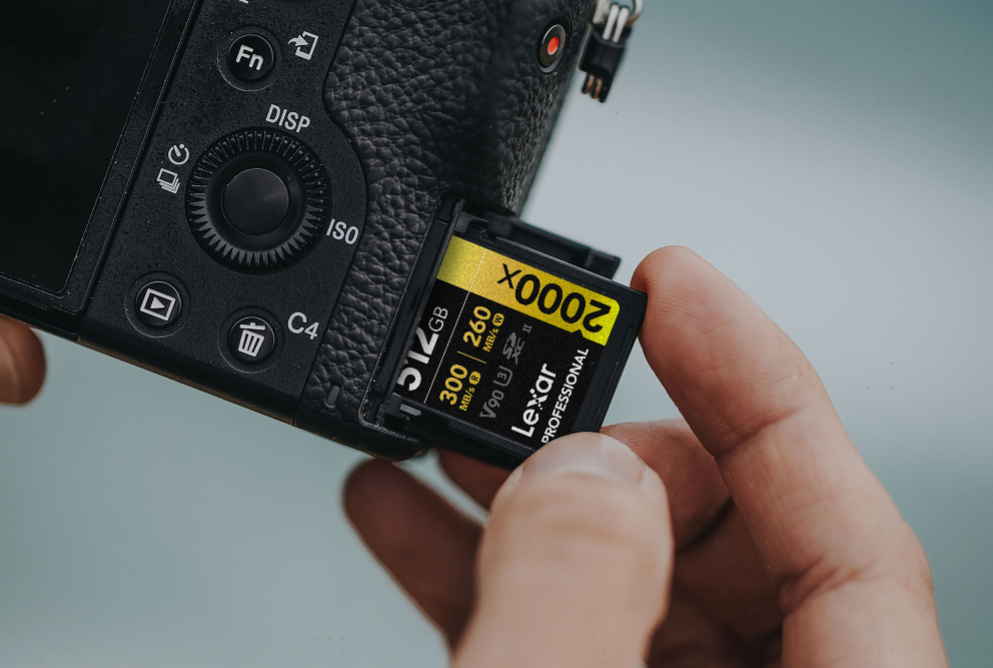
V90 Choice: Lexar Professional 2000x SDXC UHS-II Card GOLD Series
Rated V90 and U3, the 2000x is the highest-performance option here, offering 64GB-512GB capacities, read speeds up to 300MB/s, and write speeds up to 260MB/s. Choose it when the camera specifies V90 for high-bitrate All-Intra, supported 8K or high-frame-rate recording, or when long RAW bursts and faster professional ingest matter. It offers little practical benefit if your most demanding mode only requires a V30. It is the stronger choice for professional travel productions using demanding All-Intra, high-frame-rate, or supported 8K recording modes.
V30 vs V60 vs V90: Lexar SD Card Comparison
| Product | Video class | Capacities | Maximum read speed | Maximum write speed | Best suited to |
| Lexar Professional SILVER PLUS SDXC UHS-I Card | V30, U3 | 64GB, 128GB, 256GB, 512GB, 1TB | Up to 255MB/s | Up to 135MB/s at 64GB; up to 180MB/s at 128GB-1TB | Mainstream 4K, travel, vlogging, everyday burst shooting |
| Lexar Professional 1800x SDXC UHS-II Card GOLD Series | V60, U3 | 64GB, 128GB, 256GB, 512GB, 1TB | Up to 280MB/s | Up to 210MB/s at 64GB-128GB; up to 205MB/s at 256GB-1TB | Higher-bitrate 4K, longer bursts, enthusiast and professional hybrid shooting |
| Lexar Professional 2000x SDXC UHS-II Card GOLD Series | V90, U3 | 64GB, 128GB, 256GB, 512GB | Up to 300MB/s | Up to 260MB/s | High-bitrate All-Intra video, selected 8K workflows, sustained RAW burst shooting, faster professional offload Maximum speeds are based on internal testing and require a compatible host or reader. Actual performance varies with the camera, recording settings, reader, computer, file size, temperature, and other conditions. |
Quick Buying Guide
First, choose the Video Speed Class required by your most demanding recording mode
1. Choose V30 / SILVER PLUS for modes that require U3 or V30 and for mainstream hybrid shooting.
2. Choose V60 / 1800x for modes that specify V60, higher-bitrate 4K, or frequent RAW bursts.
3. Choose V90 / 2000x when the camera requires V90 for All-Intra, supported 8K, or demanding high-frame-rate workflows.
4. Then choose capacity around file size and offload frequency: 64GB-128GB suits short sessions or multi-card rotation, 256GB is a versatile hybrid option, 512GB supports longer events and extended 4K production, and 1TB reduces card changes during long-form shoots. In this comparison, 1TB is available on SILVER PLUS and 1800x. For travel, also consider the length of the trip, whether you will carry a laptop or reader, and how often you can back up your files. Several smaller cards can provide better shooting flexibility and redundancy than relying on one card for the entire journey.
5. Before buying, verify the exact mode requirement, supported capacity, simultaneous-recording rules, and whether your highest-end settings require another media type. Recording time varies by codec, bitrate, frame rate, audio, metadata, proxy settings, and formatted capacity, so build redundancy into important shoots rather than relying on one high-capacity card as the only copy.
Frequently Asked Questions
What SD card should I take on a trip?
Choose the V-class required by your camera’s most demanding recording mode, then select enough capacity for the length of the trip and your backup routine. V30 suits many everyday travel and Vlog workflows, while V60 or V90 may be required for higher-bitrate or professional recording modes.
Is the V60 better than the V30 for 4K video?
Only when the selected 4K mode requires it. Lower-bitrate modes may work with U3/V30, while higher-bitrate, proxy, or All-Intra modes may require V60 or V90.
Do I need a V90 SD card for 8K video?
Not always. Some cameras support selected 8K modes on V90, while others require CFexpress. Check the requirement for the exact codec, frame rate, and bitrate.
Can I use a V90 card when the camera only requires a V30?
Yes, if the card type and capacity are supported, but it may not improve recording quality or performance in that mode.
Does a faster SD card improve photo quality?
No. In a compatible camera, it may allow longer bursts, clear the buffer sooner, and shorten file-transfer time.