


Best SSD for Steam Machine: What to Look for in an M.2 NVMe Upgrade
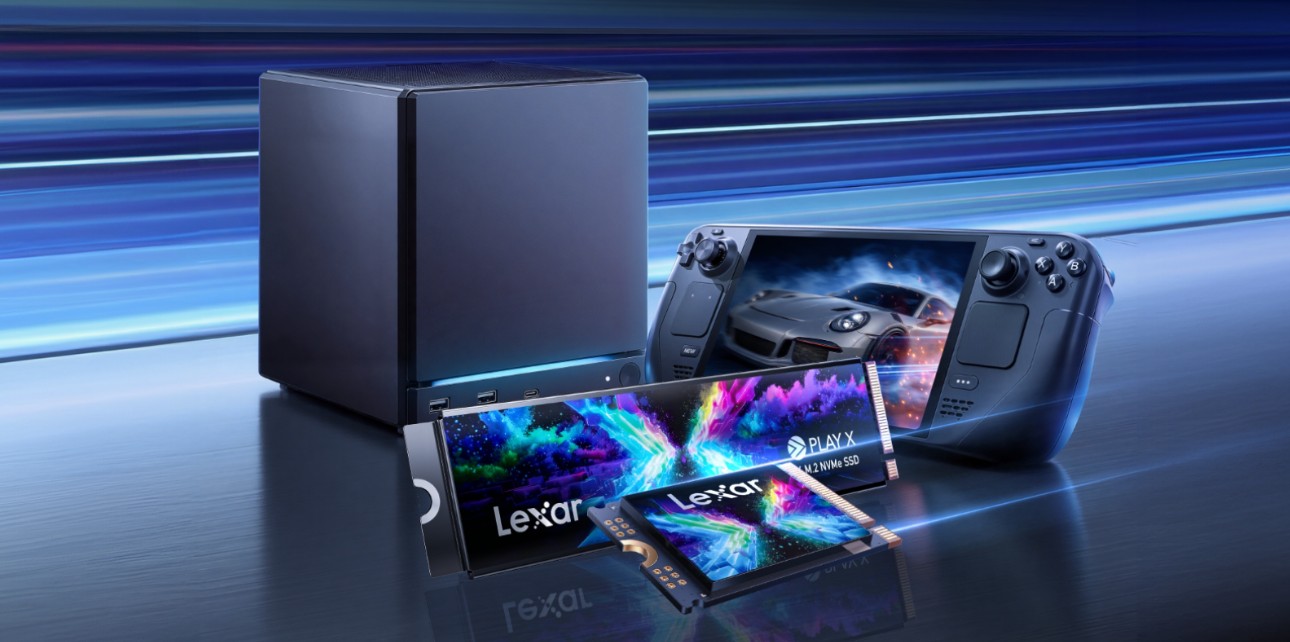
Source: Lexar
Steam Machine brings Steam gaming into a living-room setup, making storage one of the first things many players will think about. As Steam libraries grow, a 512GB or even 1TB setup can fill up quickly with AAA games, updates, DLC, screenshots, and local files.
If you are looking for a Steam Machine SSD upgrade or storage expansion option, the key question is not only “Which SSD is fast?” It is also “Which drive fits the device, supports the right upgrade path, and gives my Steam library enough room to grow?”
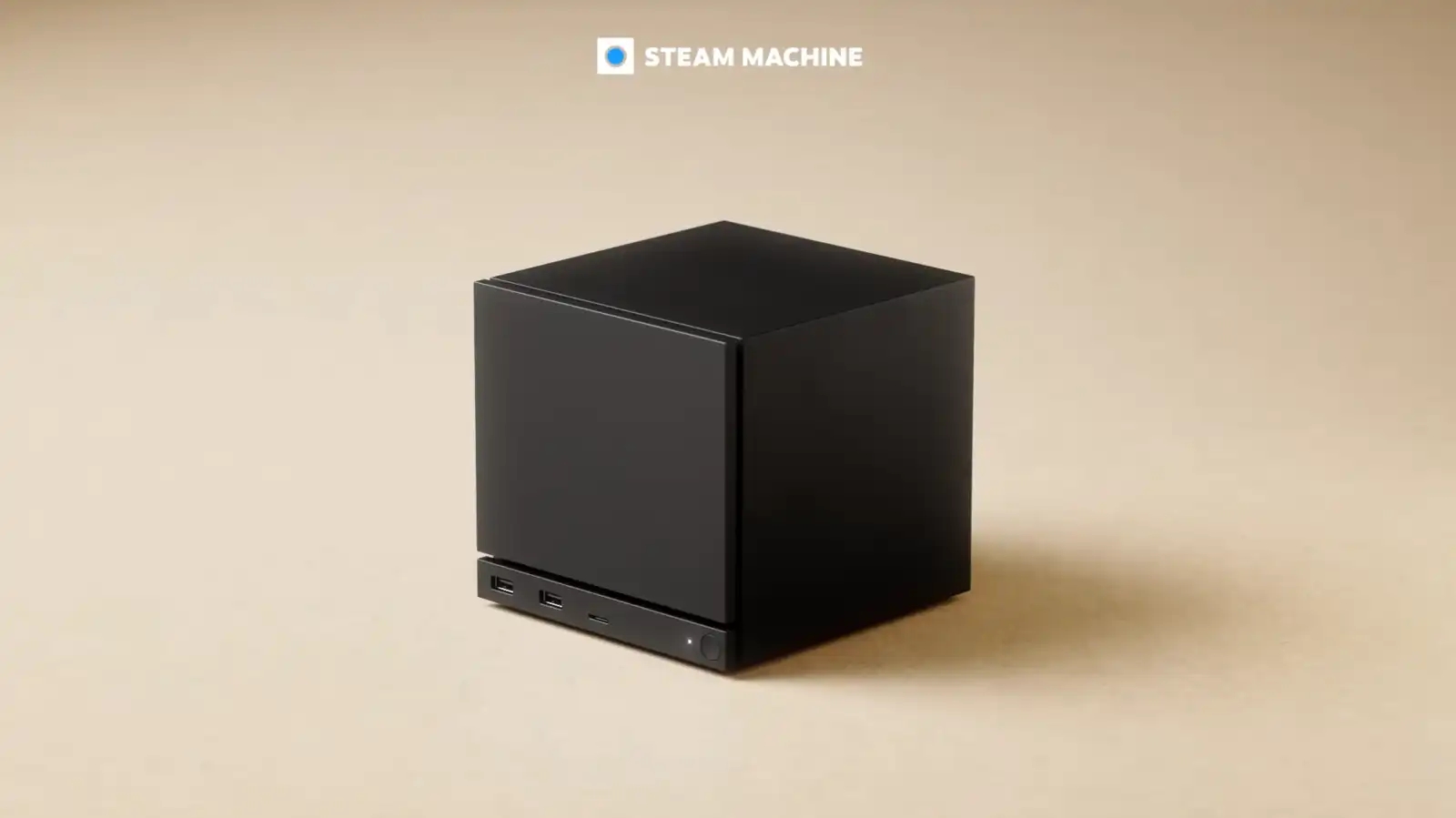
Source: Valve
Can You Upgrade Steam Machine Storage?
Steam Machine storage options may vary by final hardware configuration, region, and official upgrade guidance. Before purchasing an SSD, always check the latest device-specific documentation to confirm the supported form factor, installation path, capacity limit, and warranty implications.
For players who mainly install a few favorite games, built-in storage may be enough. But if you keep multiple AAA titles installed, rotate between large multiplayer games, or use Steam Machine as your main living-room gaming setup, adding more storage can make the experience much smoother.
That is where choosing the right Lexar storage path becomes important.
Steam Machine SSD Compatibility: What to Check
Before choosing an SSD for Steam Machine, compatibility should come before headline speed. Start by confirming the final device’s supported storage upgrade path, including the M.2 form factor, NVMe interface, capacity limit, installation space, and any official guidance from the device manufacturer.
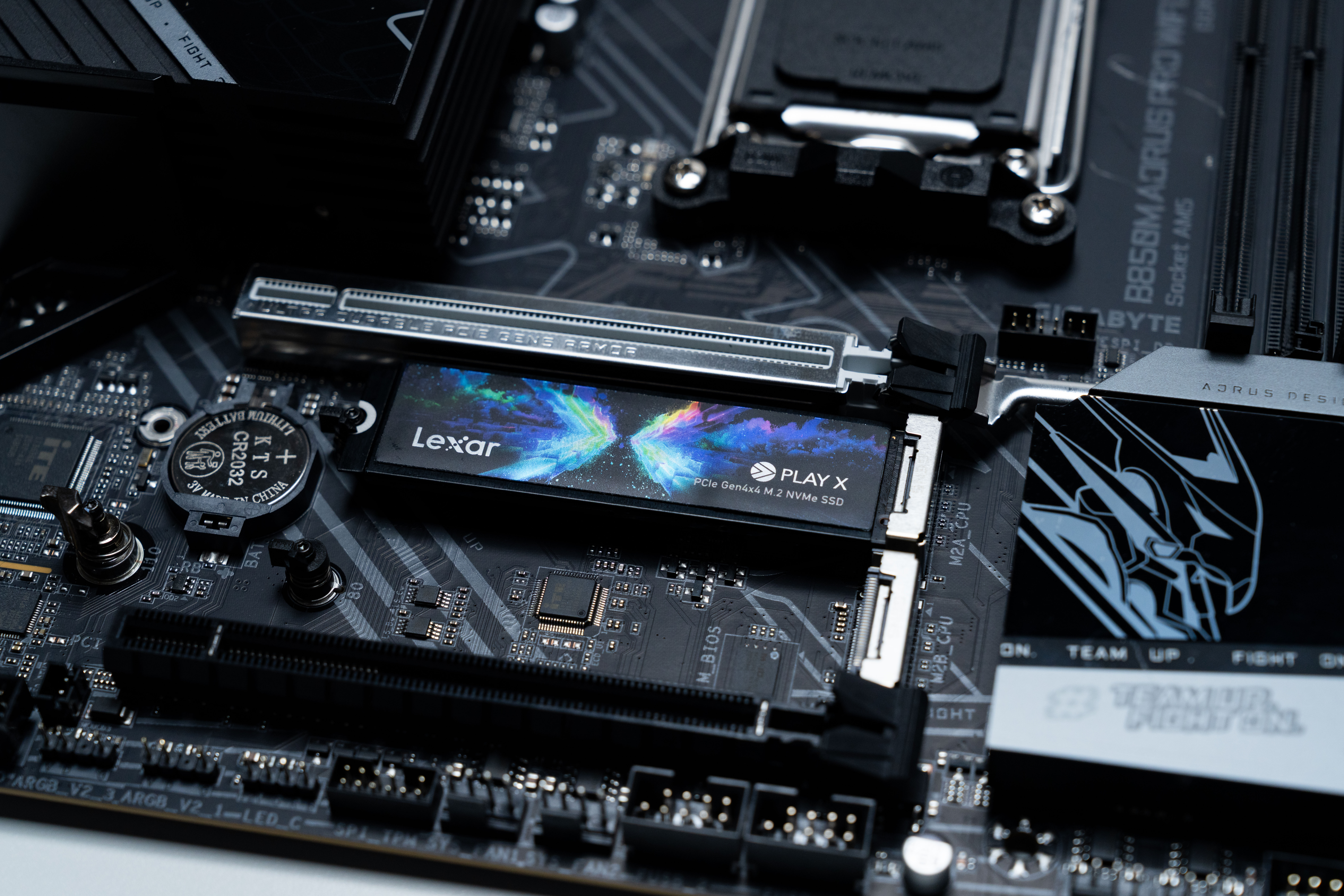
For Steam Machine-style upgrades, an M.2 NVMe SSD with support for 2280-style installation paths may be especially relevant where supported by the final hardware. The Lexar PLAY X PCIe 4.0 M.2 NVMe SSD includes an M.2 2280 bracket, making it a flexible option for supported 2280-style installation paths. Its compact M.2 2030 design is also compatible with M.2 2230 slots, which can be useful for Steam Deck-style compact upgrade scenarios where supported.
Capacity is another key consideration. Instead of choosing based on price or headline capacity alone, match the SSD size to your actual Steam library, the number of games you keep installed, and the device’s supported capacity range. Always confirm the supported capacity for your specific device before purchasing.
Thermal conditions should also be considered. Gaming devices can run under sustained load during long sessions, downloads, updates, and large file transfers. Actual SSD performance may vary depending on airflow, firmware, available space, thermal conditions, and the device’s internal design. For this reason, compatibility and stability should matter more than peak speed alone.
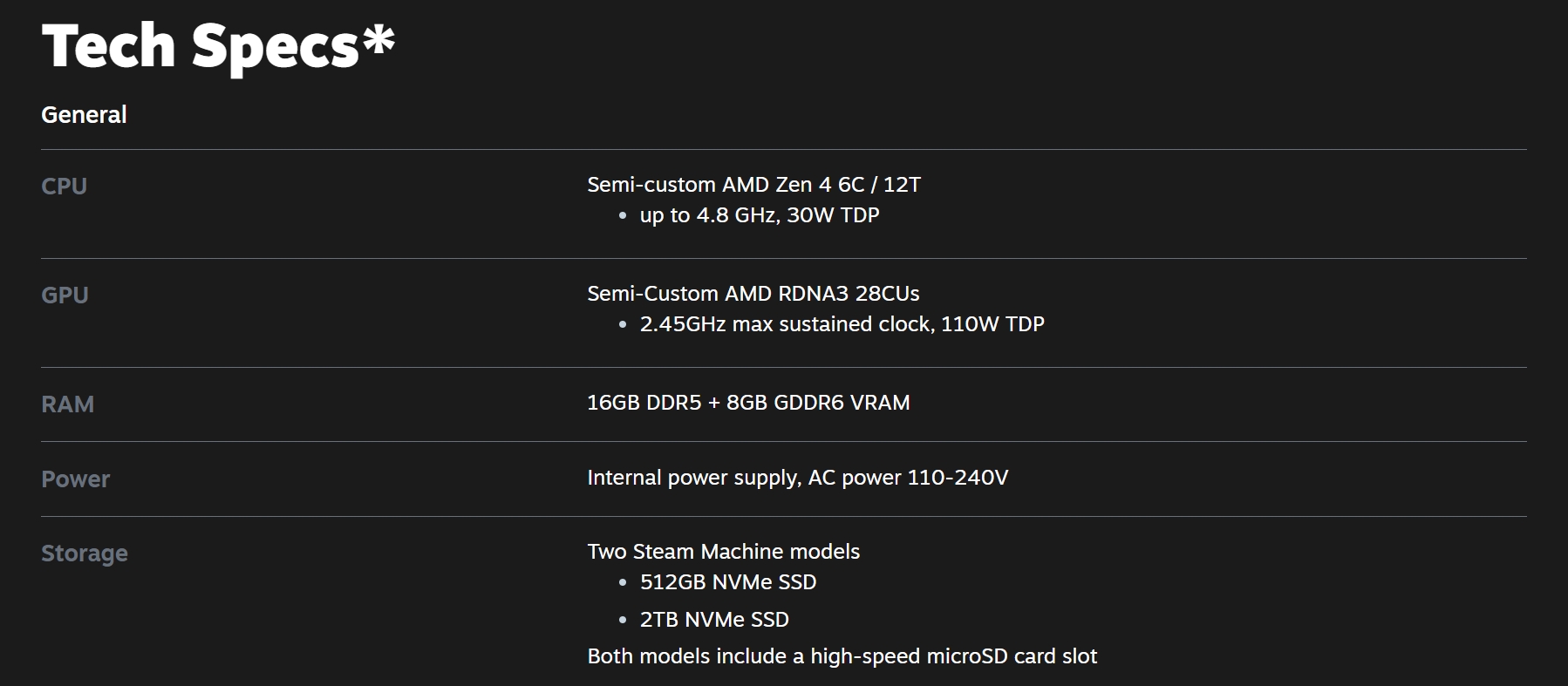
Steam Machine's Tech Specs. Source: Valve
Lexar PLAY X PCIe 4.0 M.2 NVMe SSD for Steam Machine Storage Expansion
The Lexar PLAY X PCIe 4.0 M.2 NVMe SSD is a practical option for Steam Machine-style game library expansion, especially for users who want a flexible PCIe Gen4x4 SSD with strong speed, compact architecture, and 2280 bracket support.
Beyond Steam Machine-style storage expansion, PLAY X can also be considered for supported Steam Deck upgrade scenarios. Its compact M.2 2030 design is compatible with M.2 2230 slots, making it relevant for Steam Deck-style compact gaming devices where an internal M.2 NVMe upgrade is supported. Users should always check the latest official device guidance before opening or upgrading their device.
Key highlights include:
- Fit: M.2 2280-style installation support with included bracket; compact M.2 2030 design compatible with M.2 2230 slots where supported
- Capacities: 512GB, 1TB, and 2TB
- Speed: Up to 7400MB/s read and 6500MB/s write speeds, depending on capacity
- Architecture: Advanced integrated packaging with wafer-level system-in-package design that consolidates the controller, NAND, and PMIC into a compact module
- Durability: IP57 dust and water resistance, plus shock and vibration resistance
- Warranty: Five-year limited warranty
- Actual performance will depend on the host device, firmware, settings, thermal conditions, available formatted capacity, and other system factors.
Source: Lexar
512GB vs 1TB vs 2TB: How Much Storage Do You Need?
Choosing the right capacity depends on how you manage your game library.
A 512GB SSD can work well if you mainly play smaller titles, indie games, or keep only a few games installed at one time. It is a lighter option for users who do not need to store a large library locally.
A 1TB SSD is the stronger everyday choice for most players. It offers more room for a broader Steam library, larger game updates, and a mix of casual titles and AAA games without requiring constant cleanup.
A 2TB SSD is better for users who install many AAA titles, play across multiple genres, or want a more future-ready setup. It is also useful for players who prefer keeping favorite games ready to launch instead of regularly uninstalling and reinstalling them.
These are planning ranges, not guaranteed workload results. Actual usable capacity can vary by device, firmware, file system overhead, and installed software.

Source: Lexar
Other Lexar Storage Options to Consider
While PLAY X is the main fit for this Steam Machine SSD upgrade angle, other Lexar options can also be relevant depending on the user’s setup.
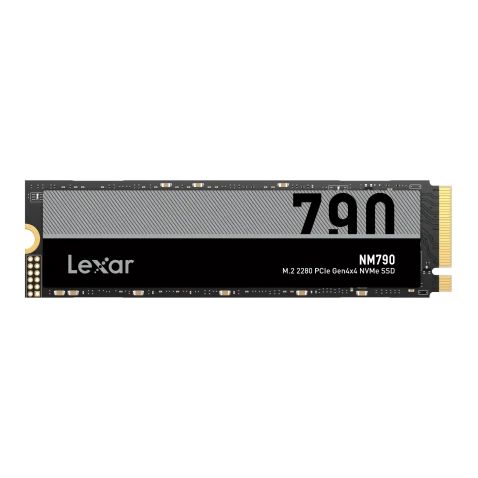
The Lexar Professional NM1090 PRO PCIe 5.0 NVMe M.2 2280 SSD can be considered when the story expands beyond compact Steam device upgrades into high-performance desktop PC gaming builds.
The Lexar Professional SILVER PLUS microSDXC UHS-I Card can also be mentioned for users who want removable storage flexibility across compatible SteamOS devices or portable game libraries.
Steam Machine SSD Buying Guide: Final Checklist
Before buying an SSD for the Steam Machine, check the following:
- Confirm the final Steam Machine hardware supports the SSD form factor you plan to use.
- Make sure the installation path supports your selected M.2 NVMe SSD.
- Choose 512GB, 1TB, or 2TB based on your actual Steam library size.
- Prioritize compatibility, capacity, and sustained performance over headline speed alone.
- Check the latest official device-specific compatibility guidance before installation.
- Use only confirmed product specifications when comparing SSD options.
- For players building a larger Steam library in the living room, the right SSD upgrade can make Steam Machine feel more flexible, more organized, and ready for the games you want to keep installed.