


What MicroSD Card Should You Buy for Insta360 X6?
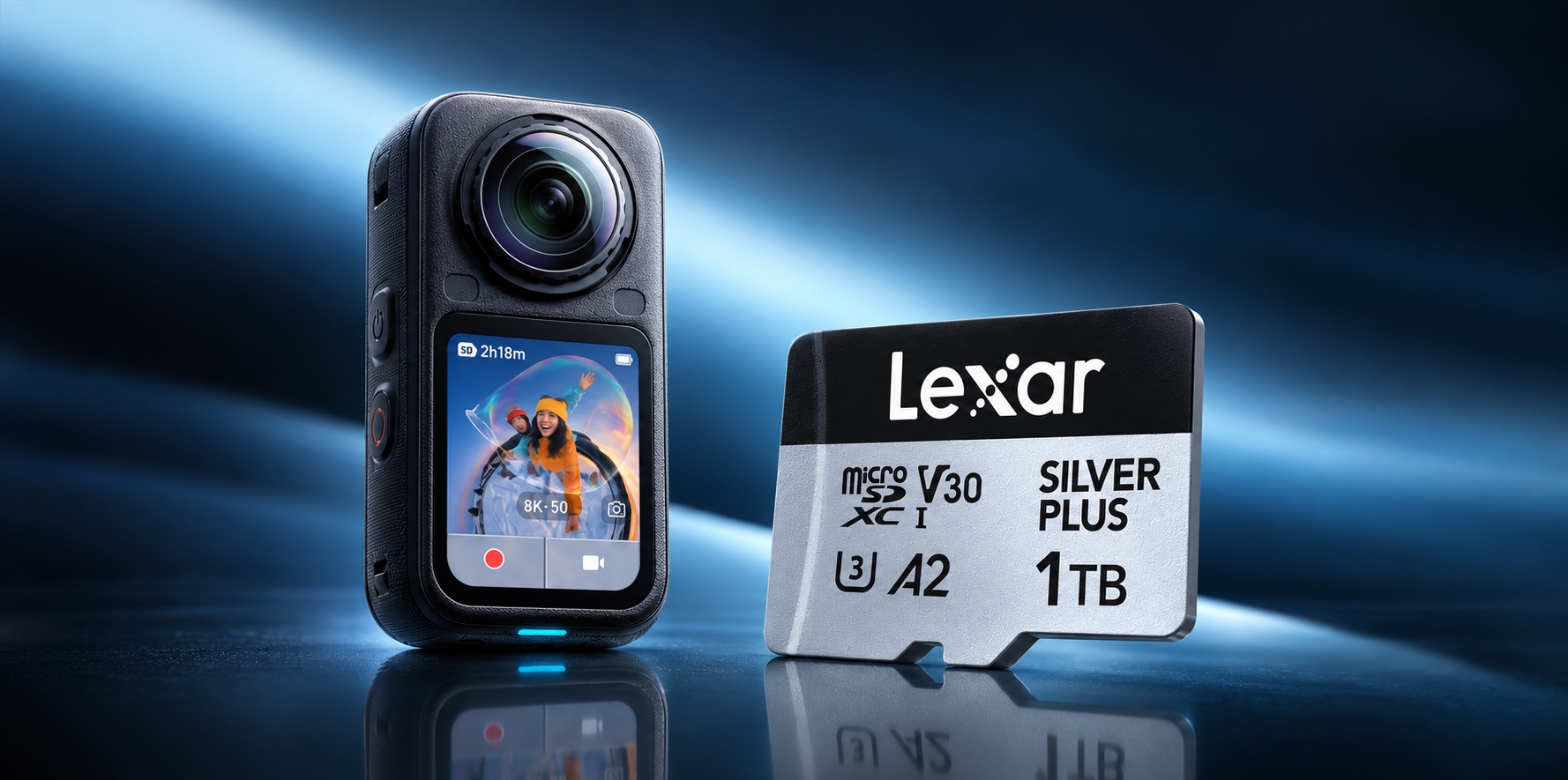
The Insta360 X6 combines 47GB of usable internal storage with high-resolution 360 capture, including video at up to 8K/50fps. That built-in space is convenient for getting started, but it can fill quickly once you begin recording longer clips or shooting throughout the day.
That is where a high-capacity microSD card comes in. The Lexar Professional SILVER PLUS microSDXC UHS-I Card meets the X6's interface and speed-class requirements and is available in capacities suited to everything from short sessions to multi-day projects.
Here is what to know before choosing the right card and capacity for the way you shoot.
Does the Insta360 X6's Built-in Storage Cut It?
The Insta360 X6 comes with 47GB of usable internal storage, so you can start recording even if you do not have a card installed. That is useful for short clips, everyday moments, or as a backup when a memory card is full or unavailable.
High-resolution 360 footage uses storage quickly, however. Unlike a conventional camera that records only the view in front of the lens, the X6 captures the full scene around the camera. That gives you much more freedom to reframe footage later, but it also creates large files.
If you are recording an extended ride, a full day of travel, action sports, or multiple takes for a production, relying on internal storage alone can mean stopping to transfer or delete files in the middle of a shoot.
A high-capacity microSD card gives you more room to keep recording and makes it easier to separate, rotate, and back up projects.
MicroSD Card Compatibility Requirements
For stable recording performance, Insta360 X6 supports microSD cards that meet the following requirements:
- UHS-I interface
- V30 speed class or higher
- exFAT file format
- Capacity of up to 1TB
Cards that do not meet the required sustained-write performance may cause recording interruptions or unusable footage. UHS-II and UHS-III cards should not be used, and capacities above 1TB exceed the camera's supported limit.
For most creators, 256GB or 512GB provides a practical balance between capacity and convenience. A 1TB card is better suited to frequent high-resolution recording, multi-day shoots, or situations where regularly transferring footage would interrupt the workflow.
What Specs Actually Matter for the Insta360 X6?
Choosing a microSD card for the X6 is not simply about buying the card with the highest advertised speed. Interface, sustained write performance, capacity, and camera compatibility all matter.
1. Interface and Speed Class: UHS-I and V30
The X6 uses a UHS-I microSD card rated V30 or higher and formatted as exFAT.
The V30 rating guarantees a minimum sustained sequential write speed of 30MB/s under the Video Speed Class standard. That sustained performance is important during high-resolution recording, when the camera needs to write a continuous stream of data without interruption.
There is no need to choose a UHS-II or UHS-III card for the X6. A higher interface number does not improve compatibility when the camera is designed around UHS-I.
2. Capacity: Choose Between 64GB and 1TB
The X6 supports microSD cards with capacities of up to 1TB
- 64GB: Suitable for short sessions, quick tests, or use as a spare card.
- 128GB: A practical entry point for occasional creators.
- 256GB: A strong everyday choice for regular 360 shooting.
- 512GB: Better for travel, action sports, and extended shoots.
- 1TB: Best for frequent high-resolution recording and multi-day projects.
For most creators, 256GB or 512GB offers the best balance between available space, file management, and convenience. Although SILVER PLUS is also available in a 2TB version, the X6 supports cards only up to 1TB. Choose a capacity between 64GB and 1TB for this camera.
3. Sustained Write Performance Matters More Than Headline Speed
Maximum read and write figures do not tell the whole story.
Read speed mainly affects how quickly footage can be transferred to a computer through a compatible card reader. For recording, sustained write performance is the more important specification, and that is what the V30 rating represents.
The Lexar Professional SILVER PLUS microSD card combines a V30 rating with maximum write speeds of up to 150MB/s on capacities from 128GB through 1TB, making it well suited to the X6's high-resolution capture workflow.
Lexar Professional SILVER PLUS microSD: A Practical UHS-I V30 Option
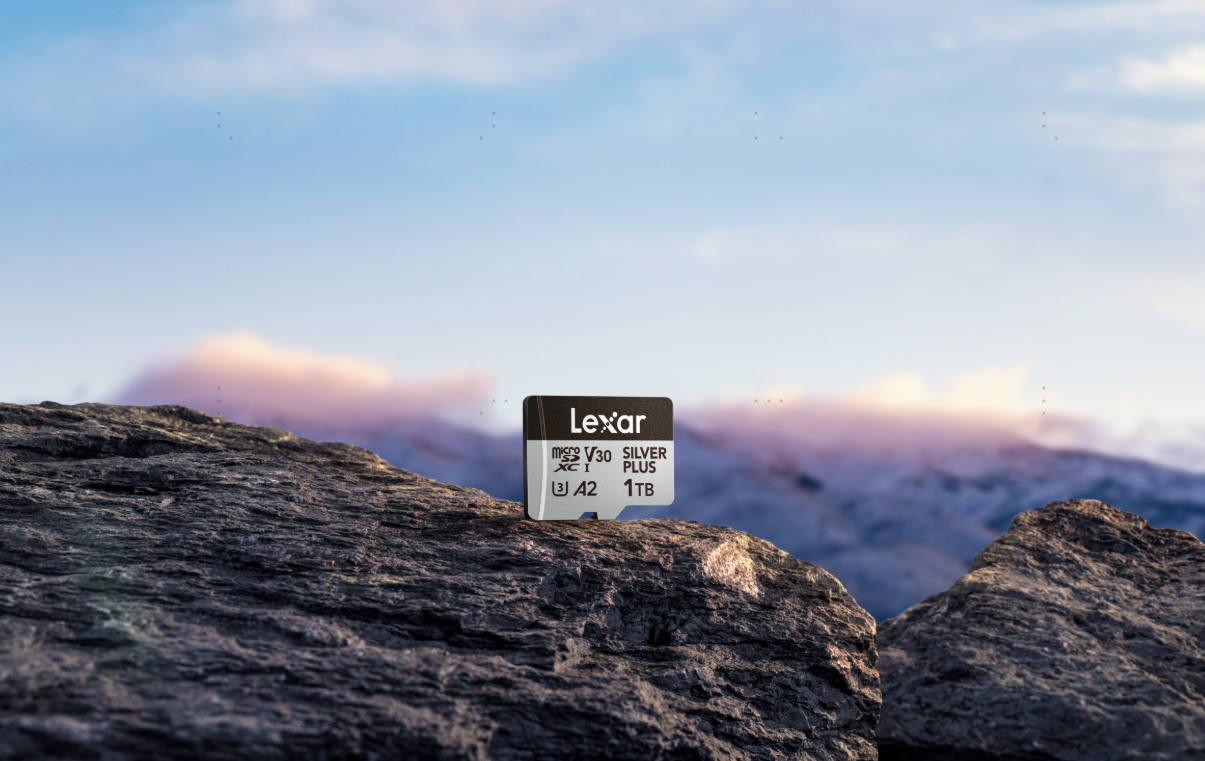
The Lexar Professional SILVER PLUS microSDXC UHS-I Card meets the Insta360 X6's fundamental interface, speed-class, and capacity requirements when formatted as exFAT.
Key specifications relevant to X6 creators include:
- Interface: UHS-I
- Speed ratings: U3 and V30
- Application Performance Class: A2
- Capacities for X6: 64GB, 128GB, 256GB, 512GB, and 1TB
- Maximum read speed: Up to 205MB/s
- Maximum write speed: Up to 150MB/s for 128GB through 1TB; up to 100MB/s for 64GB
- Software support: Lexar Recovery Tool
- Warranty: Limited lifetime warranty, subject to regional terms
| SILVER PLUS Capacity | Maximum Read Speed | Maximum Write Speed | Best For |
| 64GB | Up to 205MB/s | Up to 100MB/s | Short sessions or a spare card |
| 128GB | Up to 205MB/s | Up to 150MB/s | Occasional shooting |
| 256GB | Up to 205MB/s | Up to 150MB/s | Everyday 360 creation |
| 512GB | Up to 205MB/s | Up to 150MB/s | Travel and extended shoots |
| 1TB | Up to 205MB/s | Up to 150MB/s | High-volume and multi-day projects |
These are maximum card-performance figures rather than guaranteed in-camera speeds. Actual performance varies with the camera, firmware, recording settings, card reader, host system, temperature, and available formatted capacity. The card's maximum transfer speeds can also help reduce offload time when paired with a compatible high-speed card reader, allowing creators to move large 360 files into an editing workflow more efficiently.
Built for Shooting Beyond the Studio
360 cameras are often used on trails, bikes, motorcycles, ski slopes, and trips where storage has to handle more than a controlled studio environment.
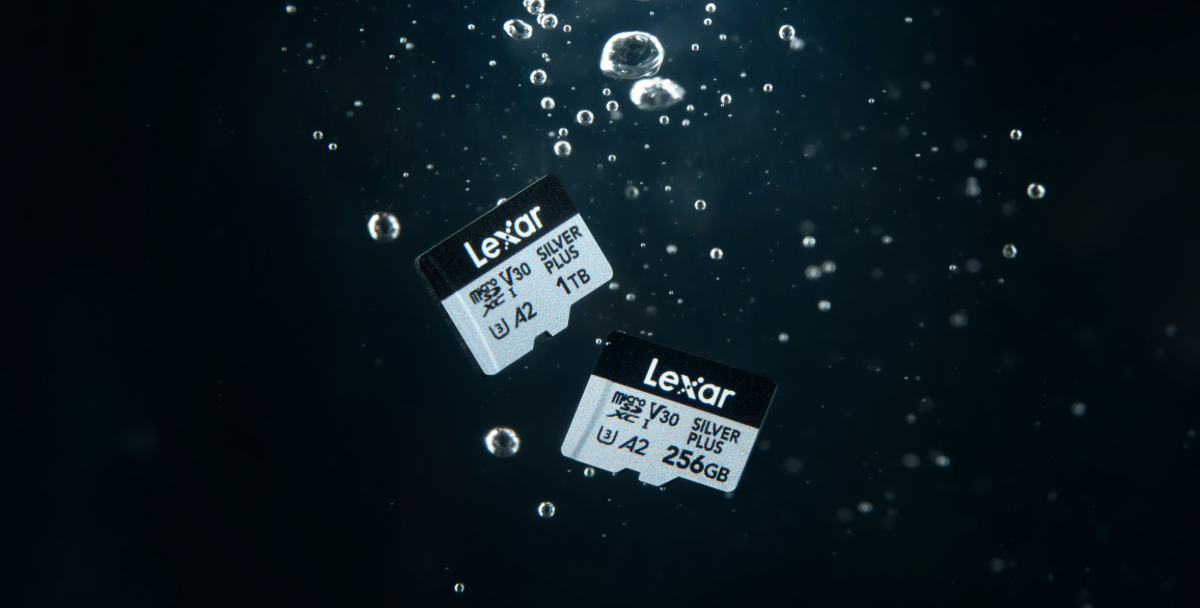
The SILVER PLUS microSD card is rated IPX7 waterproof and is designed to resist wear, drops, temperature extremes, X-rays, vibration, magnetic exposure, and shock. These durability features provide added reassurance for outdoor and action-camera workflows.
Important footage should still be backed up as soon as practical. Physical durability protects the card in demanding conditions, but it is not a substitute for maintaining a second copy of valuable files.
How Much Storage Do You Actually Need?
The right capacity depends on how long you shoot, how often you transfer footage, and which recording modes you use.
For most users:
- 128GB is suitable for shorter sessions with regular file transfers.
- 256GB is a practical everyday choice for creators who shoot regularly.
- 512GB provides more flexibility for travel and extended shooting days.
- 1TB is best for high-volume recording, multi-day projects, or workflows where changing cards would be disruptive.
Recording time varies with resolution, frame rate, codec, bitrate, color profile, firmware, shooting conditions, temperature, reserved space, and file-system overhead. After formatting the card and selecting a recording mode, check the remaining-time estimate displayed by the camera for the most useful planning figure.
What About the Lexar Recovery Tool?
The Lexar Recovery Tool is available as a free download for Windows and macOS. It is designed to help recover files that have been accidentally deleted from compatible storage devices.
Recovery is never guaranteed. Whether a file can be recovered depends on whether its data has already been overwritten. If footage is accidentally deleted, stop recording to the card immediately and begin the recovery process as soon as possible.
The tool should be treated as an additional safeguard rather than a replacement for regular backups. Important footage should still be copied to a second storage device before the card is formatted or reused.
Quick Buying Guide
For the Insta360 X6:
- Choose a UHS-I microSD card rated V30 or higher.
- Format the card as exFAT.
- Do not use UHS-II or UHS-III cards.
- Do not exceed the camera's 1TB capacity limit.
- Consider 256GB for regular use or 512GB for extended shooting.
- Choose 1TB for multi-day projects or frequent high-resolution recording.
- Prioritize the V30 sustained-write rating over headline maximum speeds.
- The Lexar Professional SILVER PLUS microSDXC UHS-I Card meets the X6's interface and speed-class requirements in capacities from 64GB through 1TB.
FAQ
Is the Lexar Professional SILVER PLUS microSD card compatible with Insta360 X6?
Yes. The Lexar Professional SILVER PLUS microSDXC UHS-I Card meets the X6's UHS-I, V30, and capacity requirements in sizes from 64GB through 1TB. Format the card as exFAT before use.
Is V30 enough for Insta360 X6?
Yes. The X6 requires a UHS-I microSD card rated V30 or higher. V30 guarantees a minimum sustained sequential write speed of 30MB/s, which supports stable high-resolution recording.
What is the best SILVER PLUS capacity for Insta360 X6?
For most creators, 256GB is a practical everyday option, while 512GB provides more flexibility for travel and longer shoots. Choose 1TB if you record frequently, work on multi-day projects, or want to minimize card changes and file transfers.
Can I use a 2TB SILVER PLUS card in Insta360 X6?
No. Although SILVER PLUS is available in a 2TB version, the Insta360 X6 supports microSD cards only up to 1TB. Choose a 64GB, 128GB, 256GB, 512GB, or 1TB card for the X6.
Why use a microSD card while the X6 has internal storage?
The X6's 47GB of usable internal storage is convenient for short sessions and backup flexibility. A microSD card provides substantially more working space for high-resolution 360 footage and reduces the need to stop and transfer files during longer shoots.