


What Memory Card Should You Choose for the Leica SL3-P?
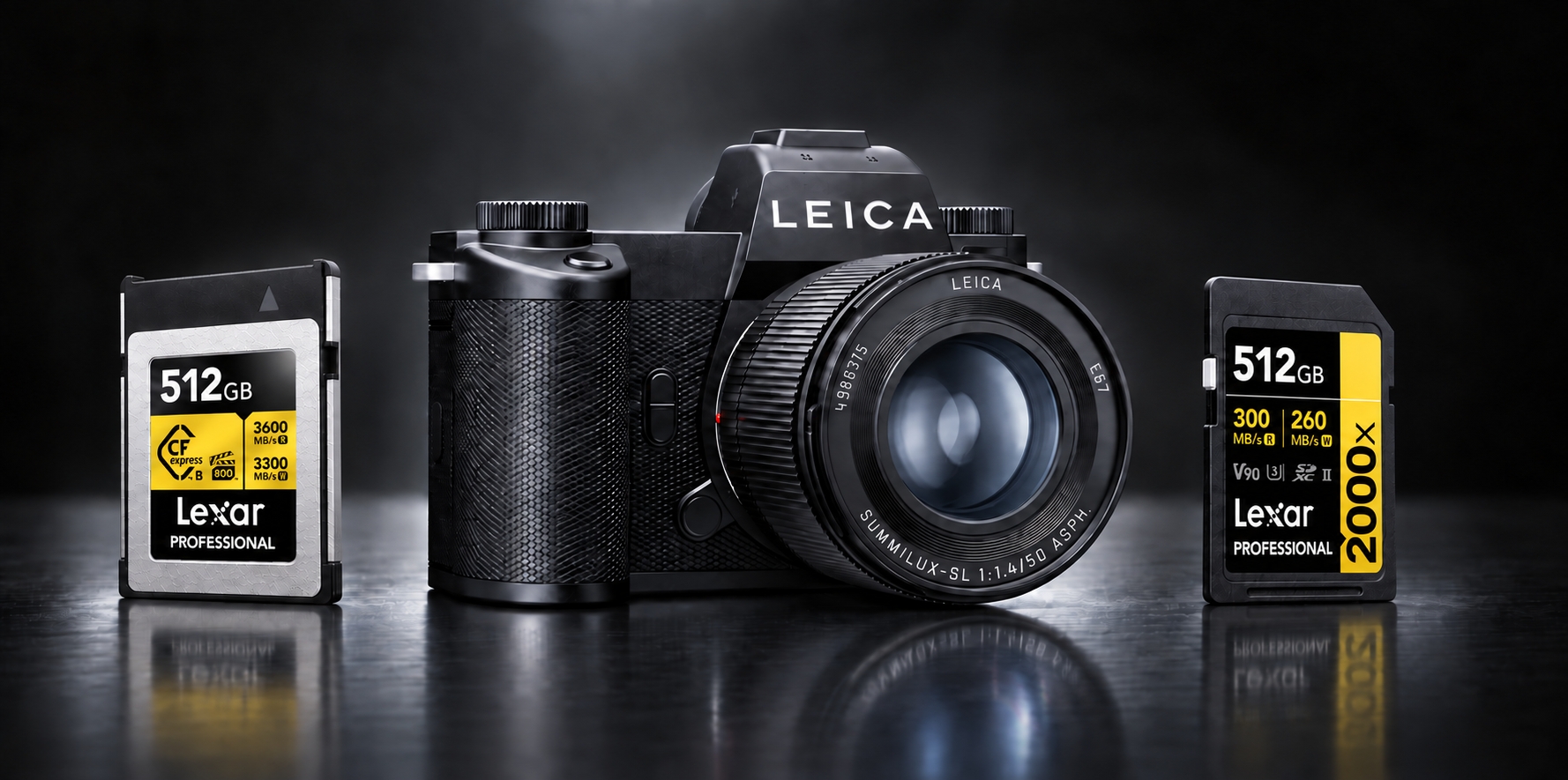
A detailed portrait, a sequence of moving subjects, or a carefully composed film each places different demands on a memory card. With 44-megapixel photography, continuous shooting at up to 40 frames per second, and video recording up to 8K, the Leica SL3-P gives photographers and filmmakers plenty of reasons to think beyond capacity alone.
The right choice starts with how you shoot. Card format determines which slot you can use, write performance matters during capture, and read performance affects how quickly you can transfer your files afterward. Here is how two Lexar Professional cards fit into that decision.
What Memory Cards Does the Leica SL3-P Use?
The SL3-P has one CFexpress Type B slot and one SD card slot, with support for SD, SDHC, and SDXC cards. Leica recommends CFexpress Type B and UHS-II SD media.
For video, check the complete recording setting. Leica lists SD support for selected 8K H.265 Long GOP modes at 300Mbps. However, 4K at 59.94p using H.264 ALL-I at 800Mbps requires CFexpress when recording to an internal memory card. A V90 SD card does not remove that media restriction. The official recording specifications identify the supported media for each mode.
For still photography, consider how often you shoot RAW sequences and how quickly you need the camera ready for the next burst. Buffer capacity, camera settings, and the camera's own write performance all influence the result.
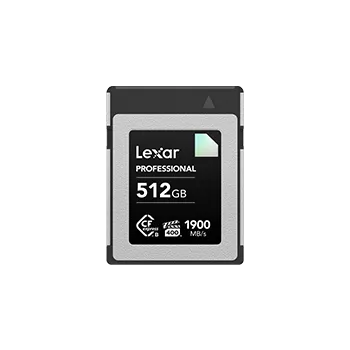
Lexar Professional GOLD CFexpress Type B for Demanding Capture
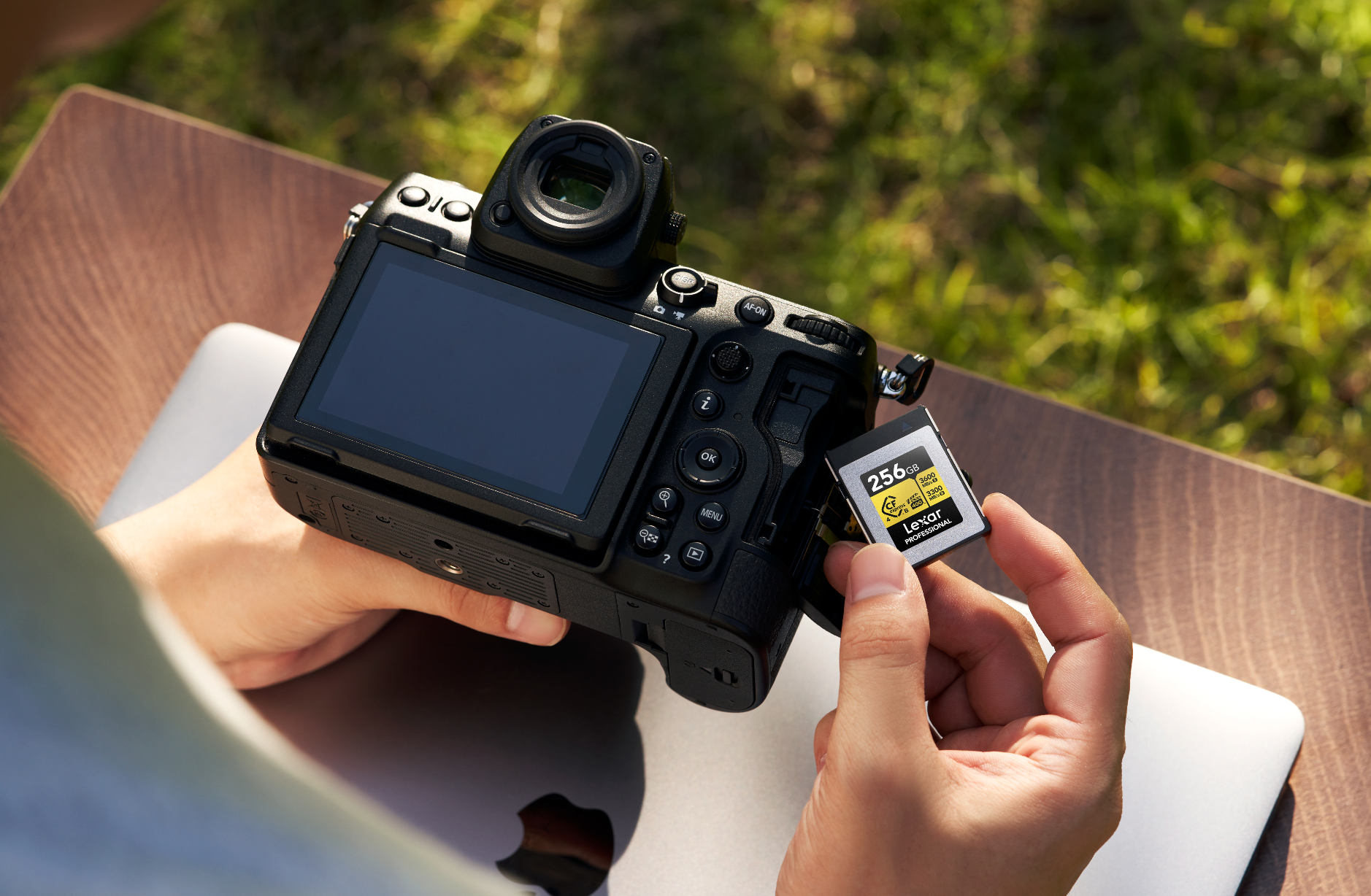
The Lexar Professional GOLD CFexpress 4.0 Type B Card is a practical option to consider for frequent RAW bursts and video modes that call for CFexpress media.
For the 512GB and 1TB versions highlighted here, Lexar specifies read speeds up to 3,600MB/s, write speeds up to 3,300MB/s, and a sustained write speed of 3,000MB/s.¹ Sustained write performance is particularly relevant when recording a continuous stream of video data, while read speed becomes useful when transferring a large shoot for review and editing.
These figures describe the card's rated performance, rather than measured SL3-P recording speeds. The camera and selected settings determine in-camera performance; a compatible CFexpress 4.0 reader and host are needed to take advantage of the card's higher transfer speeds.
Lexar Professional 2000x V90 for the SD Card Slot
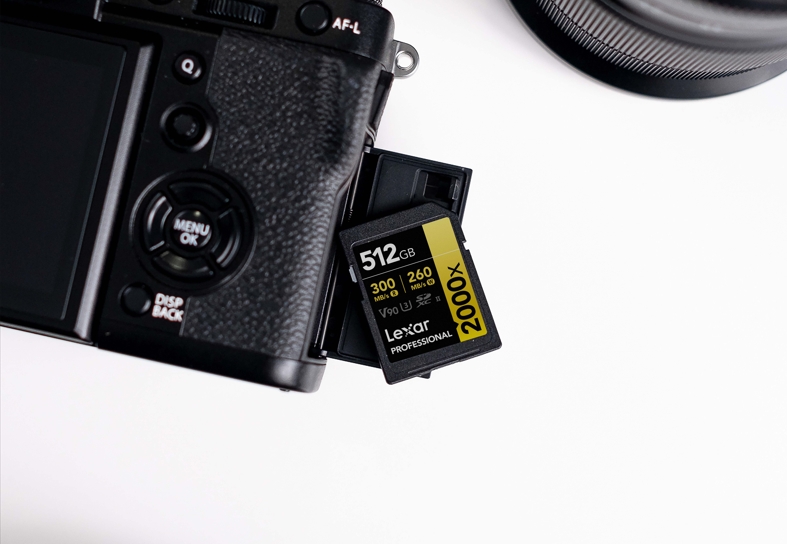
The Lexar Professional 2000x SDXC UHS-II Card GOLD Series offers a UHS-II SD option with a V90 video speed class, read speeds up to 300MB/s, and write speeds up to 260MB/s.¹
Consider it for still photography and the video settings that Leica lists as supporting SD recording. Its V90 rating describes a sustained-write speed class for video, while the maximum read and write figures describe different performance measures. The recording mode remains the starting point for choosing a card.
It can also complement a CFexpress Type B card when you use both slots. Check the SL3-P's file-saving options for your selected photo or video mode when configuring the two cards. For transfers, use a compatible UHS-II reader to benefit from the card's read performance.
Quick Buying Guide
Choose your card around your most demanding capture mode, then plan capacity around shoot length and how often you can offload files.
| Your shooting needs | Card to consider | Capacity starting points |
| Still photography and supported SD video modes | Lexar Professional 2000x SDXC UHS-II Card GOLD Series, V90 | 128GB or 256GB; 512GB for longer sessions |
| Frequent RAW bursts and video modes requiring CFexpress for internal recording | Lexar Professional GOLD CFexpress 4.0 Type B Card | 512GB; 1TB for larger shoots |
These are planning suggestions: file size and recording time vary with image content, codec, resolution, and frame rate. Check the exact card capacity and recording settings with the camera before an important shoot. Afterward, make a separate backup and verify your files before reusing or formatting a card.

Preserving Real Moments with Lexar and Leica
The value of keeping original images continues beyond the shoot. In Threads of Time: A Journey Through Silk and Lens, Lexar and Leica bring that idea to Leica Gallery Amsterdam, with the exhibition opening scheduled for September 11, 2026.
Photographer Jing Huang documents Hao Naiqiang, known as Jingwei, and his practice of Suzhou kesi silk weaving. Through hands, tools, threads, and textures, the exhibition reveals the time and patience behind a living craft. For Lexar, the project connects photography with preserving the original files that allow people to return to moments of real human presence.
Discover Threads of Time: A Journey Through Silk and Lens.
¹ Speeds are based on Lexar internal testing. Actual performance varies with the host device, interface, settings, and usage conditions. Published maximum card speeds are not measured SL3-P recording speeds.