


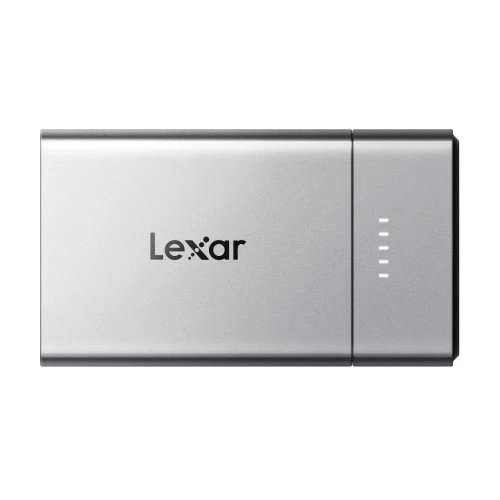
Choose Your Portable SSD for iPhone 18 Pro Series: Lexar Muse or Lexar Go with Hub?
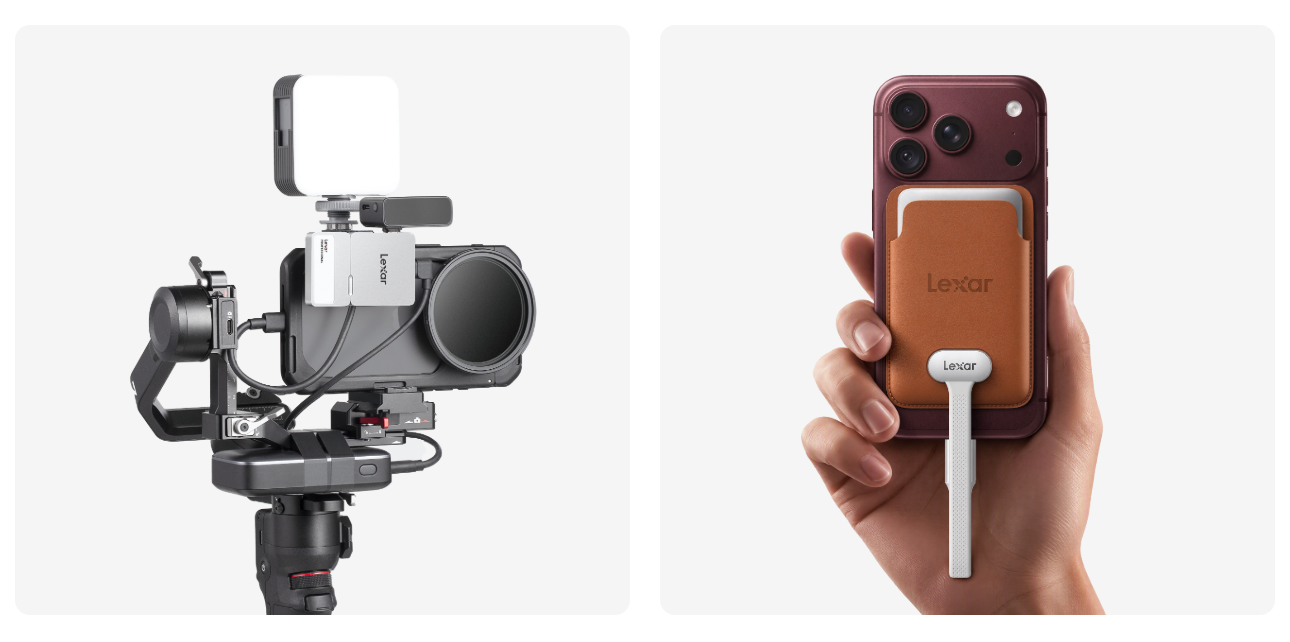
Choosing external storage for an iPhone 18 Pro series setup starts with how you use your phone. For everyday use, you may want a drive that is easy to carry and looks at home alongside your iPhone. For a planned shoot, you may need recording storage that works with microphones, lighting, and external power.
External storage provides a separate place for photos, videos, and documents, with direct video recording available on supported iPhones¹. Lexar Muse Ultra-Slim Portable SSD puts an ultra-slim metal form and a design that complements your iPhone first. Lexar Professional Go Portable SSD with Hub brings modular storage and accessory expansion to mobile filmmaking.
Storage That Fits the Way You Use Your iPhone
An accessory becomes part of your daily routine. Consider how much space it takes up, how it attaches, and whether its materials and finish work well with your phone. For storage you carry regularly, a slim form and a straightforward connection make a practical difference.
If your phone is part of a production setup, consider the other devices that need to connect. A drive with an optional hub gives you more ways to arrange compatible accessories around the task.
Choose capacity around the files you keep between transfers. Allow space for photos, videos, documents, and larger projects, then make a separate backup of the material you want to keep.
Lexar Muse: Designed to Complement Your iPhone
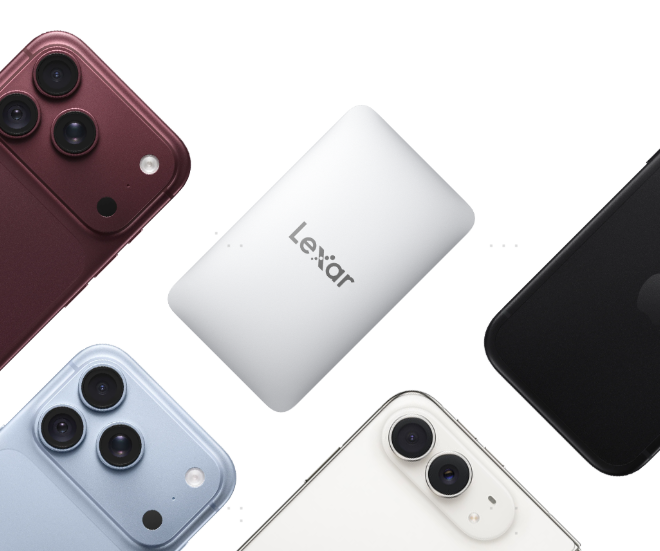
Lexar Muse starts with the way storage looks and feels alongside your phone. Its metal body measures just 3.8 mm at its thickest point, tapering to 1 mm at the edges. A unibody enclosure formed from a single piece of metal creates a continuous outline with minimal seams and a clean, understated finish.
Those details matter when storage is something you carry every day. The flat form fits easily among your daily essentials, while its restrained metal finish complements the clean lines of an iPhone. The tapered edges give the SSD a fine outline, with attention paid to how the drive looks alongside the phone as well as on its own.
Getting ready follows a simple sequence: slide Lexar Muse into its magnetic carry sleeve, attach the sleeve to a compatible MagSafe iPhone or case, and connect the supplied SnapLink Magnetic Cable to the phone's USB-C port. The sleeve secures the drive, while the cable connects to its PogoPin magnetic data¹ interface to carry data.
Everyday file management adds a practical role to that design. Connect Lexar Muse to a compatible iPad or Mac to access and transfer files. The Lexar App also supports automatic backup of photos and videos already stored on your phone, making it useful for keeping a separate copy of the memories you want to save.
Lexar Muse is announced in 512GB and 1TB capacities, with availability planned from Q4 2026, subject to region.²
Lexar Go: Build Your Mobile Filmmaking Setup
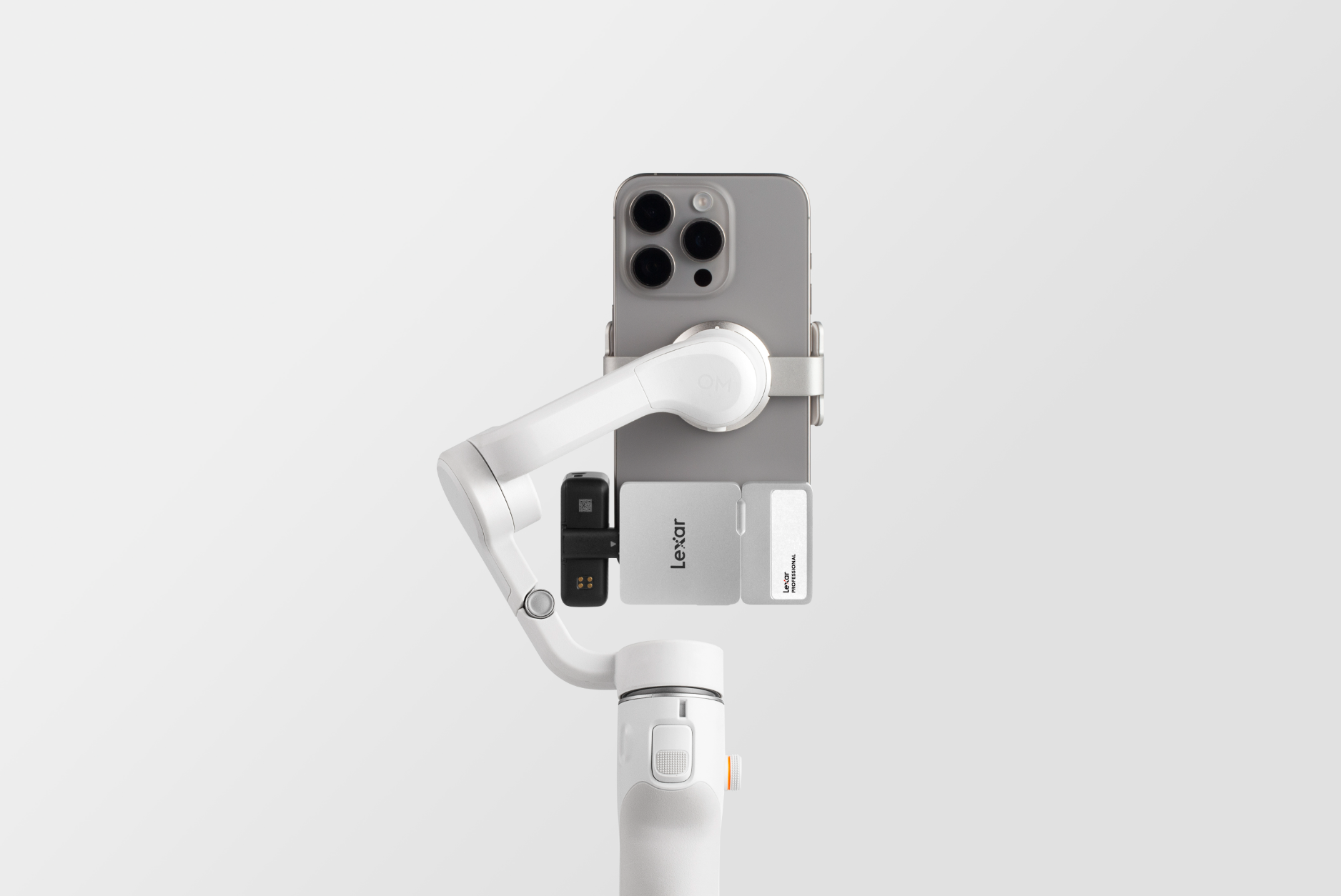
An interview brings several decisions together: framing the subject, capturing clear dialogue, keeping equipment powered, and giving each take somewhere to go. Lexar Professional Go Portable SSD with Hub is designed to accommodate a shooting setup that changes with the assignment.
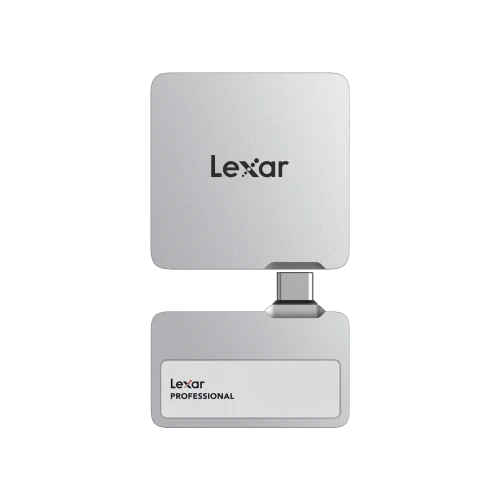
The SSD itself weighs just 13g and plugs directly into a compatible USB-C device. Use it on its own for a compact recording setup, then add the hub when the shoot calls for accessories. The hub provides four USB Type-C connectors, with included adapters and a cold shoe adapter cable offering flexibility in how the components are arranged.
For an interview, configure the setup around a compatible USB-C microphone and an external power source. Position the equipment, check your framing and audio, and record to the SSD using a supported iPhone and recording mode. For a different scene, the hub can help you incorporate compatible lighting accessories. Build the configuration around the task and the connections it needs.
With 1TB and 2TB options, Lexar Go provides space for original footage and additional takes. Its support for direct Apple ProRes recording on compatible iPhones lets you keep recorded material on the drive as you move into post-production¹. Once the shoot is complete, connect it to your editing device to access the files.
For work on location, the SSD body is rated IP65 for dust and water resistance and resistant to drops of up to 1 meter.³ A silicone protective case is included.
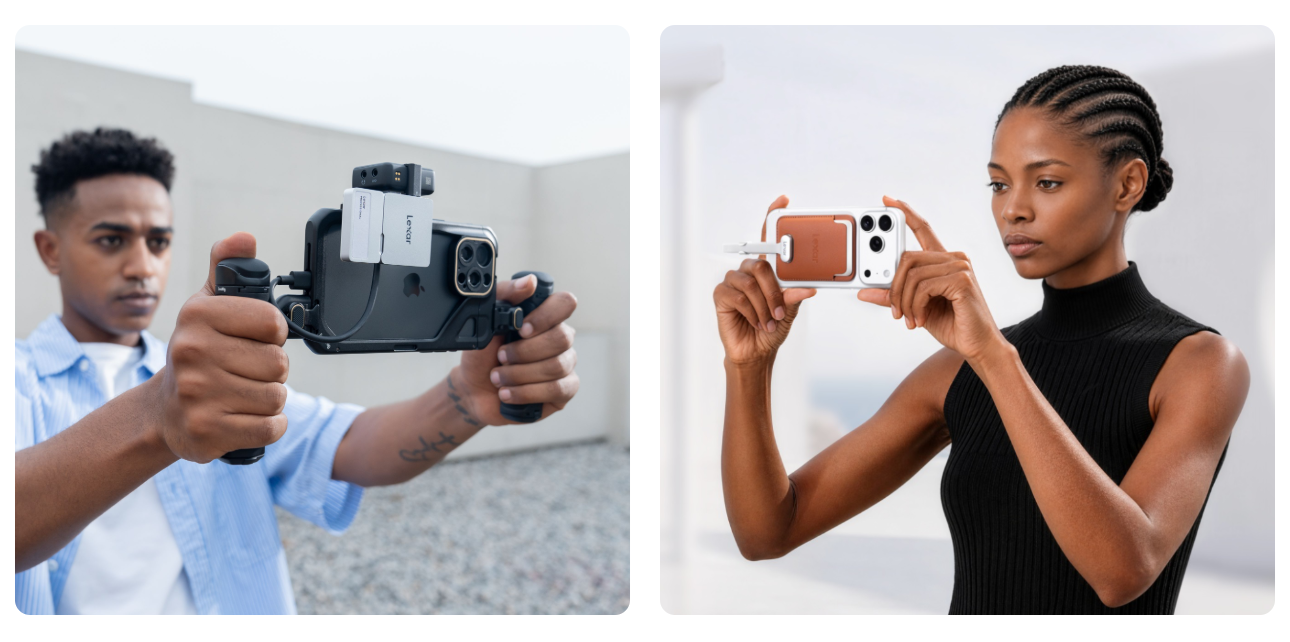
Find Your Creative Fit
Both drives offer read speeds of up to 1,050 MB/s and write speeds of up to 1,000 MB/s for transferring photos, videos, and other files.⁴ Choose according to your priorities: a slim accessory that complements your iPhone, or an adaptable storage setup for mobile filmmaking.
| Your priority | Product to explore | What it brings to the setup |
| An ultra-slim design that complements your iPhone and is easy to carry | Lexar Muse Ultra-Slim Portable SSD | A slim metal body, dedicated magnetic sleeve, and SnapLink connection |
| An adaptable setup for interviews and planned video shoots | Lexar Professional Go Portable SSD with Hub | A compact SSD with a hub for configuring compatible shooting accessories |
Explore Lexar Muse Ultra-Slim Portable SSD for a closer look at its design, or discover Lexar Professional Go Portable SSD with Hub and its flexible approach to mobile filmmaking.
¹ Direct external recording requires a supported iPhone, storage device, connection, and recording app. Supported formats, resolutions, and frame rates vary by device and settings. MagSafe attachment varies by iPhone model and case. Consult the current product compatibility information and Apple's ProRes recording guidance for the intended setup.
² Regional availability may vary.
³ IP65 and 1-meter drop resistance apply to the Lexar Go SSD only and are based on testing under controlled conditions. Actual resistance may vary. Damage caused by liquid, dust, and drops is not covered under warranty.
⁴ Maximum speeds are based on internal testing. Actual performance varies with the host device and usage conditions.