


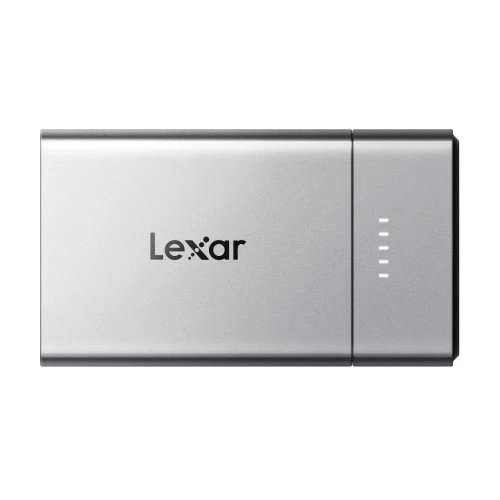
Best Memory Cards for 4K and 8K Cameras
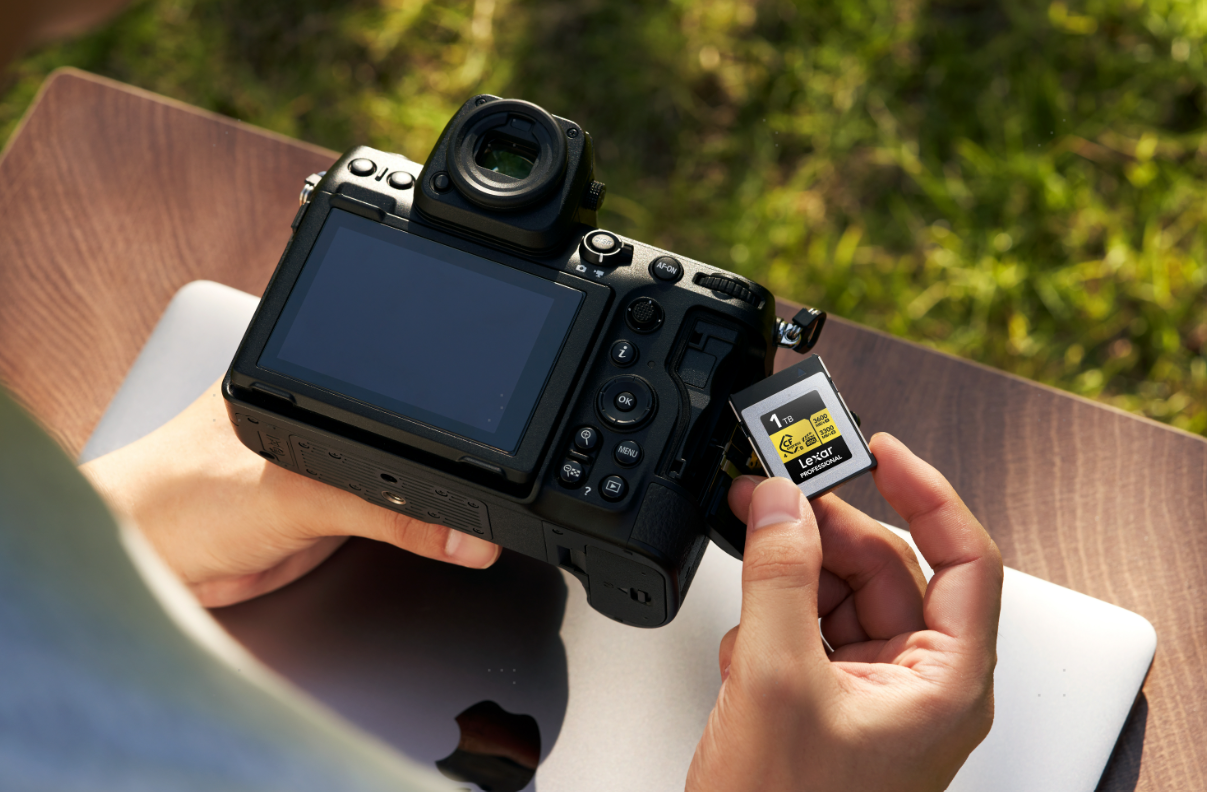
Choosing the best memory card for 4K and 8K video recording starts with your camera and recording settings. Resolution tells only part of the story: frame rate, codec, compression, and bitrate determine how much data the card must handle.
For cameras that support SD recording, a suitable V60 or V90 card may cover your needs. Higher-bitrate or RAW modes may require CFexpress. The goal is to match the card to the footage you shoot, with enough capacity to finish the session and a reader that makes transferring files practical.
What Matters When Choosing a Video Memory Card?
Check the card slot and recording mode
Start with your camera’s manual. Confirm whether the required format is SD, microSD, CFexpress Type A, or CFexpress Type B. CFexpress Type A and Type B are not interchangeable, so confirm the format before comparing speeds.
If your device uses microSD, check its supported card standard and capacity directly. A full-size SD card recommendation cannot be transferred automatically to an action camera or drone.
Next, check the requirements for your exact recording mode. On the Sony α7R V, 400Mbps XAVC HS 8K accepts a V60 SDXC card, while 600Mbps XAVC S-I 4K requires V90 SDXC or a qualifying CFexpress Type A card. Resolution alone cannot tell you which card to buy.
Compression also matters. All-Intra encoding stores frames independently, while Long GOP encoding uses information across frames. At comparable settings, these approaches can produce very different data rates. Check bitrate, frame rate, and compression together, particularly when switching between normal recording and slow motion.
Prioritize sustained writing over headline speeds
Maximum read speed helps explain how quickly footage can be copied to a computer. Recording depends on the card maintaining the required write performance.
For SD cards, Video Speed Class ratings indicate minimum sustained writing performance under defined conditions:
- V30: 30MB/s.
- V60: 60MB/s.
- V90: 90MB/s.
- CFexpress cards may carry a Video Performance Guarantee, such as VPG400, which specifies 400MB/s minimum sustained writing under the applicable standard.
- Keep Mbps and MB/s separate: 400Mbps equals 50MB/s before other recording data. Use that calculation to understand data rates, then follow the camera manufacturer’s card requirements.
Five Lexar Memory Cards to Consider
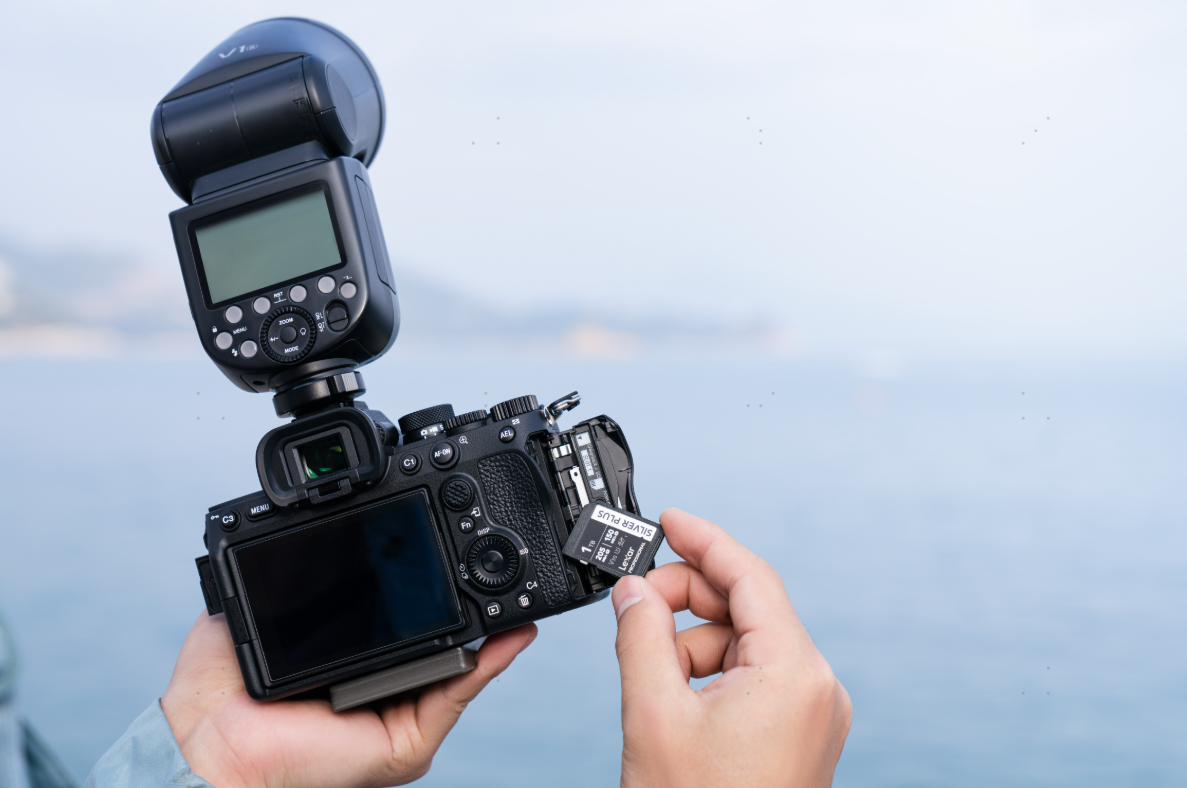
For Everyday 4K Recording: Lexar Professional SILVER PLUS SDXC UHS-I Card
The Lexar Professional SILVER PLUS SDXC UHS-I Card is a practical starting point for everyday 4K recording when your camera’s selected mode accepts V30 media.
Its V30 rating specifies minimum sustained writing of 30MB/s under defined conditions. This makes it an option for travel clips, vlogs, and interviews recorded in compatible compressed 4K modes.
Check the requirements for your exact settings: higher-bitrate formats or particular slow-motion modes may call for V60, V90, or CFexpress.
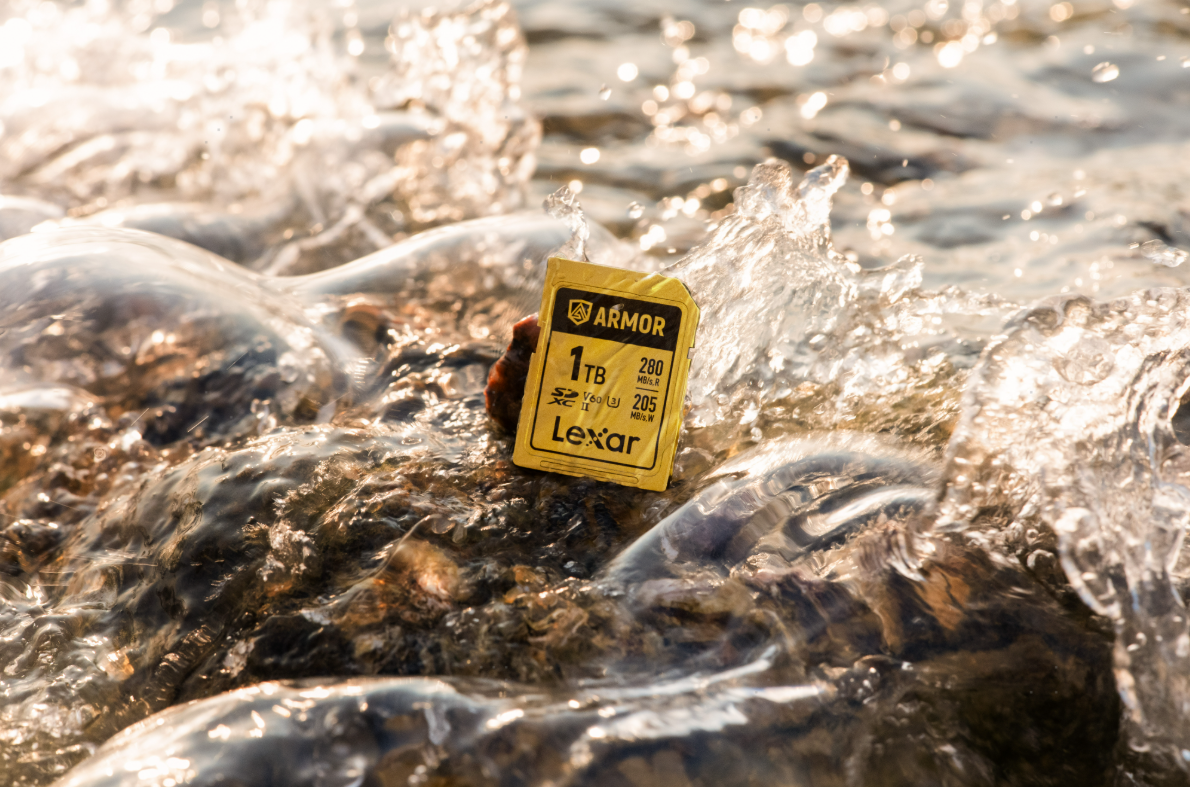
For Outdoor Video: Lexar ARMOR GOLD SDXC UHS-II Card
The Lexar ARMOR GOLD SDXC UHS-II Card is a practical option for creators who shoot outdoors and use recording modes that specify V60 SD cards.
Its stainless-steel construction and IP68 dust- and water-resistance rating add protection when cards are handled around sand, moisture, and changing locations. The V60 rating provides the video performance reference to check against your camera’s manual.
This makes ARMOR GOLD a useful candidate for travel videos, outdoor interviews, and location shoots where handling durability matters alongside recording speed. Choose it for the combination of physical protection and the speed class your selected mode requires.
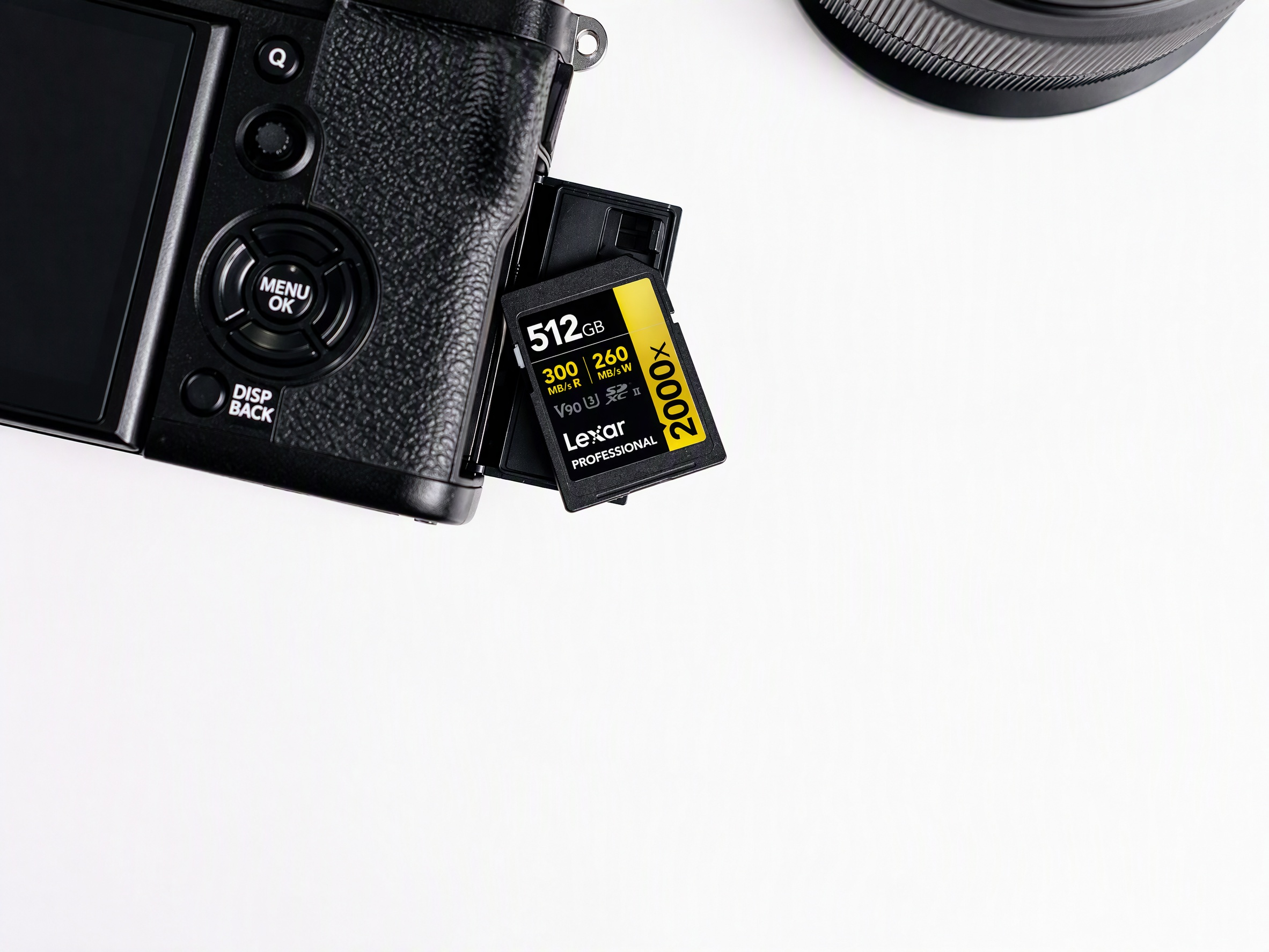
For V90 Recording Modes: Lexar Professional 2000x SDXC UHS-II Card GOLD Series
The Lexar Professional 2000x SDXC UHS-II Card GOLD Series is worth considering when your camera specifies V90 SD media.
It offers maximum read speeds up to 300MB/s and write speeds up to 260MB/s, alongside its V90 rating. These figures describe different aspects of performance: V90 is the standardized minimum writing reference, while the advertised peak speeds describe manufacturer-tested performance.
For compatible cameras, it can serve higher-bitrate 4K modes and selected compressed 8K modes that permit V90 SD cards. Pair it with a suitable UHS-II reader to benefit from its advertised transfer performance when moving footage into editing. A UHS-II card can also operate in a compatible UHS-I device, but its available speed is limited by that connection.
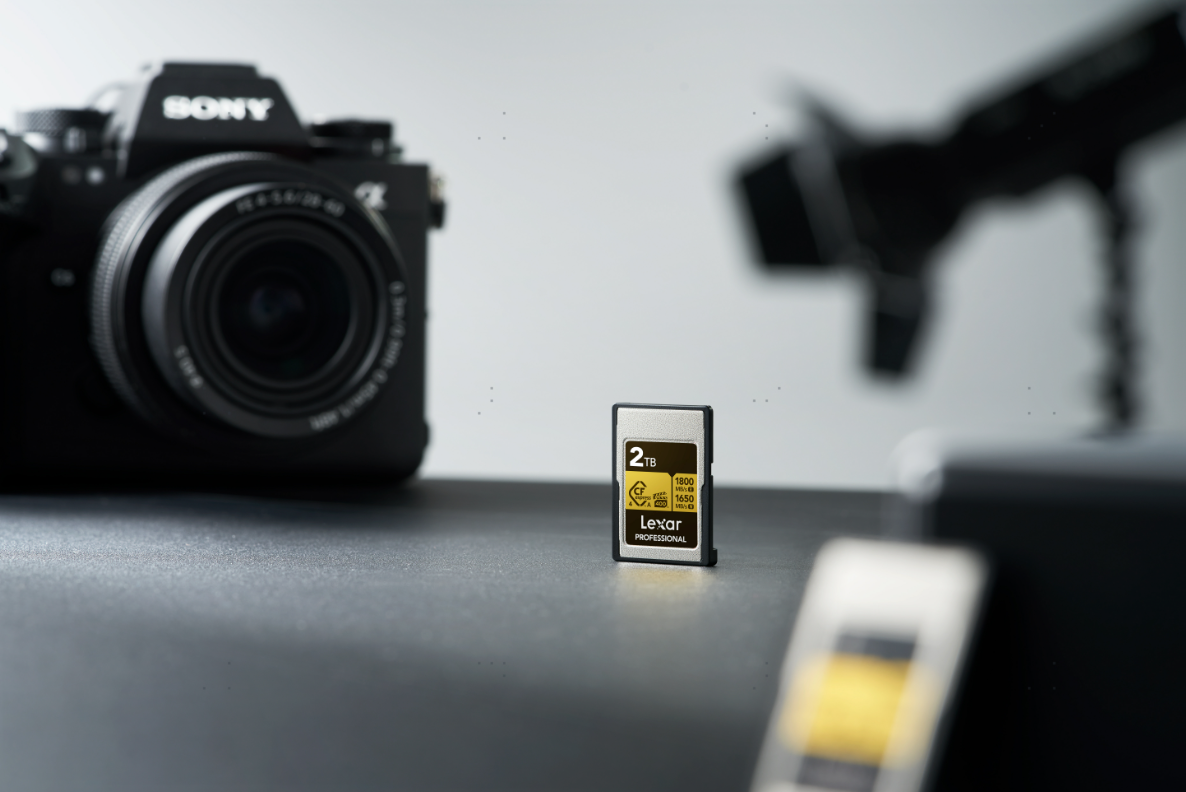
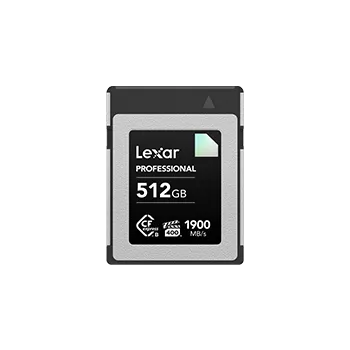
For Type A Cameras: Lexar Professional GOLD CFexpress 4.0 Type A Card
For cameras equipped with a compatible Type A slot, the Lexar Professional GOLD CFexpress 4.0 Type A Card provides another route to demanding video recording.
Its specifications include maximum read speeds up to 1800MB/s, write speeds up to 1650MB/s, and VPG400 certification. The certification provides a separate sustained-writing benchmark for supported recording modes.
Consider this card when your camera requires Type A media for a particular high-bitrate, slow-motion, or other recording setting. It also supports fast transfers with an appropriate reader and computer connection. Check your camera’s compatibility guidance and firmware before choosing a capacity for your kit. For creators who move between everyday footage and demanding recording modes, selecting media around the most intensive planned setting can simplify preparation.
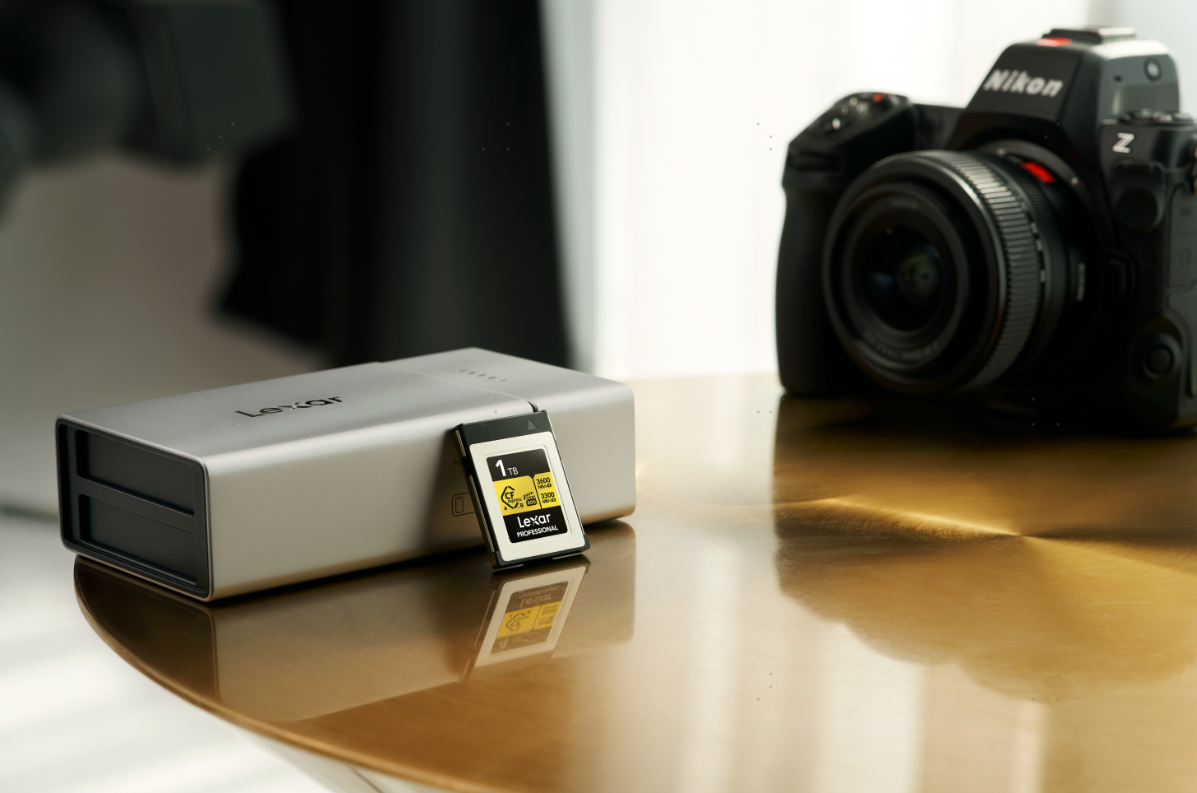
For 8K RAW Workflows: Lexar Professional GOLD CFexpress 4.0 Type B Card
The Lexar Professional GOLD CFexpress 4.0 Type B Card is designed for demanding capture, including 8K RAW on compatible cameras.
Lexar lists maximum read speeds up to 3600MB/s, write speeds up to 3300MB/s, and sustained writing at 3000MB/s. Capacity options extend up to 4TB, giving creators room for large recording files.
This combination makes it a candidate for productions that generate substantial footage between opportunities to offload. Confirm the camera’s approved media requirements first. The card’s 4.0 specification does not mean every camera can use its full bandwidth, while transfer speeds also depend on the reader and host connection.
How Much Capacity Do You Need?
Estimate capacity from bitrate and planned recording time. Using nominal capacity, a 256GB card holds approximately 85 minutes at 400Mbps, compared with about 13 minutes at 2600Mbps.
These are theoretical estimates before allowing for audio, metadata, formatting, and bitrate variation. Your camera’s recording-time table gives a more useful estimate for its specific settings.
For shorter sessions, compare 128GB and 256GB options. For longer shoots or large RAW files, consider 512GB, 1TB, or more where supported. Leave room for additional takes and plan when you will back up footage. Before an important shoot, test your chosen card using the intended settings and recording duration. Afterward, copy and verify your files before formatting the card for reuse.
Frequently Asked Questions
Is the V30 enough for 4K video?
It can be, when the camera permits V30 for the selected mode. Higher-bitrate settings may require V60, V90, or CFexpress. Check the recording format and bitrate rather than relying on a “4K” label.
Does 8K recording always require CFexpress?
No. Some compressed 8K modes accept suitable SD cards. Other modes require CFexpress, particularly when the camera specifies it for RAW or higher data rates.
Will a faster memory card improve video quality?
A faster card does not increase image quality at unchanged recording settings. It may allow you to select a more demanding mode if your camera requires faster media for that setting.
Quick Buying Guide
Before buying, confirm your card format, recording mode, required speed rating, and capacity. Then choose a compatible Lexar card and reader for the footage you plan to capture. Check the exact capacity’s specifications, since performance can vary across versions and host devices.