


GTA 6 PS5 Storage: How to Choose Your SSD Upgrade
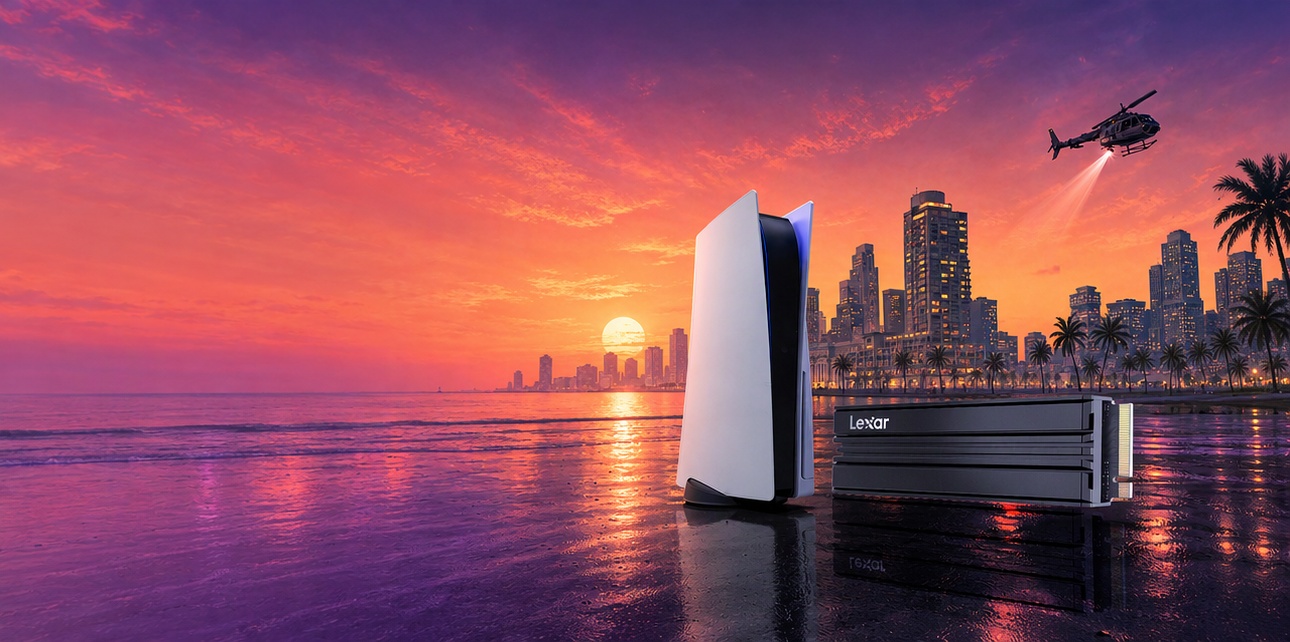
Getting ready for GTA 6 is a good reason to take a look at your PS5 game library. Alongside a new trip to Vice City, you may want to keep a multiplayer favorite, an unfinished adventure, and a few games you return to between releases.
With Grand Theft Auto VI scheduled for November 19, 2026, checking your storage ahead of time can make preparation easier. Start with the space available on your console, the games you want to keep installed, and the requirements for a compatible SSD.
How Much Space Does GTA 6 Need on PS5?
Rockstar’s pre-load FAQ confirms that digital pre-loading on PS5 begins at midnight local time on November 10, 2026. If you have pre-ordered, prepare at least 212GB of available storage before then, following PlayStation’s launch preparation guide.
Use that figure when reviewing your available capacity, then consider the rest of your library. A console with enough room for the initial installation may still leave you making choices about which other games to keep.
Your storage plans should also leave room for updates and the next games you want to try. The useful question is how much of your collection you want available at the same time.
Is Your PS5’s Existing Storage Enough?
Open Settings > Storage and check your available space. Review the games you currently have installed, including those you plan to finish or play regularly.
If your console has enough room for GTA 6 and your usual games, you can use the storage already available. An expansion becomes useful when you want to keep a broader selection installed or reduce how often you delete and download games again.
What Specs Matter for a PS5 SSD Upgrade?
For PS5 expansion, check compatibility, fit, and cooling together. Sony’s M.2 SSD installation guidance provides the specifications to look for:
| What to check | PS5 guidance |
| Interface | PCIe Gen4 x4 M.2 NVMe SSD, Key M |
| Capacity | 250GB–8TB |
| Supported form factors | 2230, 2242, 2260, 2280, and 22110 |
| Sequential read speed | 5500MB/s or faster is recommended |
| Width, including cooling structure | Up to 25mm |
| Total thickness, including cooling structure | Up to 11.25mm; up to 8.0mm above the circuit board and 2.45mm below it |
| Cooling | An effective heat-dissipation structure, such as a heatsink |
A compatible M.2 SSD can hold and run PS5 games directly, making it useful for the games you want ready to launch.
USB extended storage serves a different role. It can hold PS5 game installations, but those games must be copied back to console storage or compatible M.2 storage before playing. PlayStation’s USB storage guide explains the distinction.
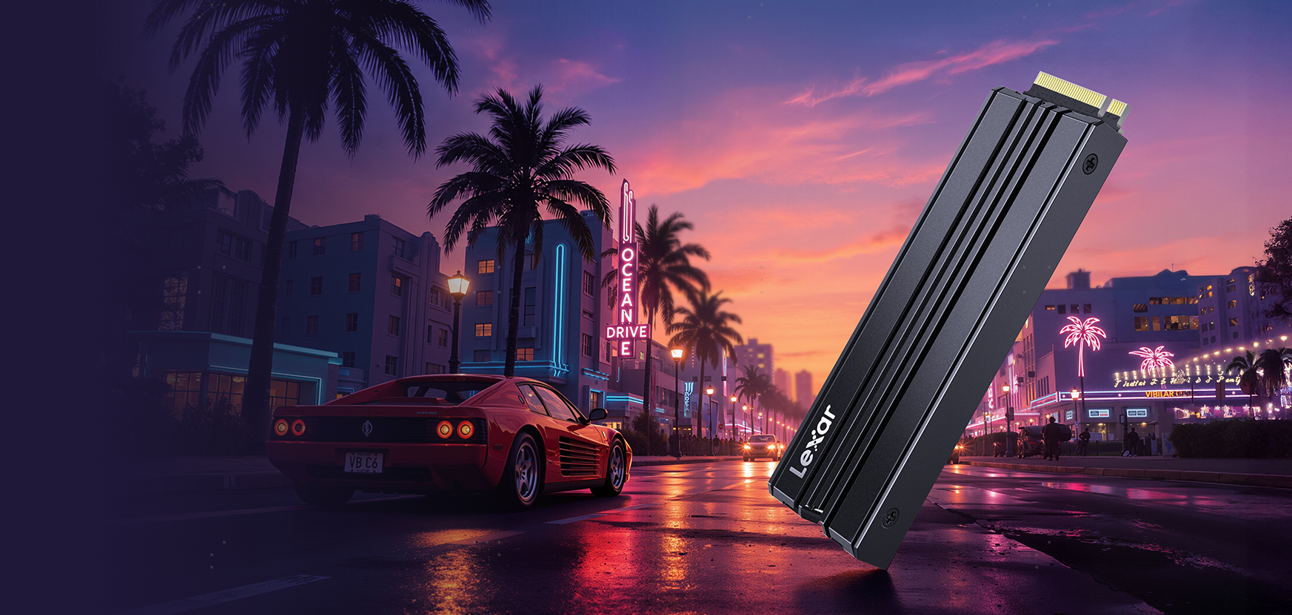
Lexar NM790 with Heatsink: A PS5-Compatible Option
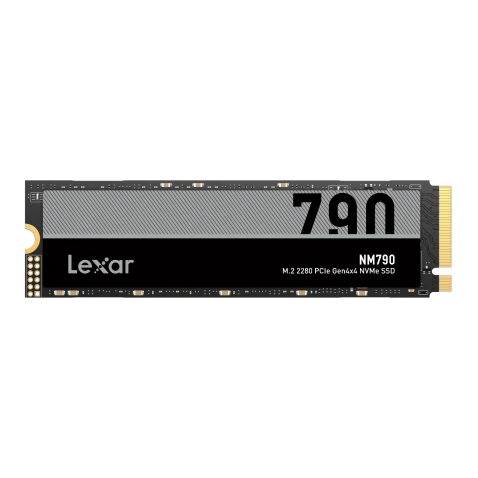
For an upgrade that brings these requirements together, the Lexar NM790 with Heatsink offers a PCIe Gen4 x4 NVMe interface, an M.2 2280 form factor, and PS5 compatibility.
The NM790 with Heatsink is rated for sequential read speeds of up to 7400MB/s and sequential write speeds of up to 6500MB/s.¹ These ratings come from Lexar’s internal testing and do not represent PS5 benchmark results. PS5 does not support Host Memory Buffer (HMB), so actual console performance may differ.
An integrated heatsink helps manage SSD temperatures and supports sustained drive performance during use. The complete assembly measures 80 × 24 × 9.7mm, including the heatsink, giving you a concrete size to compare with Sony’s installation requirements.
With 1TB, 2TB, and 4TB options, the NM790 with Heatsink gives you several ways to plan around your library.
1TB, 2TB, or 4TB: How Much Should You Add?
Choose capacity around the games you actually keep on your console. Installation sizes vary, so the total space occupied by your current library is a better reference than a fixed number of games.
| Added SSD capacity | A useful fit for |
| 1TB | Players who focus on a few games at a time and want additional installation space |
| 2TB | Players who switch between several large games and want more room for new releases |
| 4TB | Players who prefer to keep a larger collection installed and available |
For a library built around GTA 6 and several other regularly played games, 2TB is worth considering. If you tend to keep many titles installed even after finishing them, 4TB gives that collection more room.
Remember to include the storage your PS5 already has when planning the upgrade. Actual usable SSD capacity varies, and updates can change how much space each game occupies.
Getting Your Storage Ready
Before installation, update your PS5 system software and follow the official M.2 SSD installation instructions for your console model. Complete the formatting process, then organize your games and set your preferred installation location.
A useful preparation checklist is:
If you have pre-ordered, prepare at least 212GB before PS5 pre-loading begins on November 10.
Decide which existing games you want to keep installed.
Confirm the SSD’s PS5 compatibility, physical fit, and cooling.
Choose capacity around your wider game library.
With the storage planning done, you can give Vice City its place in your library while keeping the games you already enjoy ready for another session.
For another PS5-focused option, the Lexar PLAY 2280 PCIe 4.0 SSD also offers PS5 compatibility and an integrated heatsink designed to complement the console.
¹ Advertised speeds are based on Lexar internal testing. Actual performance varies by host platform, configuration, and usage conditions; PS5 performance may differ from the advertised figures.