


Cybersecurity Awareness: How Can You Keep Your Everyday Data Safer?
A passport scan for your next trip. Financial documents saved on your laptop. Client files and family photos carried between devices. These files make everyday life easier, but they also deserve more thought than simply choosing where to save them.
October is Cybersecurity Awareness Month, a useful reminder to review the habits that protect our digital lives. Stronger account security matters, and so does protecting the files we keep and carry. Recent security disclosures show why both deserve attention.
Everyday Situations That Put Your Data at Risk
Cybersecurity risks can show up in ordinary moments. Consider a few everyday scenarios:
A convincing message asks for sensitive information. Imagine receiving an email that appears to come from your bank or IT support team, asking you to sign in or upload a personal document. If the message is fraudulent, following its instructions could expose your account details or private files.
A portable drive is left behind. You might leave a drive in a cafe or lose it during a business trip. If it contains unencrypted identity documents, financial records, or work files without access protection, someone who finds it could read or copy that information.
Your only copy becomes unavailable. A laptop could fail, a folder could be deleted by mistake, or malware could lock important files. Without a separate backup, recovering those documents and memories may be difficult or impossible.
These scenarios highlight three practical habits: verify unexpected requests, protect sensitive files from unauthorized access, and keep a separate backup. For the data you carry between places and devices, encryption and secure unlocking can add valuable protection.
Start with Habits You Can Repeat
Begin with the accounts and devices you use most. Use unique passwords, enable multifactor authentication where available, and keep your operating system and apps updated. Treat unexpected requests for passwords, verification codes, or sensitive documents with caution. Open the organization’s official app or website yourself to check the request.
Then review your files. Identify the documents and memories that would be difficult to replace, check where they are stored, and make sure you have a separate backup. Give sensitive information, such as identity documents and private work files, additional protection when saving it to portable storage.
Give Your Backups Their Own Protection
A backup helps you recover a lost or damaged file. Encryption helps protect the information in that copy from unauthorized access. Both matter when a storage device travels with you.
For important files, maintain more than one copy and keep a backup disconnected when it is not in use. CISA’s ransomware guidance recommends offline, encrypted backups and regular recovery checks because ransomware can target accessible backups too.
An encrypted portable SSD can be a practical part of this routine: a separate copy you control, with protection for the data stored on it.
Meet Lexar TouchLock: Your Phone Becomes the Key
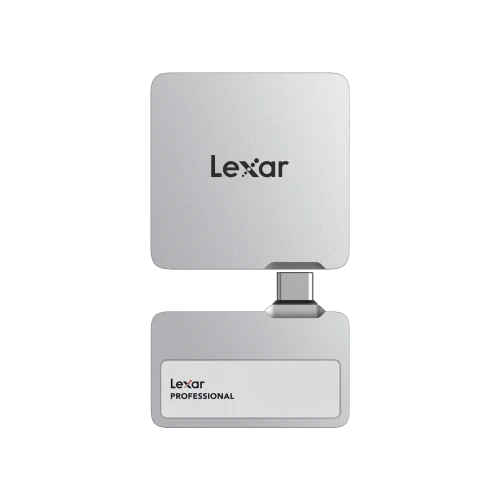
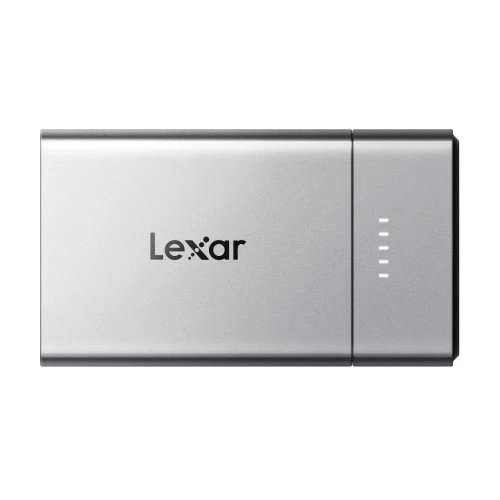
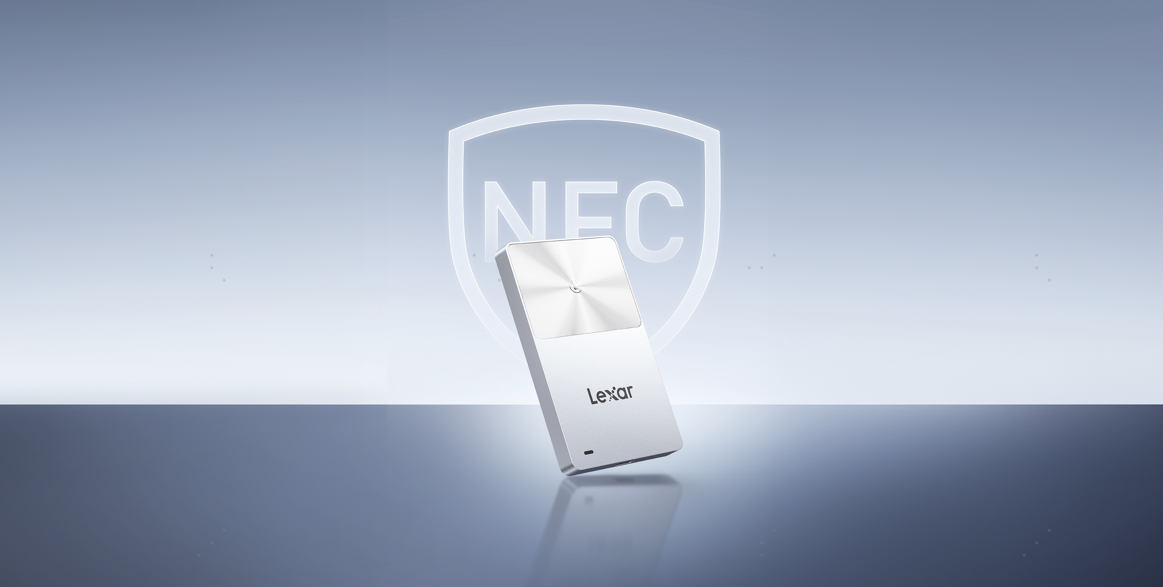
The Lexar TouchLock Portable SSD combines 128-bit AES hardware encryption with one-touch NFC authentication, bringing data protection and convenient access together in a slim, magnetic drive.
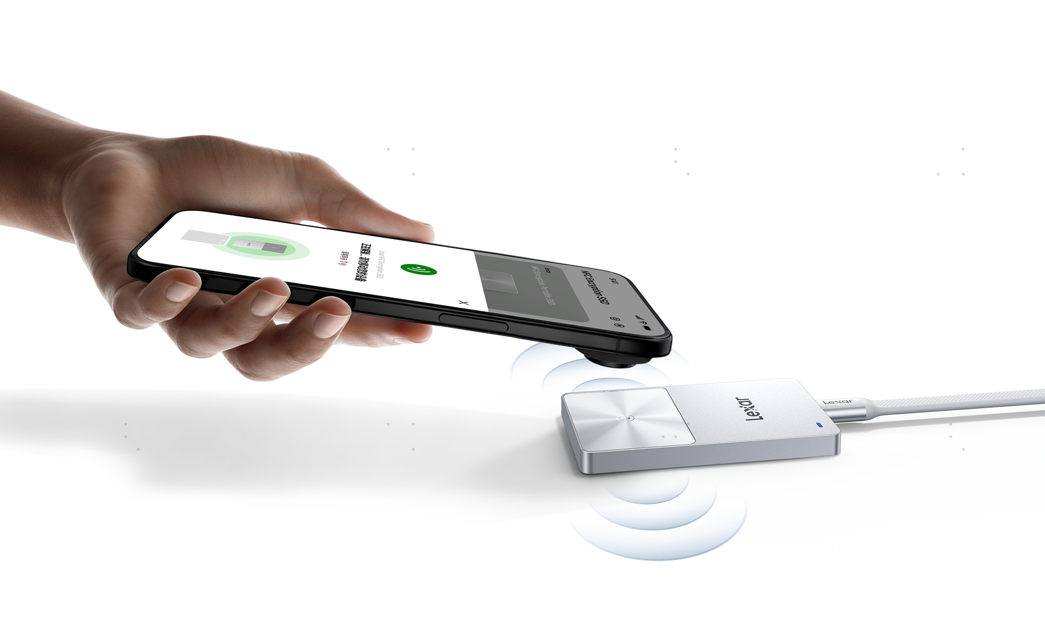
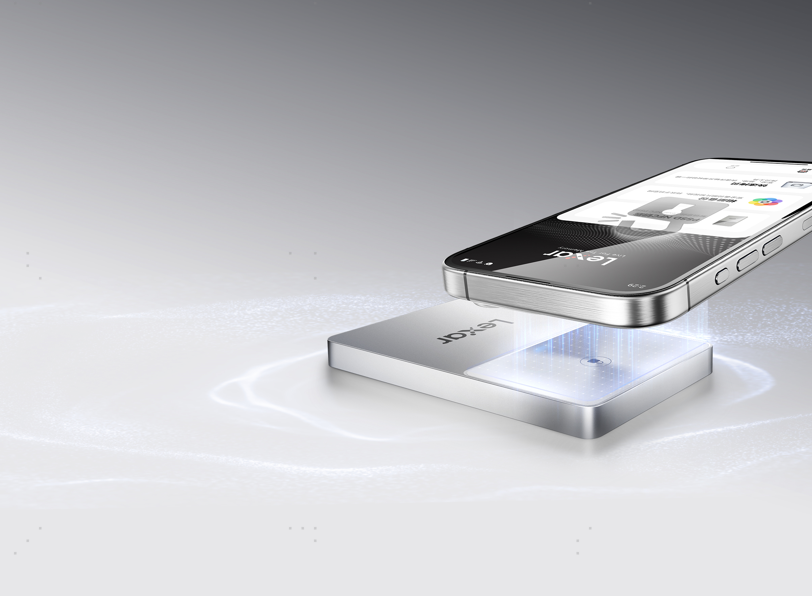
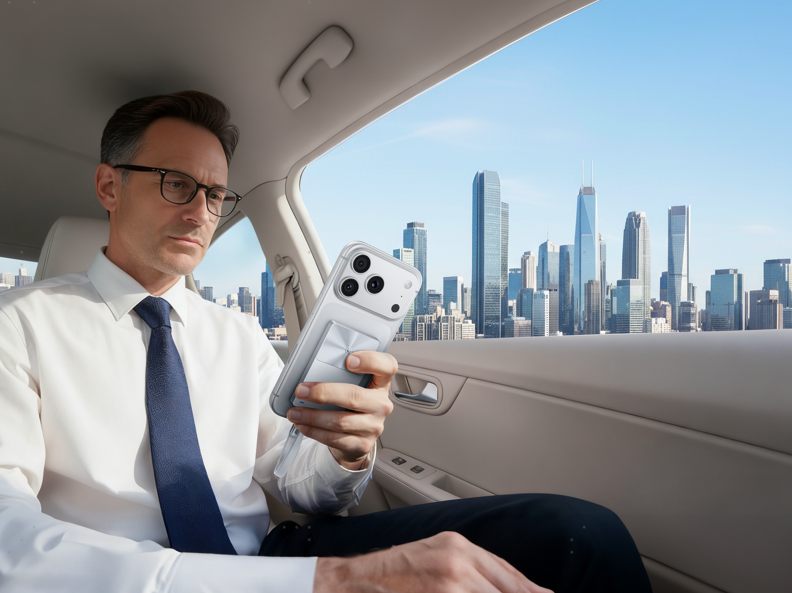
NFC authentication controls unlocking. Register a compatible NFC-enabled smartphone as your security authenticator, then use the Lexar App and tap your phone to the drive to unlock it. It adds protection for sensitive files against unauthorized access.
Your phone becomes the key to accessing your files. NFC handles the authentication step; file transfers take place through the drive’s USB connection.
That makes the feature easy to relate to everyday situations. You might carry private travel documents on a business trip, move personal financial records between computers, or keep a local copy of a photo collection. TouchLock brings an authentication step to accessing those files while making unlocking a simple tap with the phone you already carry.
Make Secure Storage Part of Your Routine
TouchLock also includes free access to the Lexar App for automatic backups of photos, videos, and Live Photos. With the drive connected and backup configured, this can make maintaining a local copy of your mobile memories more convenient. iCloud content backup is not supported.
Capacity options of 512GB, 1TB, and 2TB let you choose space for your documents and media, with room for future backups. Its slim, magnetic design makes it convenient to carry between home, work, and travel.
Build a simple routine around it: back up important files, check that the copies open correctly, safely disconnect the drive, and store it securely. Use trusted devices when accessing sensitive information. Once a drive is unlocked, files accessible to the connected computer still depend on that computer’s security.
This Cybersecurity Awareness Month, choose one practical improvement you can keep doing. Strengthen an account, verify a backup, or add encryption to the files you carry. With NFC authentication and AES hardware encryption, Lexar TouchLock makes protected portable storage easier to fit into everyday life.
NFC unlocking requires an NFC-enabled smartphone and the Lexar App. Check current device and app compatibility before use. Security incident descriptions reflect the cited disclosures available as of October 15, 2026.