


New Camera Storage Guide: SD, microSD, or CFexpress?
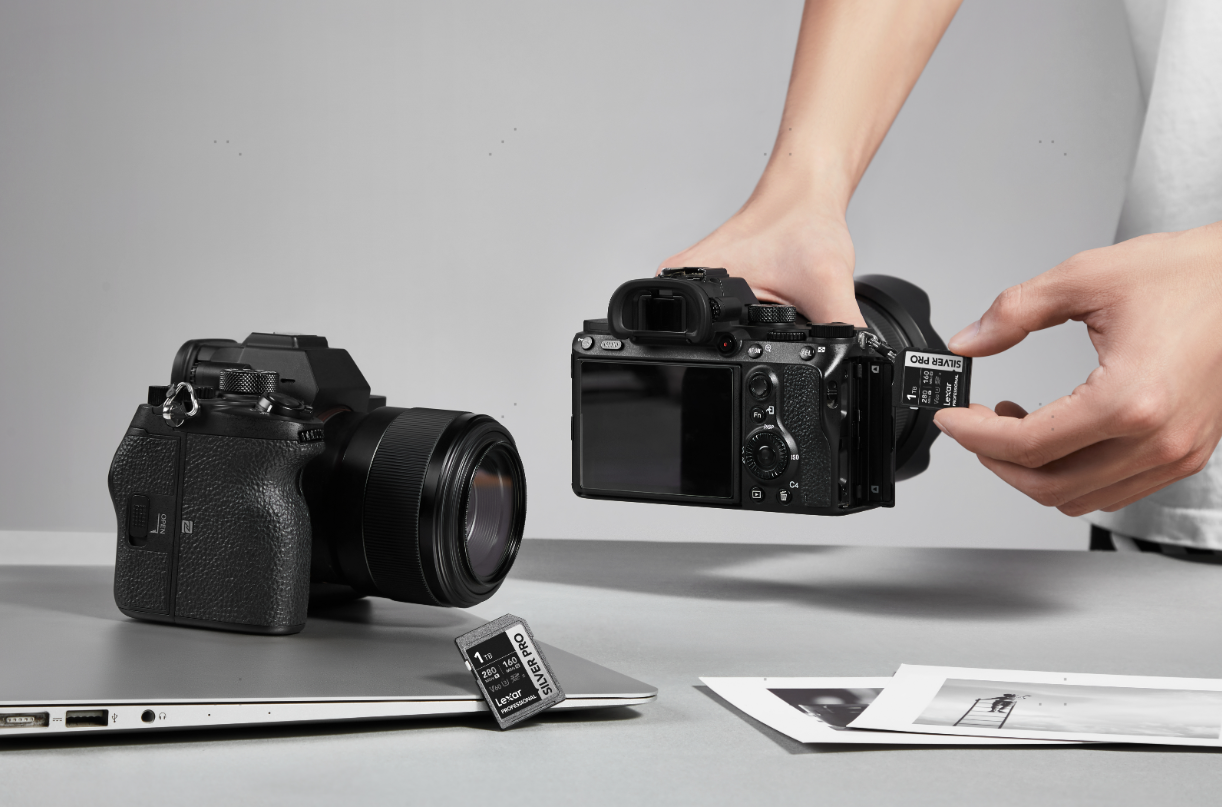
Choosing storage for a new camera starts with three decisions: the format its card slot accepts, the speed your recording mode needs, and the capacity that fits your shoot.
SD is common in mirrorless and compact cameras, microSD serves many action, 360, and pocket cameras, and CFexpress supports demanding capture on compatible bodies. Here is how to choose within the format your camera supports.
SD Cards: A Flexible Choice for Photography and Video
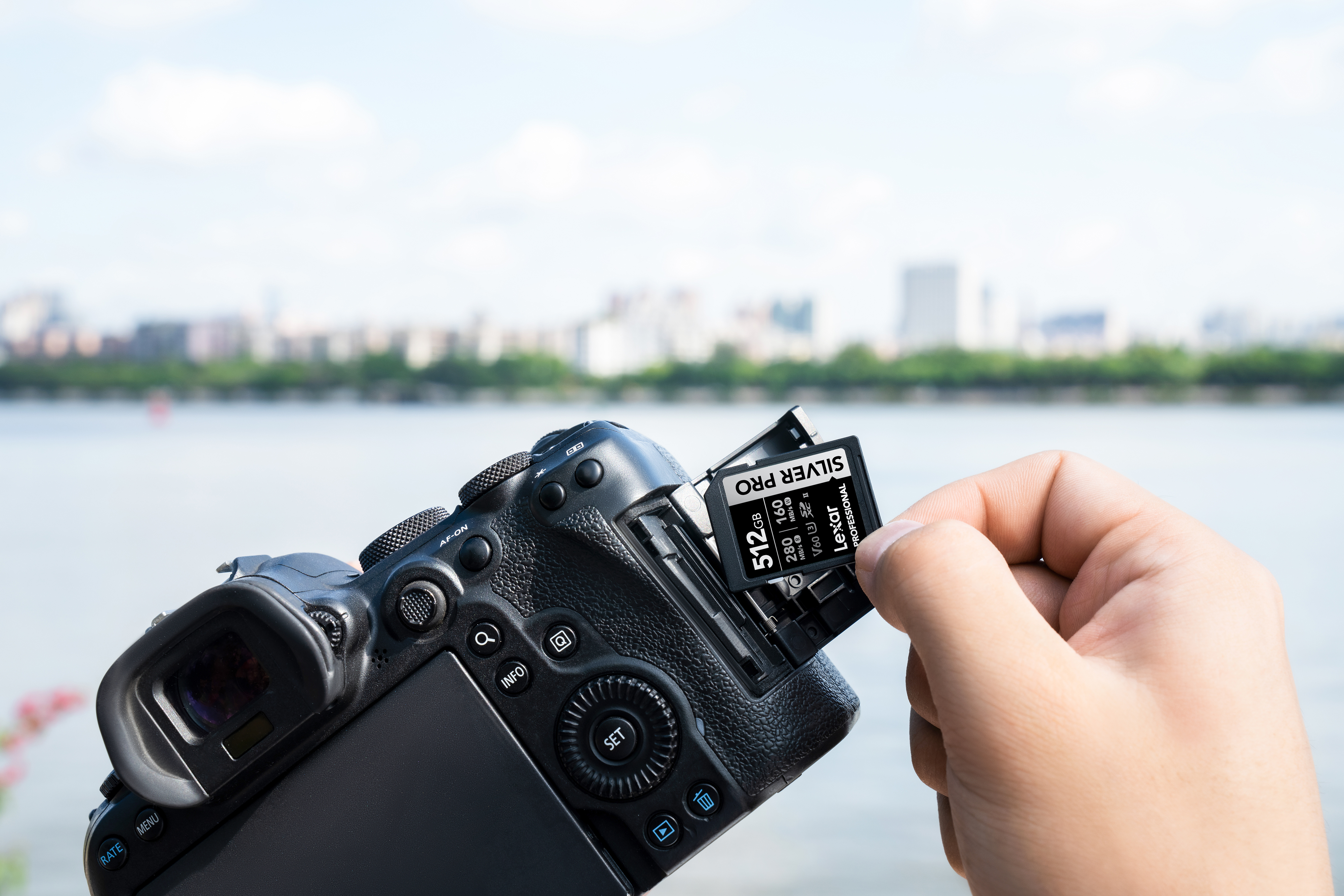
For photography and mixed photo-and-video shooting, SD offers a familiar format with several performance levels. UHS-I and UHS-II describe the interface; V30, V60, and V90 describe minimum sustained write performance for video.
Those video ratings correspond to 30, 60, and 90MB/s under the Video Speed Class standard. Use the class specified for your recording mode. The headline read speed is more relevant when transferring files to a computer.
The speed class can change even when the resolution stays at 4K. For regular movie recording on the Sony α7 V with proxy recording off, Sony lists SDXC V60 or higher for XAVC S 4K. Other settings can require V90 or CFexpress Type A. For instance, XAVC S-I 4K with proxy recording on requires CFexpress Type A rated VPG200 or higher. Slow-motion and certain audio settings also affect the requirements.
For modes that call for V60, the Lexar Professional SILVER PRO SDXC UHS-II Card offers the corresponding video speed rating alongside a UHS-II interface. It is a practical choice for photographers who also shoot video within those requirements.
microSD Cards: Compact Storage for Cameras on the Move
Action, 360, and pocket cameras often use microSD to keep removable storage compact. For these devices, the supported interface and capacity can be just as important as the speed rating.
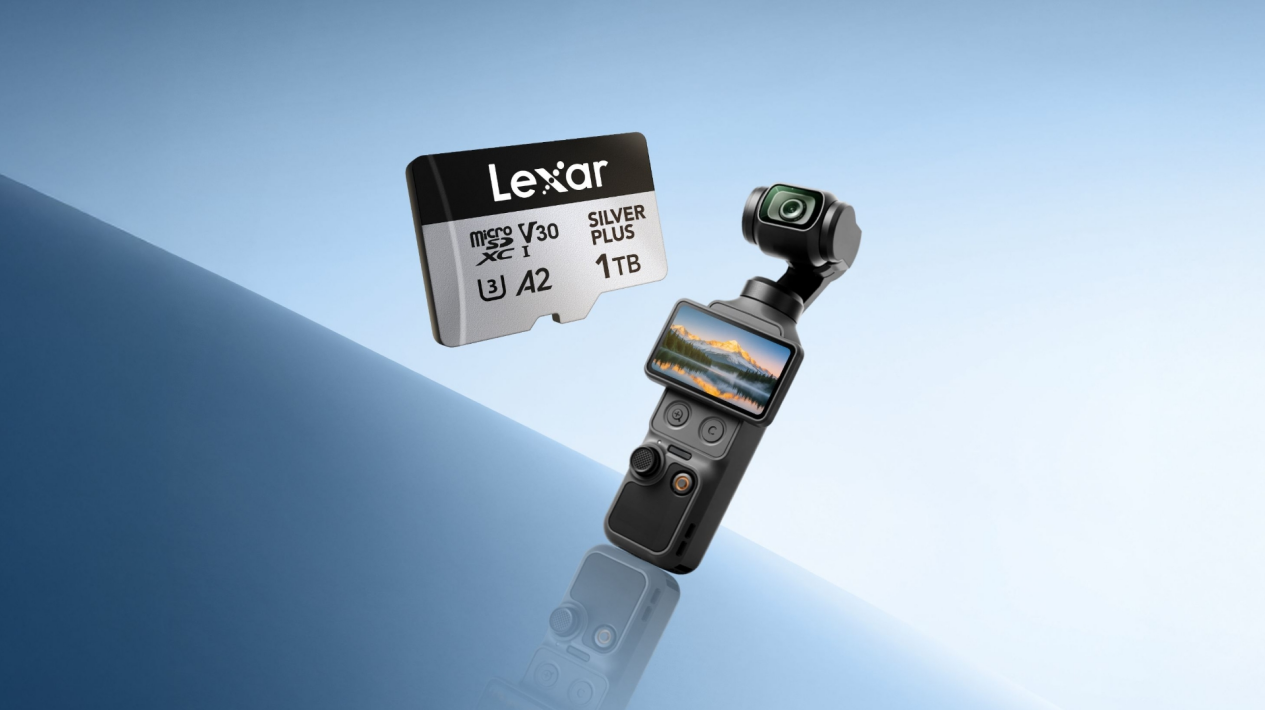
For capture with the DJI Pocket 4, choose a UHS-I microSD card rated V30 or higher, formatted as exFAT, with a capacity of up to 1TB. DJI advises against UHS-II and UHS-III microSD cards because of potential compatibility issues, making UHS-I the appropriate interface for this setup.
For this setup, the Lexar Professional SILVER PLUS microSDXC UHS-I Card offers the required V30 rating. Capacities such as 256GB, 512GB, and 1TB give you options for different shooting schedules while staying within the camera’s capacity limit.
CFexpress Cards: Storage for Demanding Capture
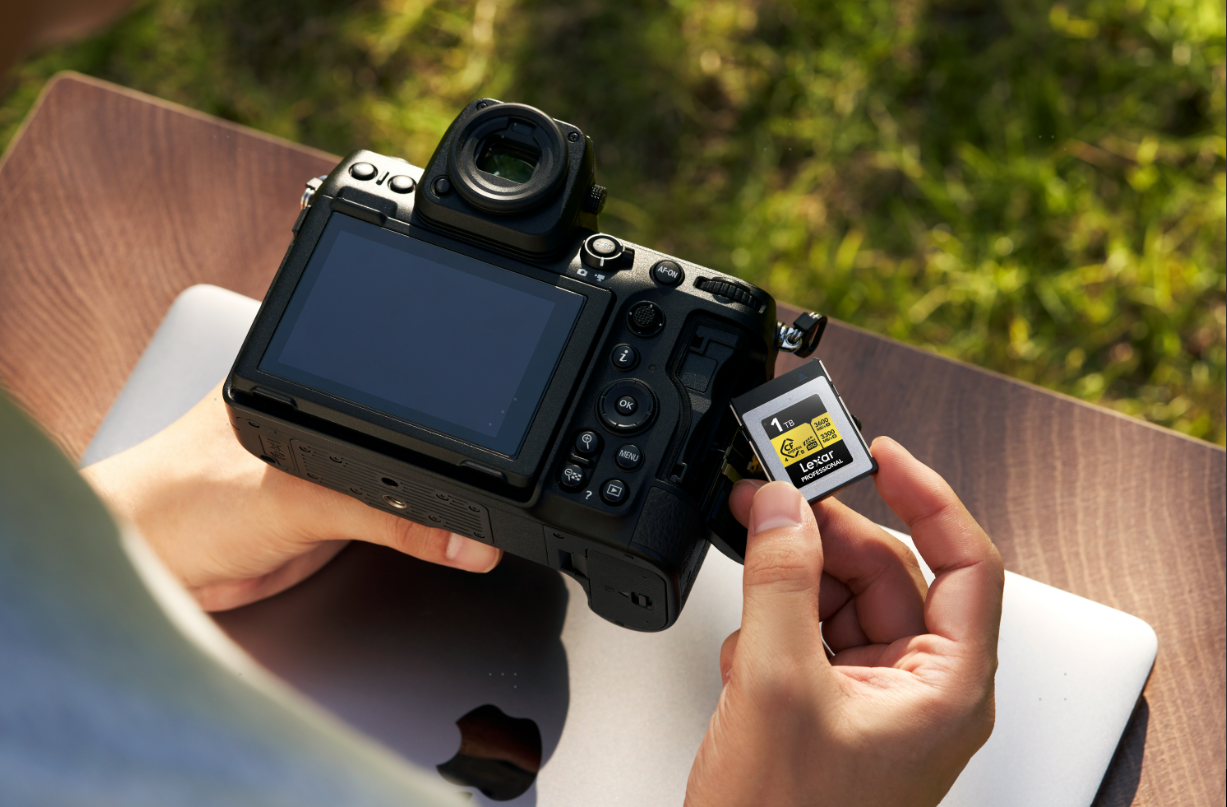
High-bitrate video and RAW recording can require CFexpress on cameras that support it. Type A and Type B are different physical formats and cannot be used interchangeably, so start with the type specified for your camera.
Sustained write performance matters because the card must keep accepting data throughout a take. Where the camera specifies a Video Performance Guarantee (VPG) rating, match that requirement too.
The Canon EOS R6 V pairs an SD UHS-II slot with a CFexpress Type B slot, using the latter for internal 7K RAW recording.
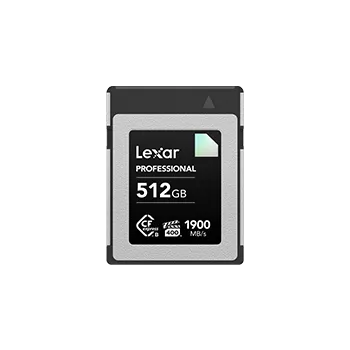
For demanding Type B workflows, the Lexar Professional GOLD CFexpress 4.0 Type B Card combines sustained write performance for high-resolution video with capacity options up to 4TB, useful when large files make frequent card changes impractical. Sustained write ratings vary by capacity, and actual speeds depend on the camera and reader.
How Much Capacity Should You Choose?
Choose capacity around the files you create and how often you can offload them. Photography, compressed video, and RAW video have very different storage demands. These are planning suggestions, subject to your camera’s supported capacity range:
| Capacity | Consider it for |
| 128GB | Mainly photography and short video clips, with frequent offloading |
| 256GB | Mixed photo and video sessions with daily offloading |
| 512GB | Video-heavy shooting with fewer opportunities to offload |
| 1TB | Large files or extended sessions where fewer card changes matter |
| 2TB | High-volume RAW video projects with limited offloading, on cameras that support 2TB cards |
For high-bitrate or RAW video, estimate space using your actual recording settings before settling on a capacity. Even a large card may fill quickly. Check the camera’s remaining-time display and leave room for additional takes.
Quick Buying Guide
Before buying, check four things:
- Format: SD, microSD, or the correct CFexpress type.
- Recording requirements: The speed class or sustained write performance specified for your chosen mode.
- Capacity: Enough space for the shoot, within the camera’s supported limit.
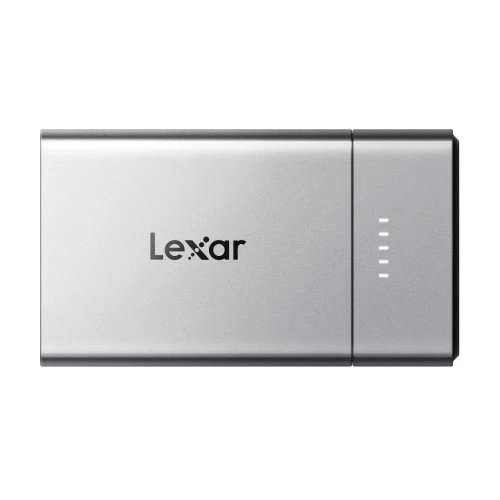
- Reader: Compatible with your card and transfer workflow.
Once the card is in use, make backup part of your routine. Copy and verify your files before formatting or reusing it, so your next shoot starts with space available and your previous work safely stored.
Requirements may vary by recording settings and firmware. Actual performance depends on the card, camera, reader, and operating conditions.