


What MicroSD Card Should You Buy for DJI Osmo Pocket 4P?
The Pocket 4P adds a 60mm telephoto and D-Log 2 to the dual-lens Pocket 4—pushing storage demands 30-50% higher. Here's what to know before you buy a card.
Does the Osmo Pocket 4P's Built-in Storage Cut It?
The DJI Osmo Pocket 4P offers generous internal storage, but its more demanding recording features—including D-Log 2, high-frame-rate video, and dual-lens recording—can consume that capacity quickly.
| Recording Mode | Relative Storage Usage |
| 4K/240fps slow motion | Very high |
| 4K/120fps | High |
| 4K/60fps with D-Log 2 | High |
| 4K/30fps | Moderate |
Actual recording time will vary depending on the selected frame rate, color profile, bitrate, and whether dual-lens recording is enabled. Exact figures should be confirmed once DJI publishes the final bitrate and storage specifications. For casual shooting, the built-in storage provides useful flexibility. But when recording extended D-Log 2 footage, dual-lens video, or 4K/240fps slow motion, available space can disappear much faster than expected—and the last thing you want in the middle of a shoot is a “storage full” warning. That is where a high-capacity microSD card becomes essential.
What Specs Actually Matter for the Osmo Pocket 4P
Not all microSD cards are created equal to the 4P's higher data demands. Here's what to look for:
1. Speed Class: V30 Minimum
The Pocket 4P records high-bitrate 4K with D-Log 2 and supports up to 4K/240fps slow-motion. A card rated below V30 can cause recording drops, stutter, or forced resolution reduction mid-shoot.
2. Capacity: 256GB as a Baseline, 512GB+ for Pro Shooters
- 64GB: fine for light, occasional use
- 128GB–256GB: solid everyday choice for most creators
- 512GB–2TB: for travel, professional D-Log 2 work, or anyone who doesn't want to offload footage constantly
- 3. Read/Write Speeds: 205MB/s+ Read, 150MB/s+ Write
- Faster read speeds mean quicker file transfers off the card. Faster write speeds mean the card keeps up with sustained D-Log 2 recording without throttling—critical when the camera is pushing high-bitrate data continuously.
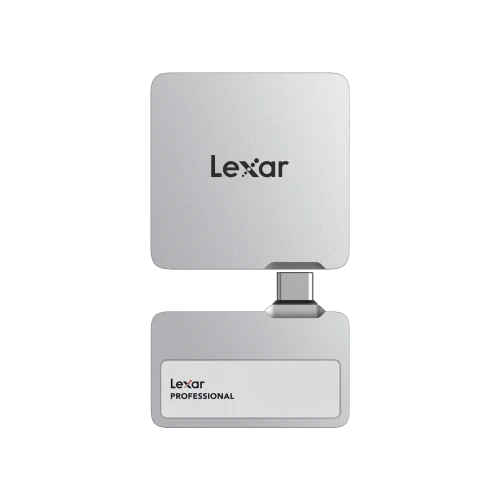
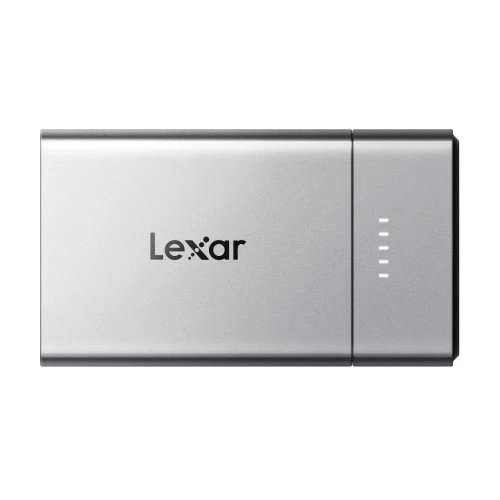
- Paired with the Lexar RW310x reader, its blazing-fast read speeds are fully achieved, significantly reducing wait times for data transfers.
- 4. Device Compatibility: Look for AVL Certification
- This one gets overlooked. Memory cards that appear to work can sometimes cause hidden compatibility issues—recording glitches, file corruption, or dropped frames that only show up weeks later. DJI publishes an Approved Vendor List (AVL) of cards that have been tested and validated for each device. Cards not on the AVL may work, but without the same guarantee.
Lexar Professional SILVER PLUS microSD — A DJI AVL-Recommended Option
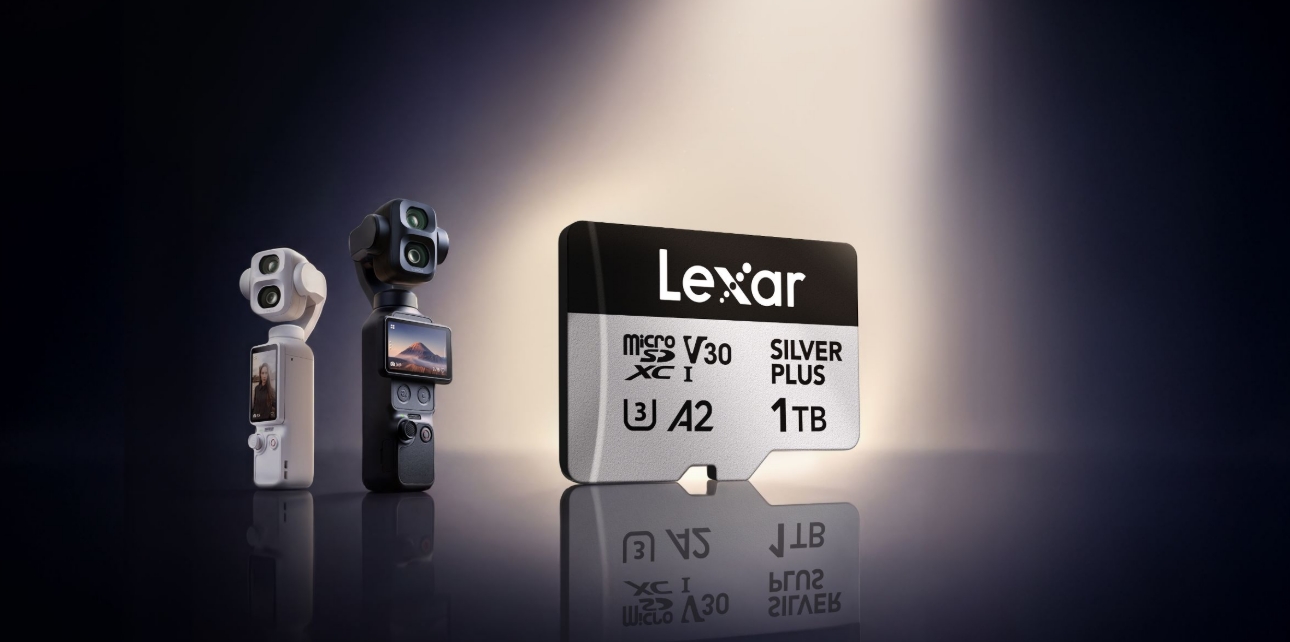
The Lexar Professional SILVER PLUS microSD is listed on DJI's official AVL for multiple Pocket, drones and action camera models, and the updated 2TB version is currently the fastest UHS-I 2TB card on the market at up to 255MB/s read and 180MB/s write.
Key specs relevant to Osmo Pocket 4P users:
- Capacities: 64GB through 2TB
- Speed: up to 255MB/s read, 180MB/s write (2TB model)
- Rating: V30, UHS-I
- AVL Status: on DJI's approved list for Action 6, Mini 5 Pro, Pocket 4, and other current models
- Extras: includes Lexar Recovery Tool for accidental file rescue
- The Silver Plus line covers a wide capacity range—so whether you want a 128GB card to supplement the internal storage or a 2TB setup that lets you shoot for days without worrying about space, there's a matching option.
How Much Storage Do You Actually Need?
Here’s a practical capacity guide for the DJI Osmo Pocket 4P. Exact recording times will depend on the final video bitrates, frame rate, color profile, and whether dual-lens recording is enabled. This section will be updated once DJI publishes the complete Pocket 4P specifications.
| Card Capacity | Best For |
| 64GB | Short clips and occasional casual recording |
| 128GB | Day trips and light 4K shooting |
| 256GB | Regular 4K recording and creator workflows |
| 512GB | Extended shoots and frequent D-Log 2 recording |
| 1TB | Multi-day projects and storage-intensive production Higher-resolution and high-frame-rate modes—particularly 4K/120fps, 4K/240fps slow motion, D-Log 2, and dual-lens recording—will consume storage much faster than standard 4K recording. For most creators, 256GB or 512GB offers the best balance between capacity and convenience. A 1TB card is better suited to multi-day shoots, documentary work, or situations where changing cards during production would be disruptive. Actual available recording time may vary depending on camera settings, file-system formatting, firmware, and shooting conditions. Always confirm the maximum supported card capacity and recording specifications in DJI’s official documentation. |
What About the Lexar Recovery Tool?
One underrated reason to stick with a brand like Lexar: the Lexar Recovery Tool, available as a free download from lexar.com.
If you've ever accidentally formatted a card mid-shoot, or had a corrupted file ruin a day's work, you know the panic. The recovery tool doesn't guarantee 100% rescue, but it's saved many creators from permanent footage loss—and it's included with every Lexar card at no extra cost.
TL;DR — Quick Buying Guide
If you shoot regularly on the Osmo Pocket 4P:
- Start with 256GB minimum. D-Log 2 fills cards faster than you think.
- Look for V30 or higher. V60+ if you shoot D-Log 2 or 4K 240fps regularly.
- Check the DJI AVL before buying. Cards not on the list haven't been validated by DJI for that specific device.
- Lexar Silver Plus is a straightforward, AVL-listed choice with a wide capacity range and a recovery tool included.
Source: DJI official product page, Lexar compatibility database. Specifications current as of June 2026. Pocket 4P bitrates estimated pending official DJI spec sheet.