


DJI Pocket 4 Storage: What MicroSD Card Should You Buy?
The Osmo Pocket 4 ships with built-in storage—but if you're serious about shooting, you'll want a high-capacity microSD card. Here's everything you need to know.
Does the Osmo Pocket 4's Built-in Storage Cut It?
The DJI Osmo Pocket 4 comes with 107GB of internal storage out of the box—which sounds generous until you look at what 4K video actually demands.
| Recording Mode | Approx. Recording Time on 107GB Internal Storage |
| 4K 120fps | ~2 hours 30 minutes |
| 4K 60fps | ~3 hours 20 minutes |
| 4K 30fps | longer, but still limited |
For casual recording, that internal storage is genuinely useful. But if you're shooting a travel vlog, a full event, a diving trip, or anything beyond a quick walkaround, you'll hit that wall fast—and the last thing you want mid-shoot is a "storage full" warning.
That's where a high-capacity microSD card comes in.
What Specs Actually Matter for the Osmo Pocket 4
Not all microSD cards are created equal for this use case. Here's what to look for:
1. Speed Class: V30 or Higher
The Pocket 4 records high-bitrate 4K video. A card rated below V30 can cause recording drops, stutter, or forced resolution reduction mid-shoot. Look for V30 minimum—V60 or V90 if you shoot 4K 120fps regularly.
2. Capacity: 128GB as a Baseline, 512GB+ for Serious Shooters
• 64GB: fine for light, occasional use
• 128GB–256GB: solid everyday choice for most creators
• 512GB–2TB: for travel, professional work, or anyone who doesn't want to offload footage constantly
3. Read/Write Speeds: 205MB/s+ Read, 150MB/s+ Write
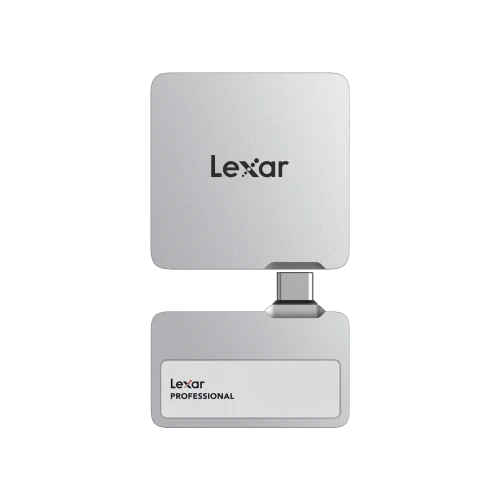
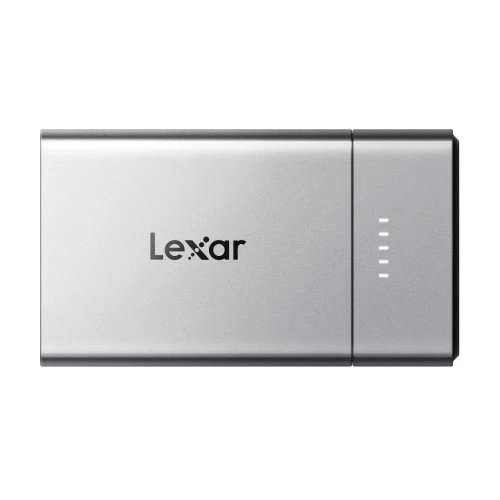
Faster read speeds mean quicker file transfers off the card. Faster write speeds mean the card keeps up with sustained high-bitrate recording without throttling. Paired with the Lexar RW310x reader, its blazing-fast read speeds are fully achieved, significantly reducing wait times for data transfers.
4. Device Compatibility: Look for AVL Certification
This one gets overlooked. Memory cards that appear to work can sometimes cause hidden compatibility issues—recording glitches, file corruption, or dropped frames that only show up weeks later. DJI publishes an Approved Vendor List (AVL) of cards that have been tested and validated for each device. Cards not on the AVL may work, but without the same guarantee.
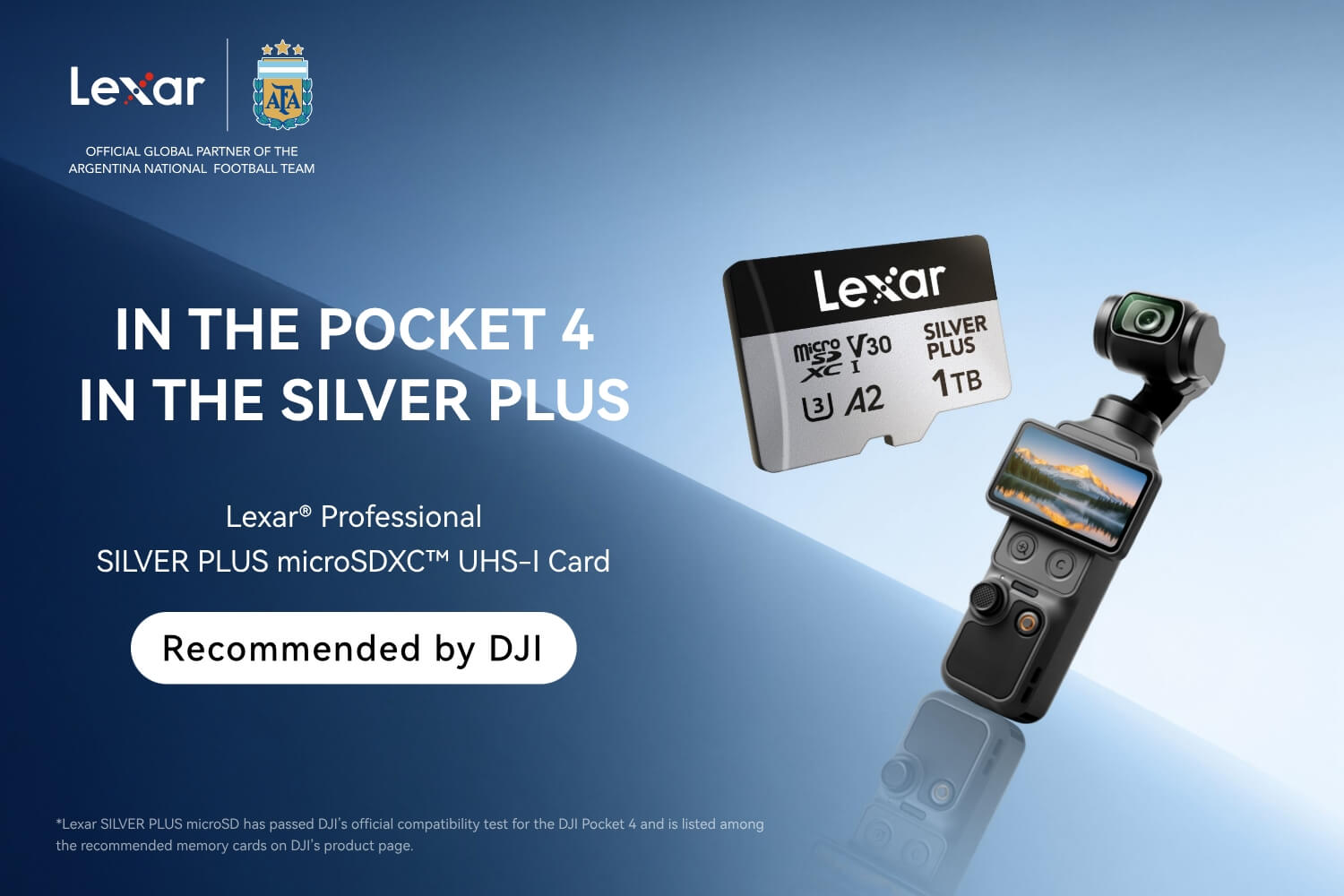
Lexar Professional Silver Plus microSD — An AVL-Recommended Option
The Lexar Professional Silver Plus microSD is listed on DJI's official AVL for multiple Pocket and Action camera models, and the updated 2TB version is currently the fastest UHS-I 2TB card on the market at up to 255MB/s read and 180MB/s write.
Key specs relevant to Osmo Pocket 4 users:
• Capacities: 64GB through 2TB
• Speed: up to 255MB/s read, 180MB/s write (2TB model)
• Rating: V30, UHS-I
• AVL Status: on DJI's approved list for Action 6, Mini 5 Pro, and other current models
• Extras: includes Lexar Recovery Tool for accidental file rescue
The Silver Plus line covers a wide capacity range—so whether you want a 128GB card to supplement the internal storage or a 2TB setup that lets you shoot for days without worrying about space, there's a matching option.
How Much Storage Do You Actually Need?
Here's a guide based on DJI Pocket 3 official recording data at 4K 60fps. (Note: Pocket 4 figures will be updated once officially available.)
| Card Capacity | 4K 60fps Recording | 1080P 60fps Recording |
| 64GB | ~1 hr 09 min | ~2 hrs 19 min |
| 128GB | ~2 hrs 18 min | ~4 hrs 37 min |
| 256GB | ~4 hrs 37 min | ~9 hrs 13 min |
| 512GB | ~9 hrs 14 min | ~18 hrs 26 min |
| 1TB | ~18 hrs 28 min | ~36 hrs 51 min |
Source: DJI Pocket 3 official data. Testing based on Lexar Quality Labs; actual performance may vary by device. Pocket 4 data to be confirmed.
For most creators, 256GB or 512GB hits the sweet spot between cost and capacity. Go 1TB or 2TB if you're doing multi-day shoots, documentary work, or simply don't want to swap cards at a critical moment.
What About the Lexar Recovery Tool?
One underrated reason to stick with a brand like Lexar: the Lexar Recovery Tool, available as a free download from lexar.com.
If you've ever accidentally formatted a card mid-shoot, or had a corrupted file ruin a day's work, you know the panic. The recovery tool doesn't guarantee 100% rescue, but it's saved many creators from permanent footage loss—and it's included with every Lexar card at no extra cost.
TL;DR — Quick Buying Guide
If you shoot regularly on the Osmo Pocket 4:
• Start with 256GB minimum. 128GB will fill faster than you expect.
• Look for V30 or higher. Cards without a speed class rating are a gamble.
• Check the DJI AVL before buying. Cards not on the list haven't been validated by DJI for that specific device.
• Lexar Silver Plus is a straightforward, AVL-listed choice with a wide capacity range and a recovery tool included.